
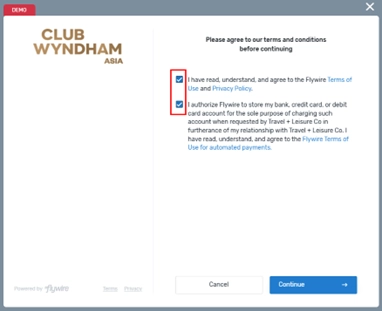
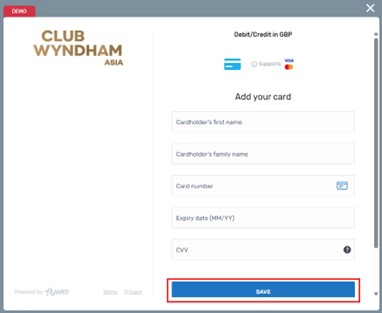
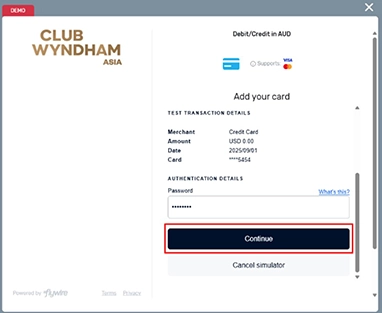
Steps to Enroll Your Card for Direct Debit



2名それぞれ10分の首&肩マッサージ1回無料(併用不可)
最低宿泊数:なし
プロモコード: MyMemberExperience
予約期限:2026年4月30日
宿泊期限:2026年6月30日
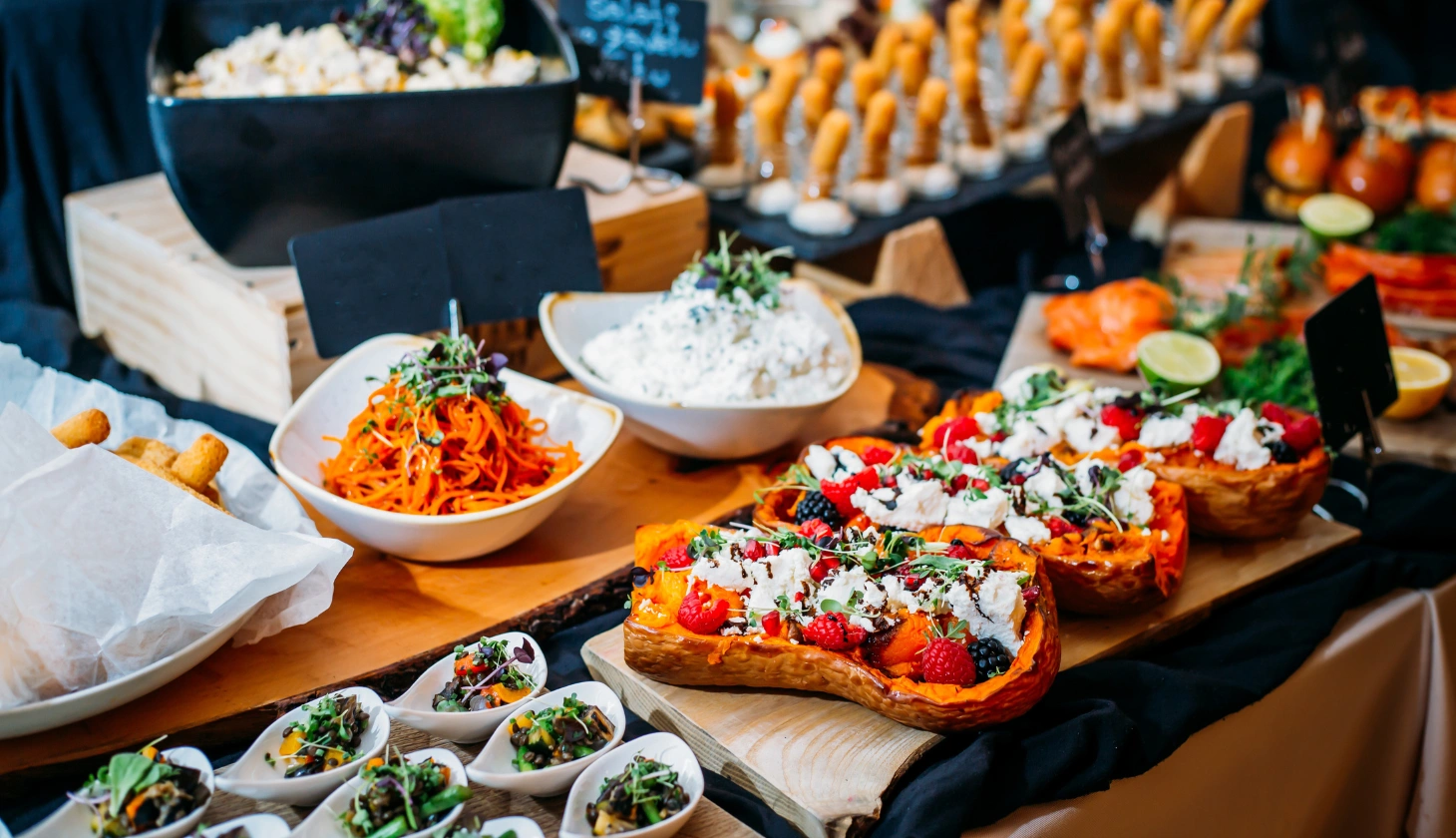
Cake ’n’ Oven Kuta Cake Cabinet より2名分デザート1回無料(店内利用時)
最低宿泊数:なし
プロモコード: MyMemberExperience
予約期限:2026年4月30日
宿泊期限:2026年6月30日
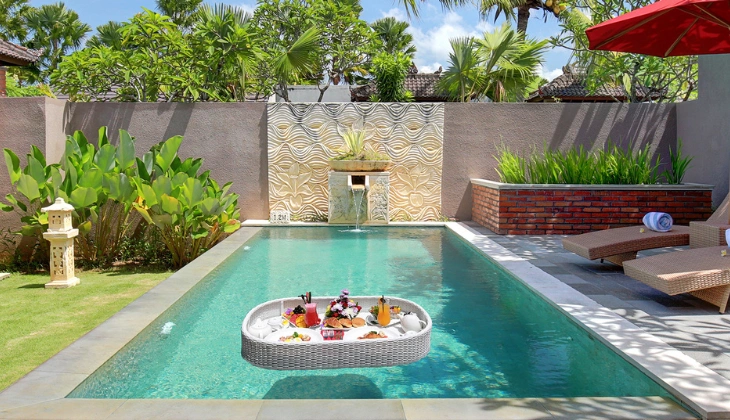
2名分フローティング朝食1回、2名分15分ヘッド&ショルダーマッサージ(併用不可)、レストラン15%割引
最低宿泊数:3泊
プロモコード: MyMemberExperience
予約期限:2026年4月30日
宿泊期限:2026年6月30日
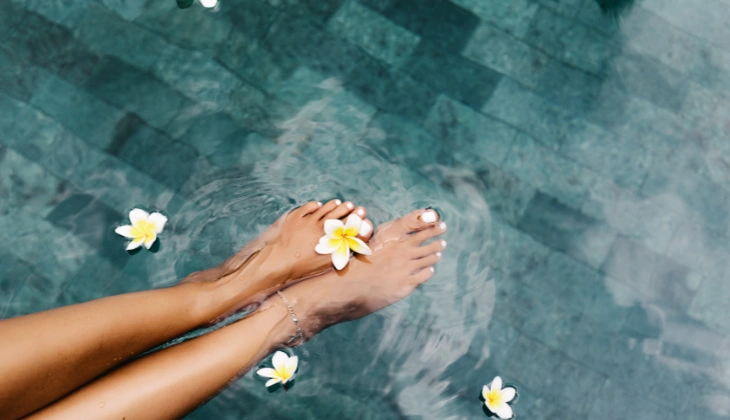
プールサイドバーの無料マッサージ1回 または タイ/フット/背&肩の45分マッサージ(2名分)
最低宿泊数:3泊
プロモコード: MyMemberExperience
予約期限:2026年4月30日
宿泊期限:2026年6月30日
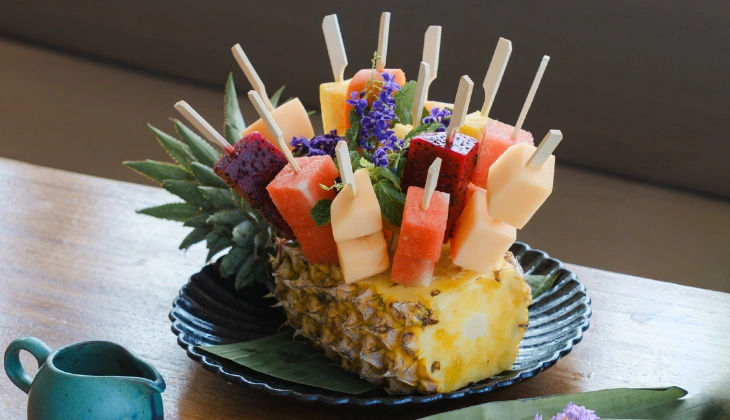
2名分ジャグジートレイ(Zea Fruit)1回無料
最低宿泊数:なし | 1滞在1回のみ
プロモコード: MyMemberExperience
Book by: 30 April 2026
Stay by: 30 June 2026
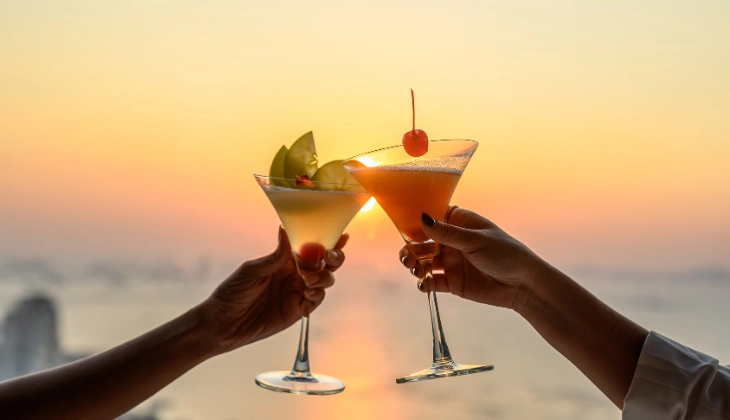
2名様毎日無料のプールサイドカクテル(お一人様1日2杯)
最低宿泊数:2泊
プロモコード: MyMemberExperience
予約期限:2026年4月30日
宿泊期限:2026年6月30日
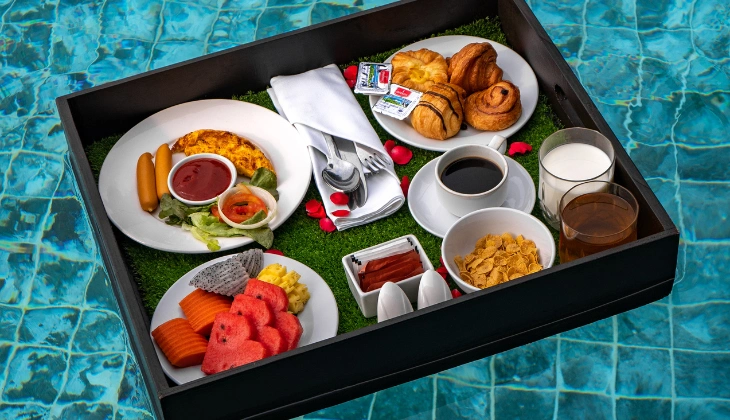
プライベートプールでの2名分フローティング朝食(4種類から1つ選択)または Wyndham Orchard カクテルクラス(3杯)
最低宿泊数:3泊 | 滞在につき1回のみ
プロモコード: MyMemberExperience
予約期限:2026年4月30日
宿泊期限:2026年6月30日
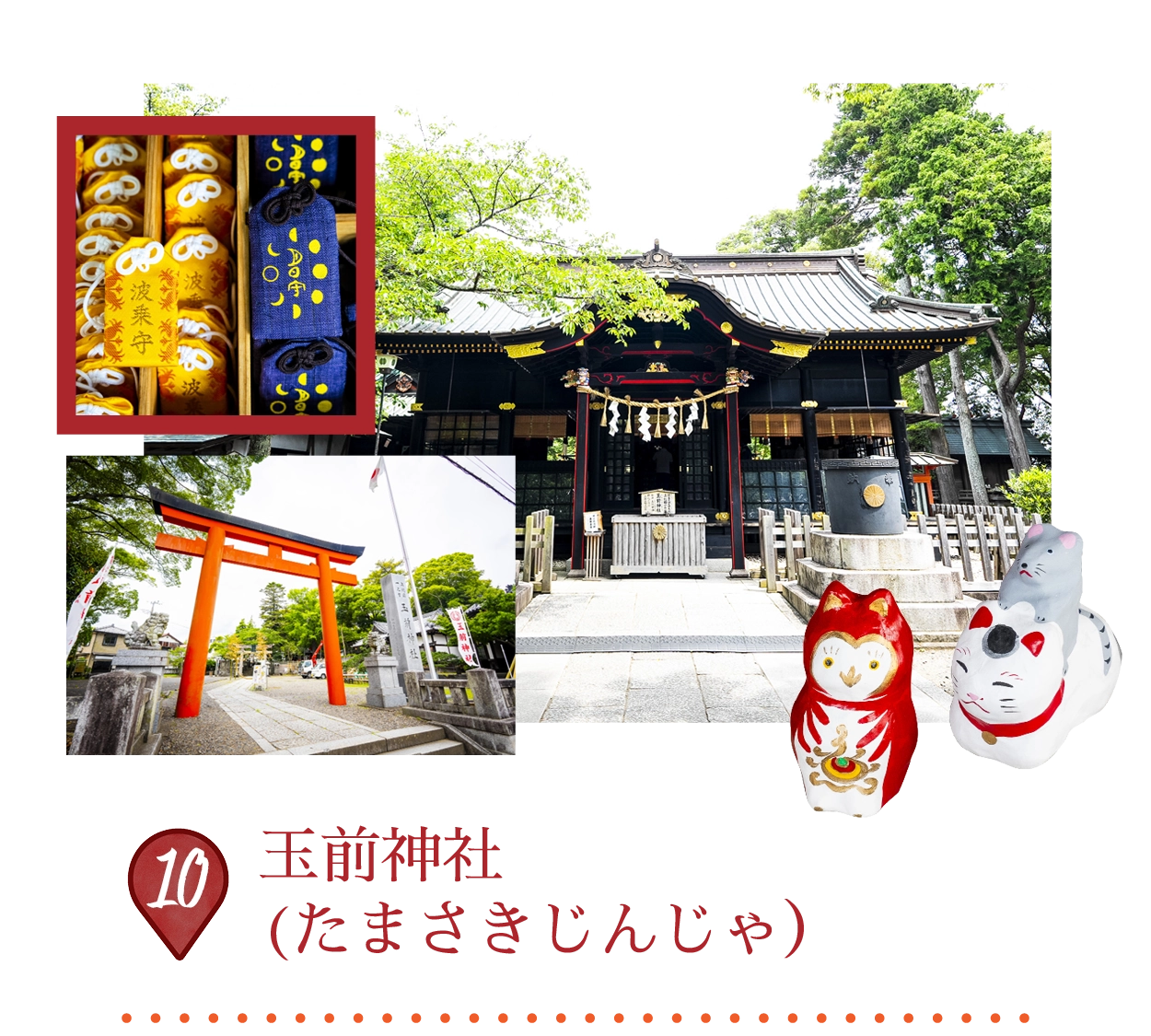
The shrine is a prestigious, ancient Shinto sanctuary with a history spanning over 1,200 years. Enshrining the goddess Tamayorihime-no-mikoto, it is a renowned “power spot” believed to bring good fortune for matchmaking, safe childbirth, and business prosperity. The shrine’s annual Kazusa Hadaka Matsuri (Naked Festival) in September is a vibrant event, and its first torii gate is famously illuminated by the sunrise on the vernal and autumnal equinoxes.
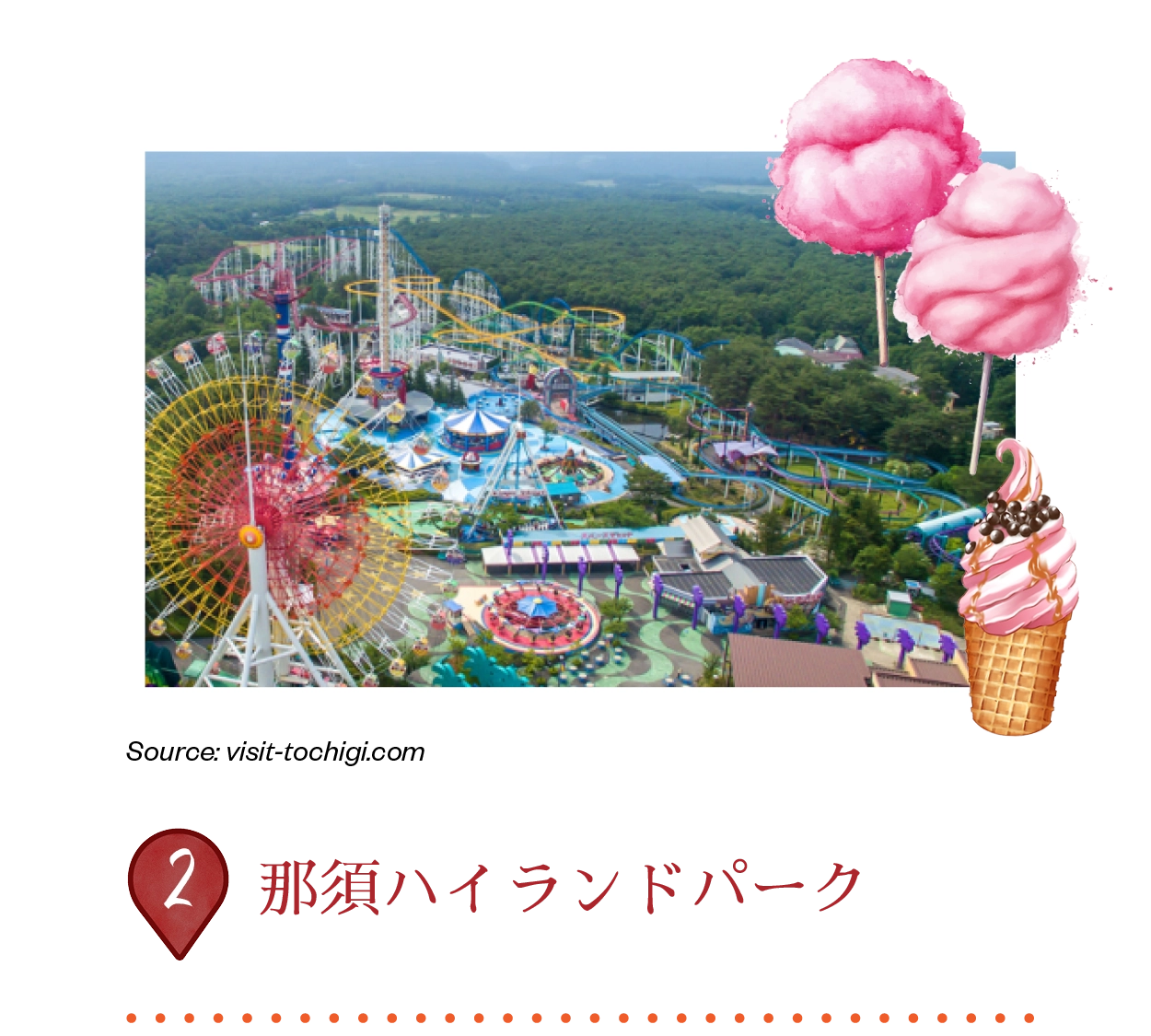
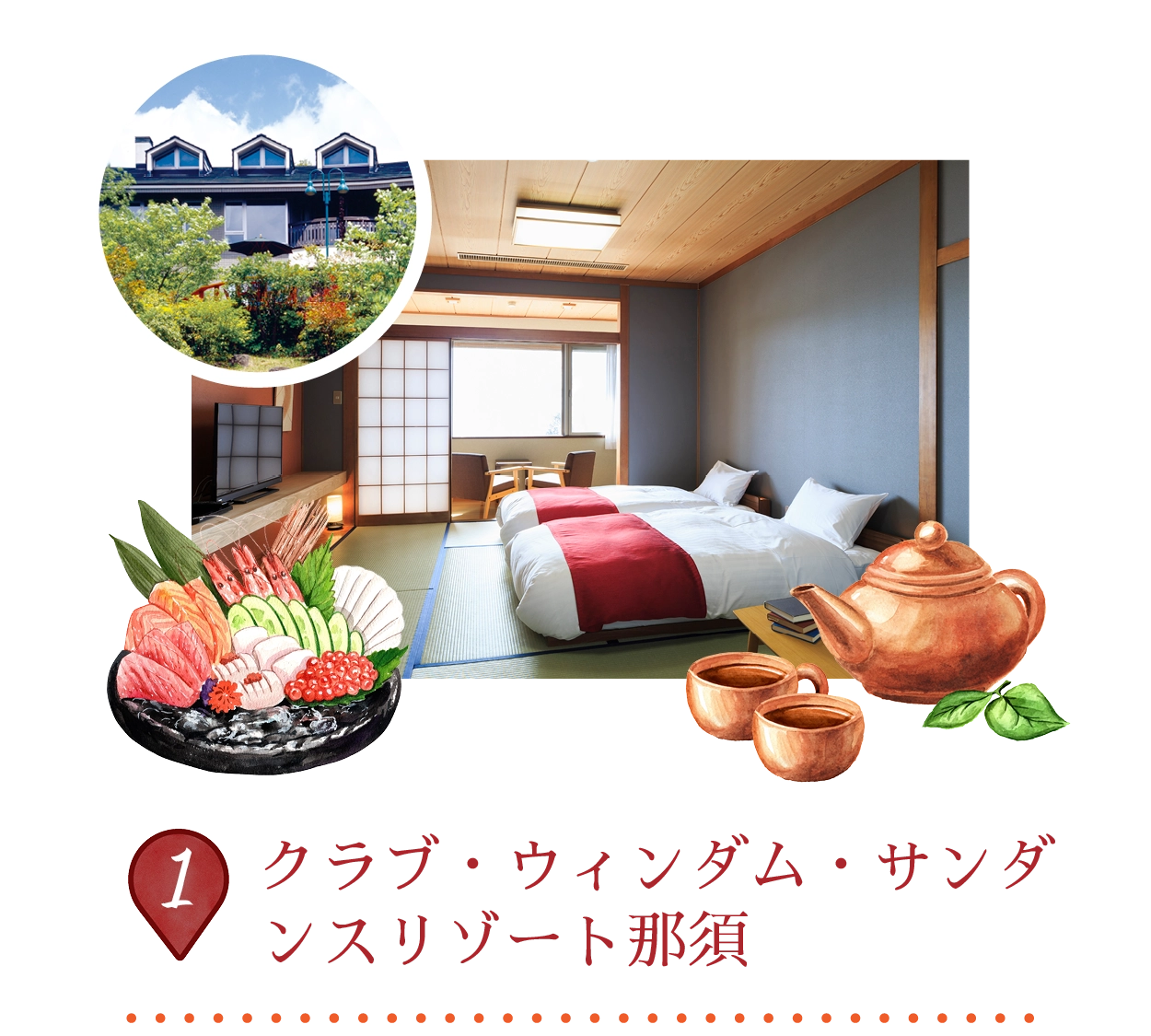
那須ハイランドパークは、関東北部で最大の遊園地で、栃木県の美しい風景の中に位置しています。40以上のアトラクションがあり、特に10種類のジェットコースターが揃っており、スリルを求める人々や家族連れにとって楽園のような場所です。この公園はペットフレンドリーで、来園者とその犬が一緒に楽しめるアトラクションやカフェもあります。
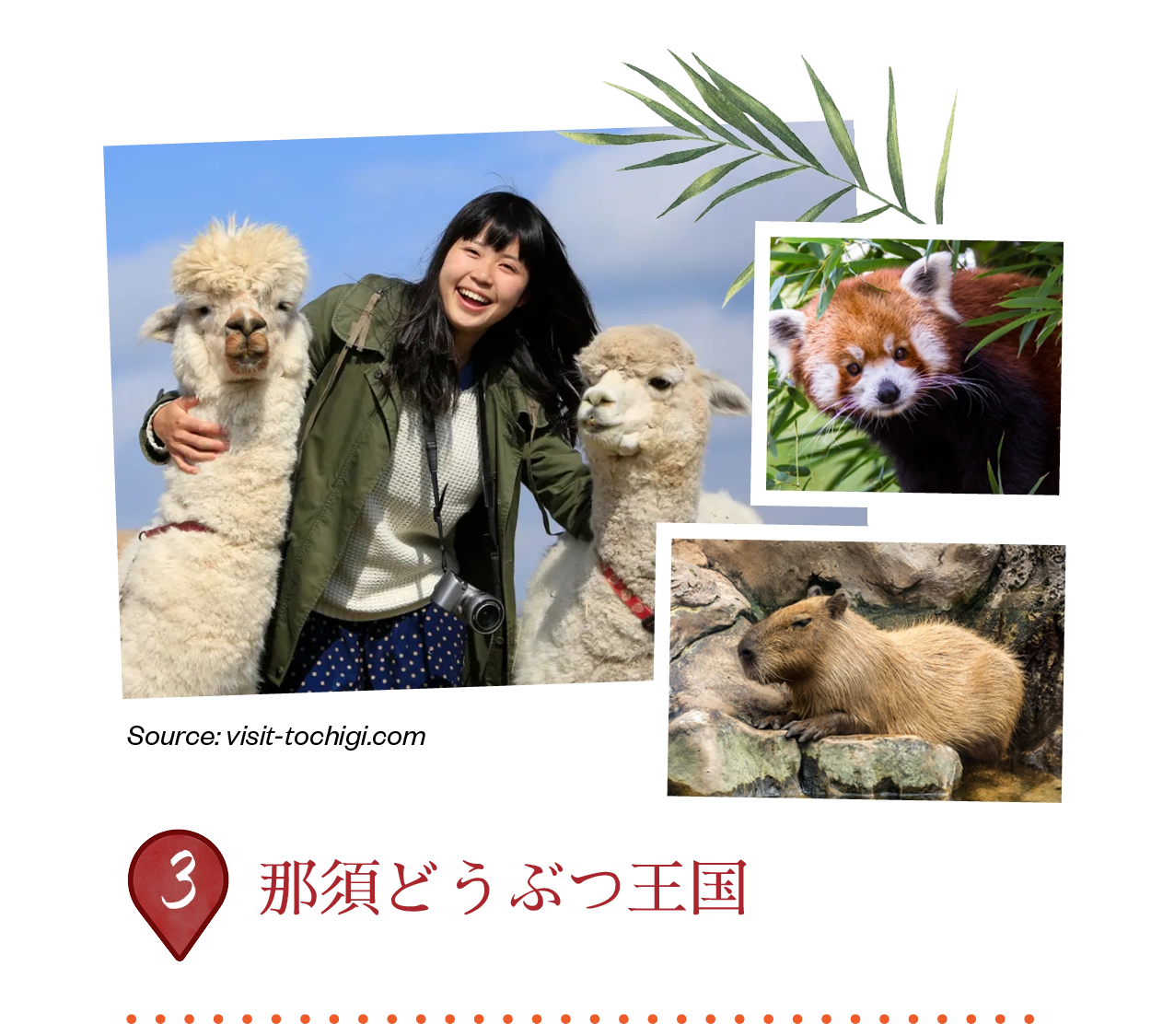
那須どうぶつ王国は、屋内の「キングダムタウン」と風光明媚な「キングダムファーム」に分かれた広大なテーマパークです。ここでは、レッサーパンダ、カピバラ、パラスキャットをはじめとする600種類以上の動物と触れ合うことができます。訪れる人々は、迫力満点の猛禽類ショーを楽しんだり、農場の動物に餌を与えたりしながら、那須高原のパノラマビューを堪能できます。
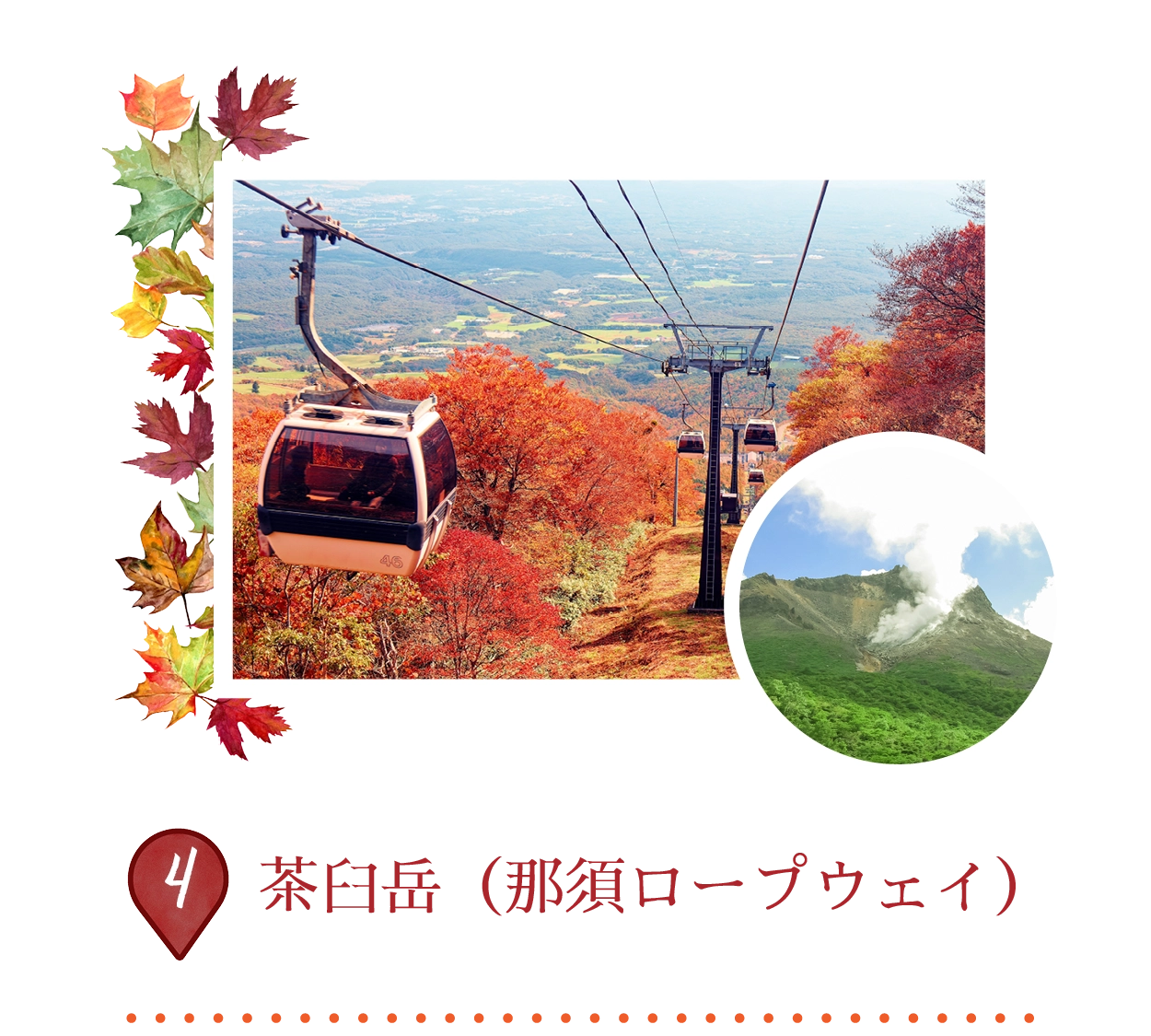
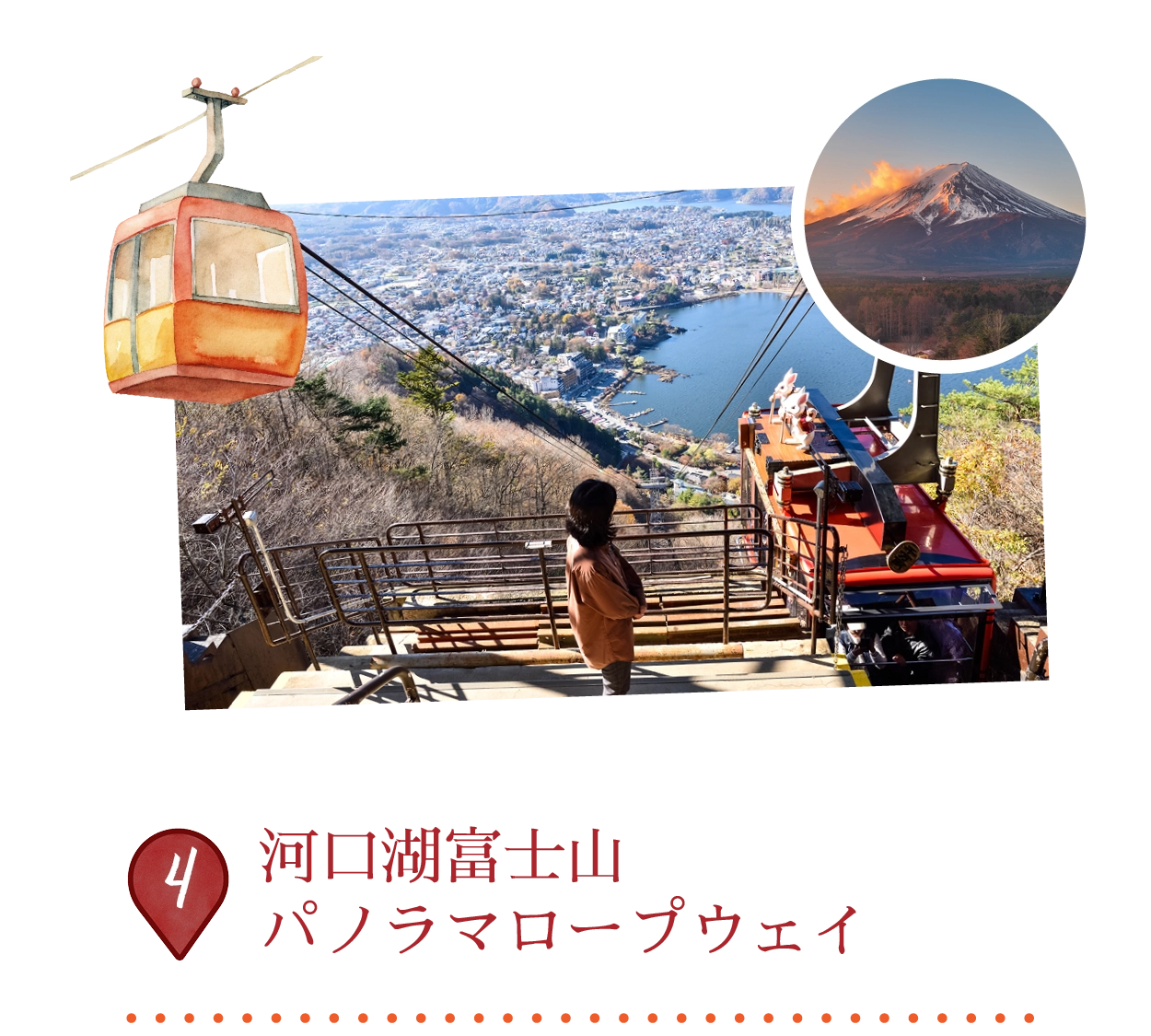
那須ロープウェイは、那須山脈で唯一の活火山であり、標高1,915メートルの茶臼岳に簡単にアクセスできます。4分間の空中散歩で9合目に到達し、関東平野と火山の煙のパノラマビューが広がります。頂上駅からは、約40〜50分のハイキングで山頂へ到達できます。景色は四季折々に美しく変化し、春にはツツジ、秋には見事な紅葉が楽しめます。
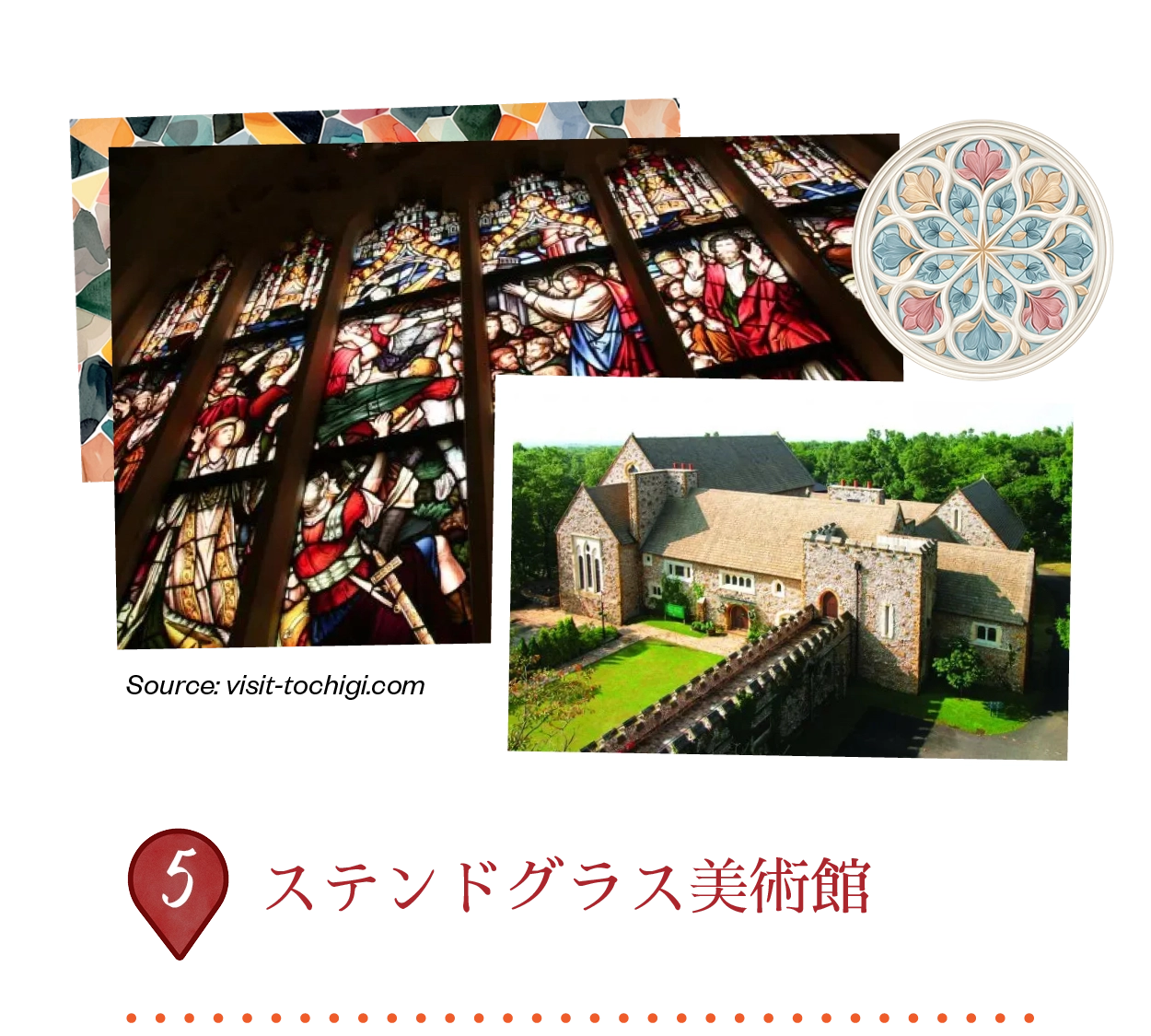
この美術館は、伝統的なイギリスの邸宅に触発された美しい石造りの建物です。19世紀のイギリス製アンティークステンドグラスを豊富に収蔵しており、内部には鮮やかでカラフルな光が満ちています。来館者は、3つのチャペルで毎日行われるパイプオルガンとオルゴールの演奏を楽しむことができ、中世のヨーロッパの雰囲気を感じることができます。
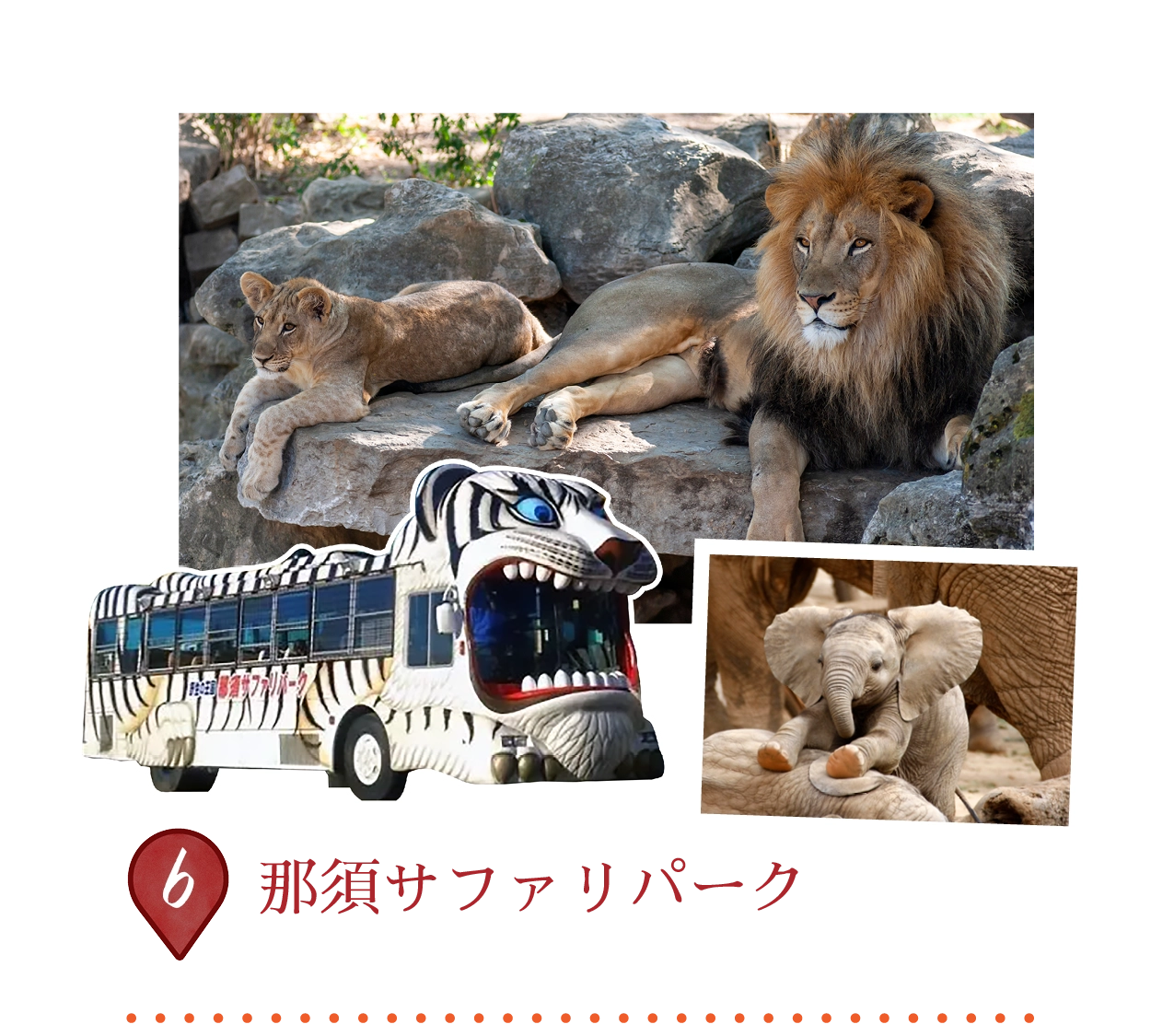
那須サファリパークは、70種類の約700頭の動物が自由に歩き回る、魅力的なドライブスルー体験を提供しています。来園者は自分の車を使うか、レンタカーを借りるか、または特別な「ライオンバス」に乗って動物たちを間近で観察できます。ハイライトは、キリンやゾウなどの草食動物に餌を与えたり、ライオンやトラに肉を与えることができる点です(保護用のメッシュを通じて)。
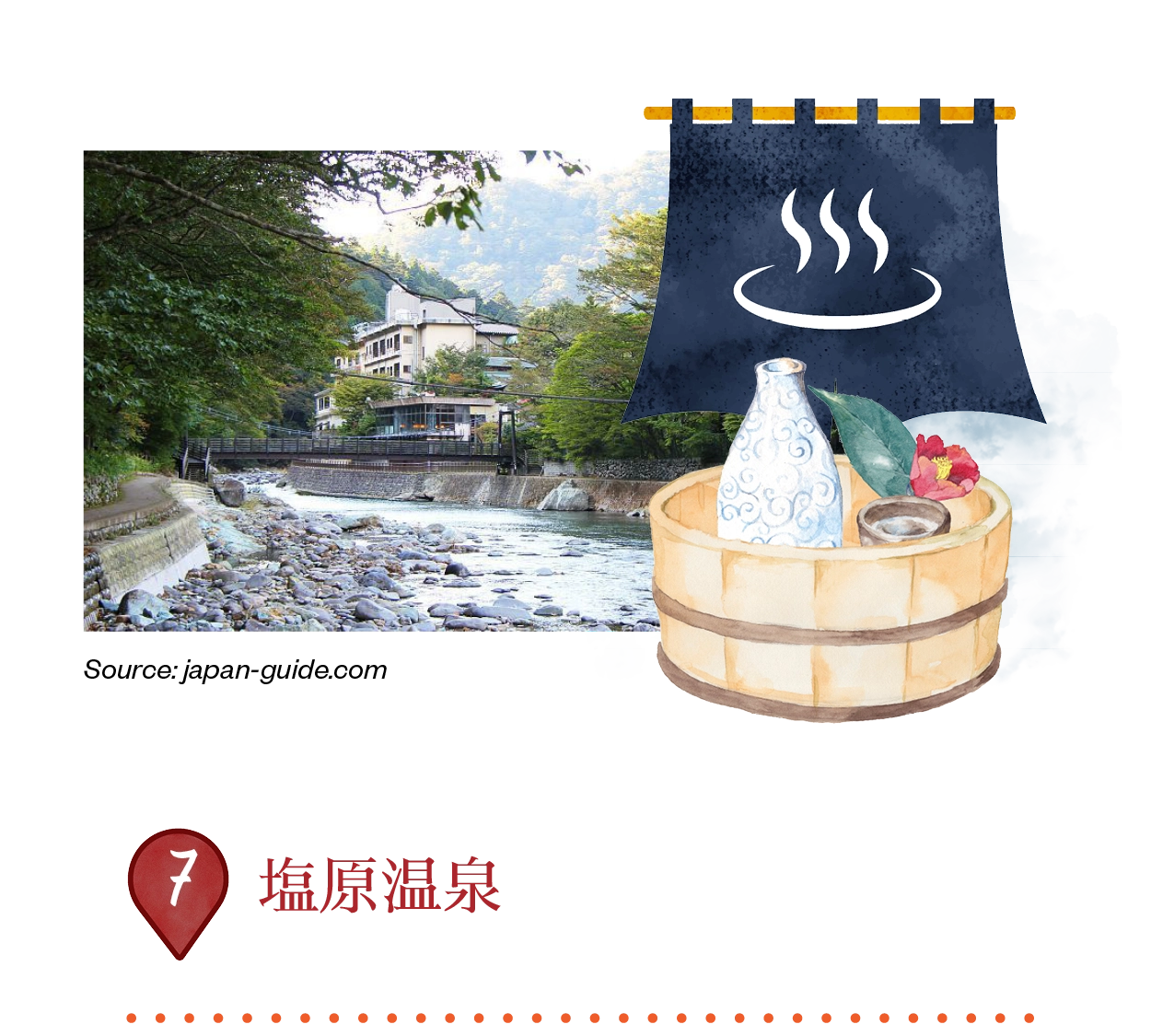
塩原温泉は、11つの異なる源泉と多様な鉱物成分で知られる「宝の山」として、歴史ある温泉地です。一部の温泉は、美肌効果があるとされています。日光国立公園内の美しい渓谷に位置し、数多くの吊り橋、70以上の滝、そして秋の紅葉観賞に最適な豊かなハイキングトレイルが広がっています。
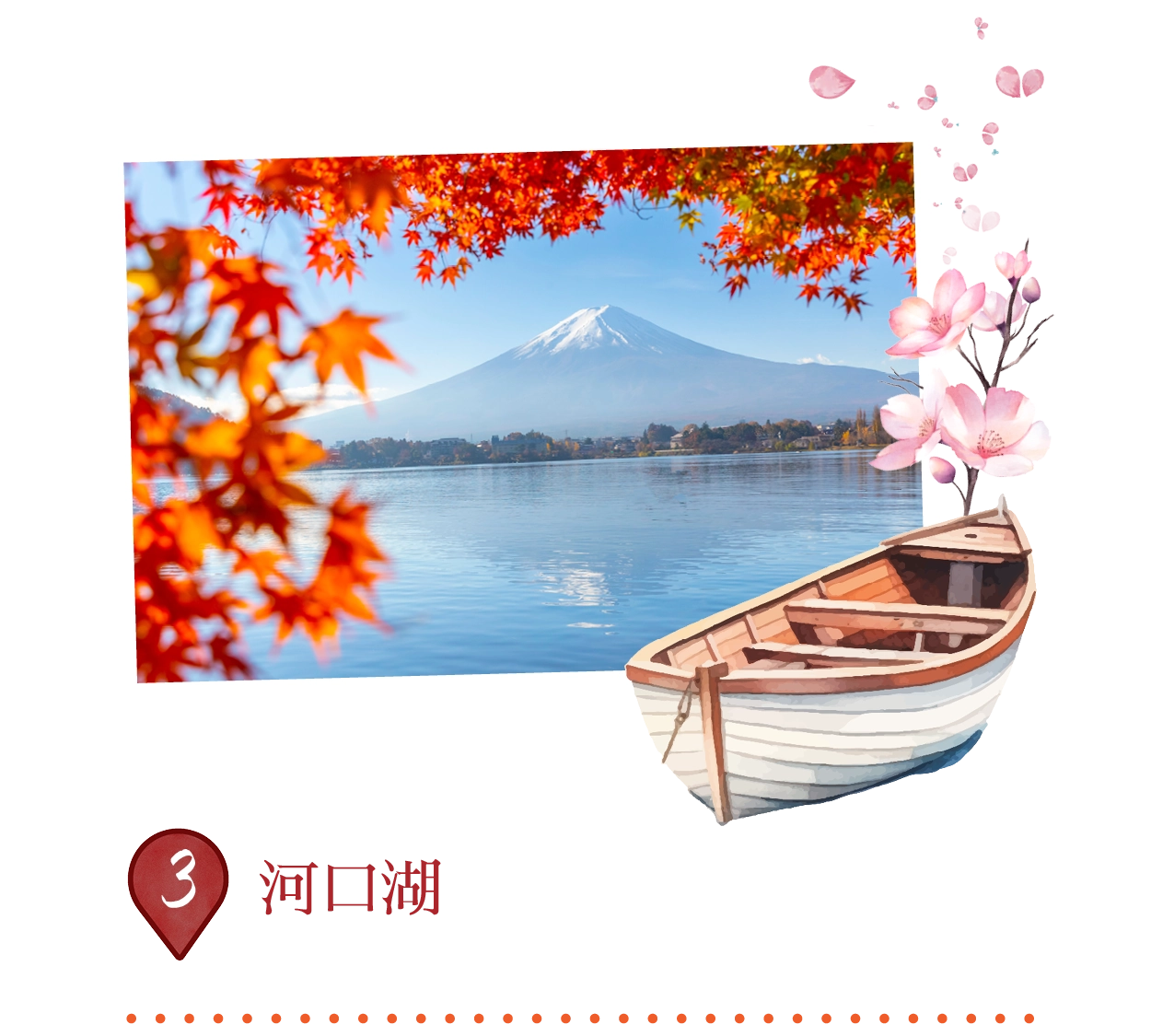
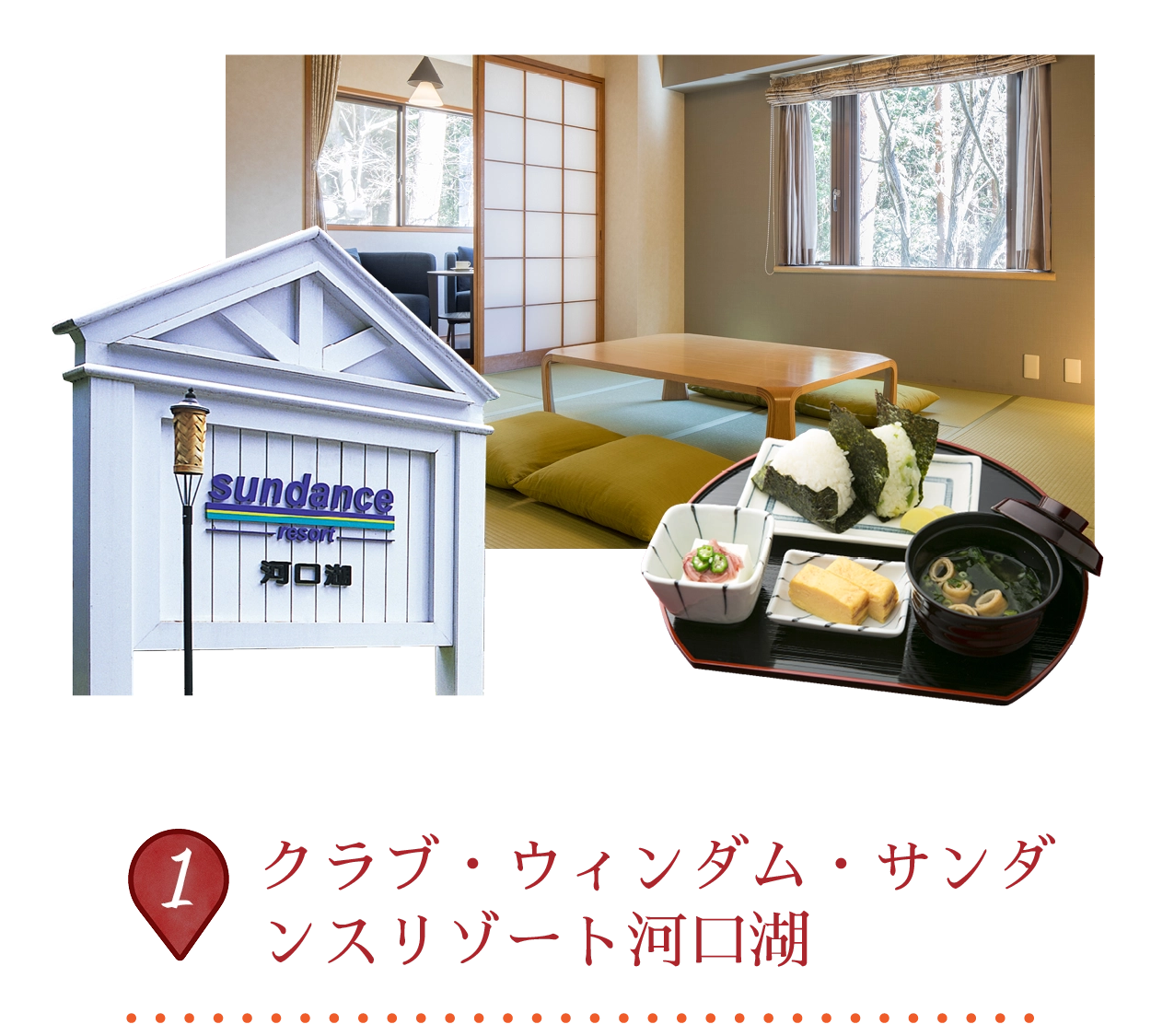
河口湖は、富士五湖の中で2番目に大きな湖で、富士山の北側に位置し、特に桜の季節や秋の紅葉の時期に富士山の美しい反映で有名です。約10,000年前の火山活動によって形成され、面積は5.7平方キロメートル、標高839メートルに広がります。ボートや釣り、ウォータースポーツなどのアクティビティを楽しむことができます。
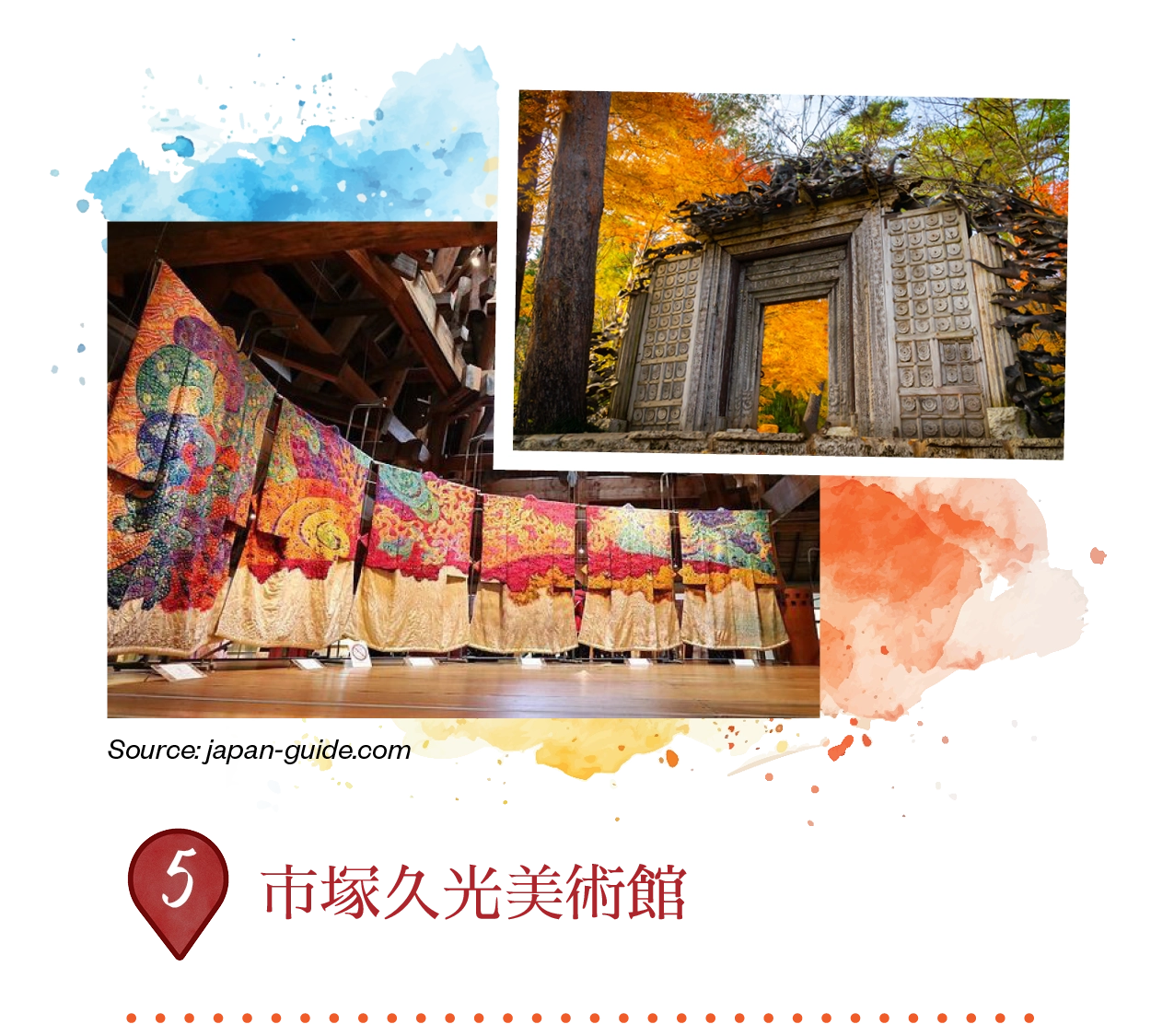
この美術館は、失われた室町時代のつじがはな染色技法を復活させ、着物に使用したアーティスト、市塚久光(1917-2003)の生涯の作品を展示しています。自然からインスピレーションを受けた100点以上の鮮やかな絹の衣服が「交響曲」シリーズとして展示され、古代のひのきの梁とガウディ風の珊瑚石の翼を持つ印象的なピラミッド型のメインホールに飾られています。
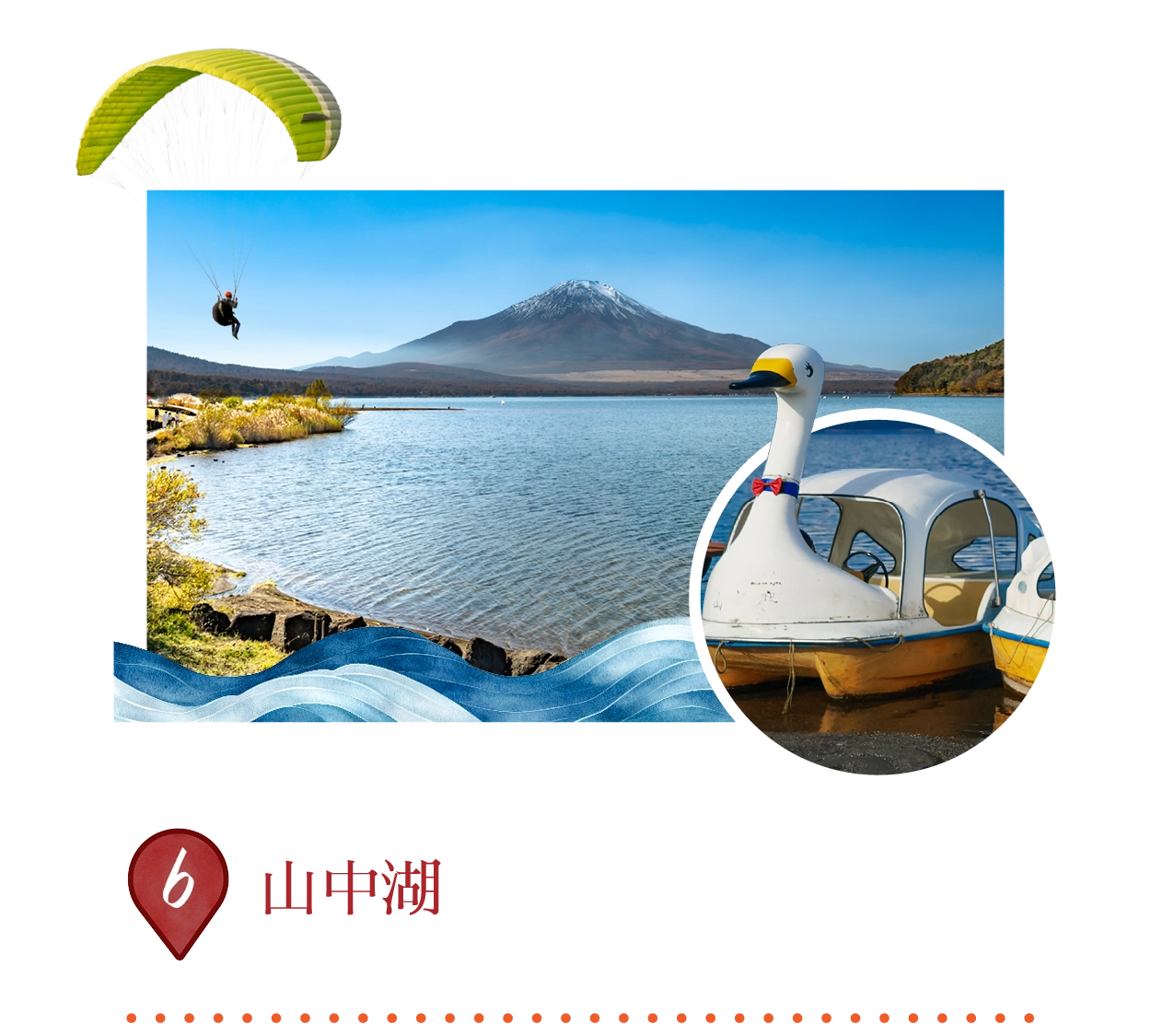
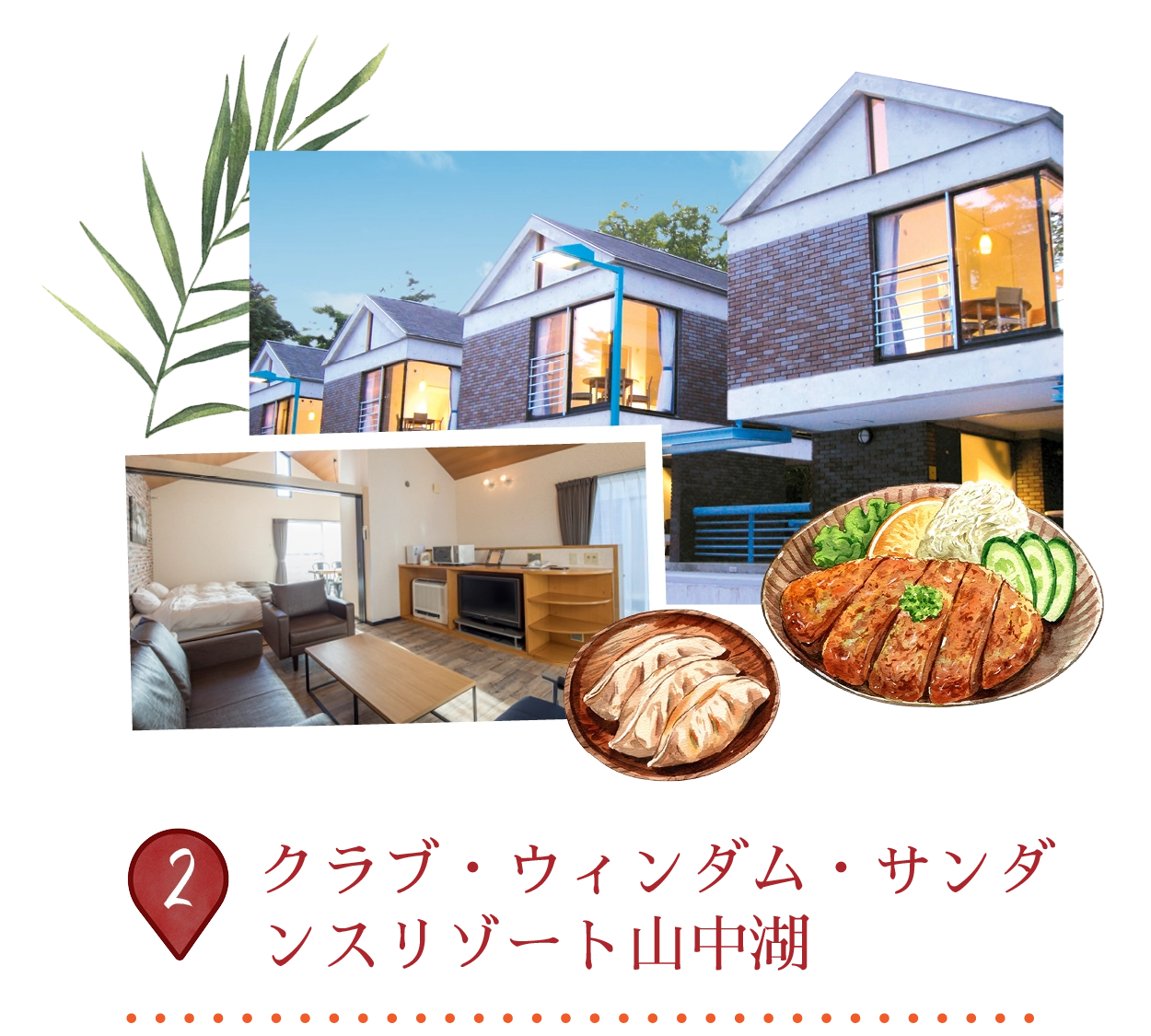
山中湖は、富士五湖の中で最も大きく、標高が高い湖で、富士山から最も近い場所にあり、海抜980メートルに位置しています。古代の溶岩流によって形成されたこの湖の浅い水域では、ボート、釣り、ウィンドサーフィン、キャンプ、パラグライディングなどのアクティビティが楽しめます。「ダイヤモンド富士」と呼ばれる日の出時には、富士山の美しい反射が湖面に映し出されます。
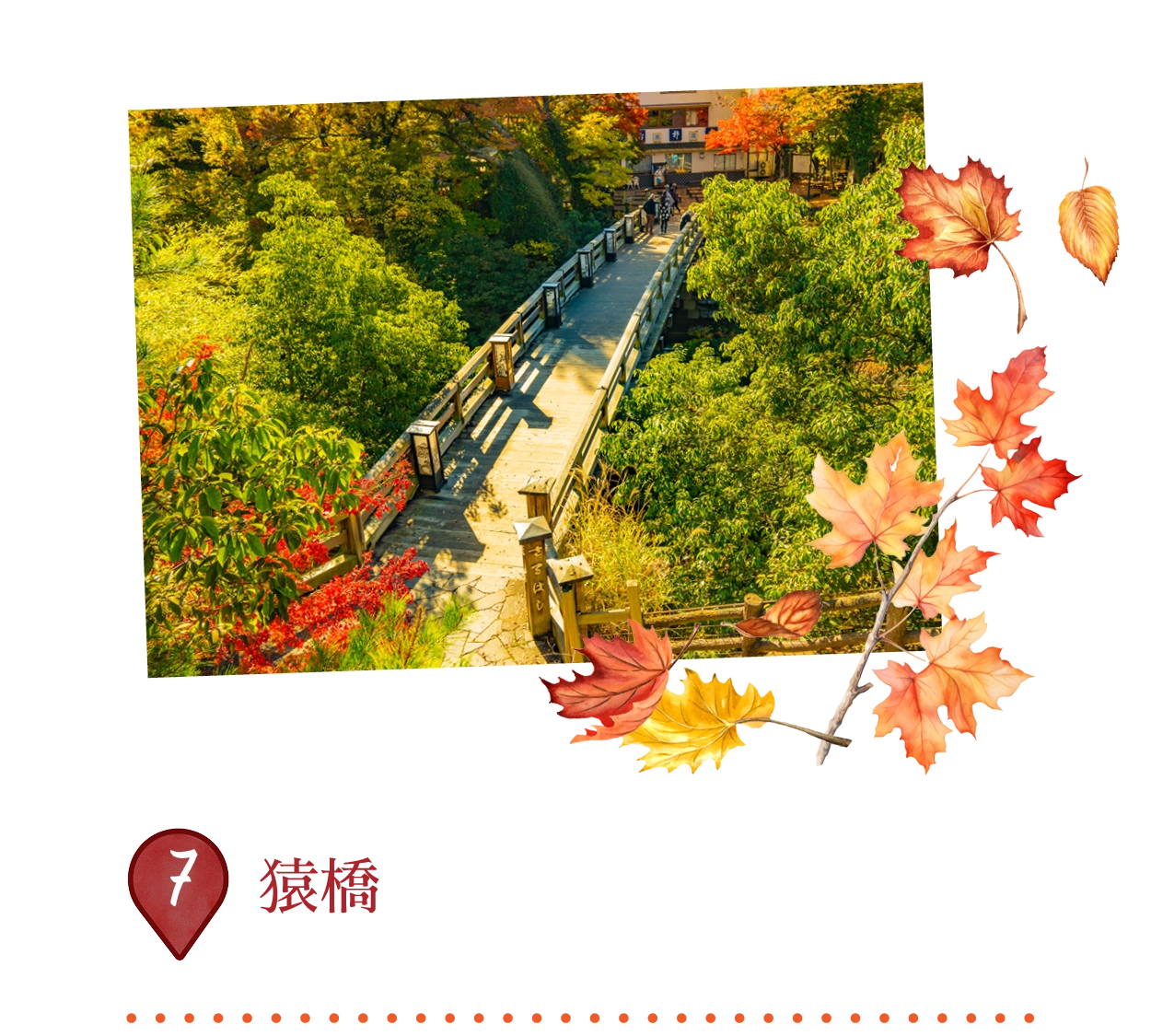
猿橋は、大月市の桂川渓谷に架かる歴史的なアーチ橋で、景観美の名所として指定されています。この橋は、中央の支柱を排除し、崖面にアンカーを固定した珍しい「羽根橋」のカンチレバー設計を特徴としています。江戸時代に甲州街道の一部として築かれ、優雅な構造は、広重や北斎の浮世絵にインスピレーションを与えました。伝説によると、猿がこの渓谷を渡ったとされ、「猿橋」の名が付けられました。
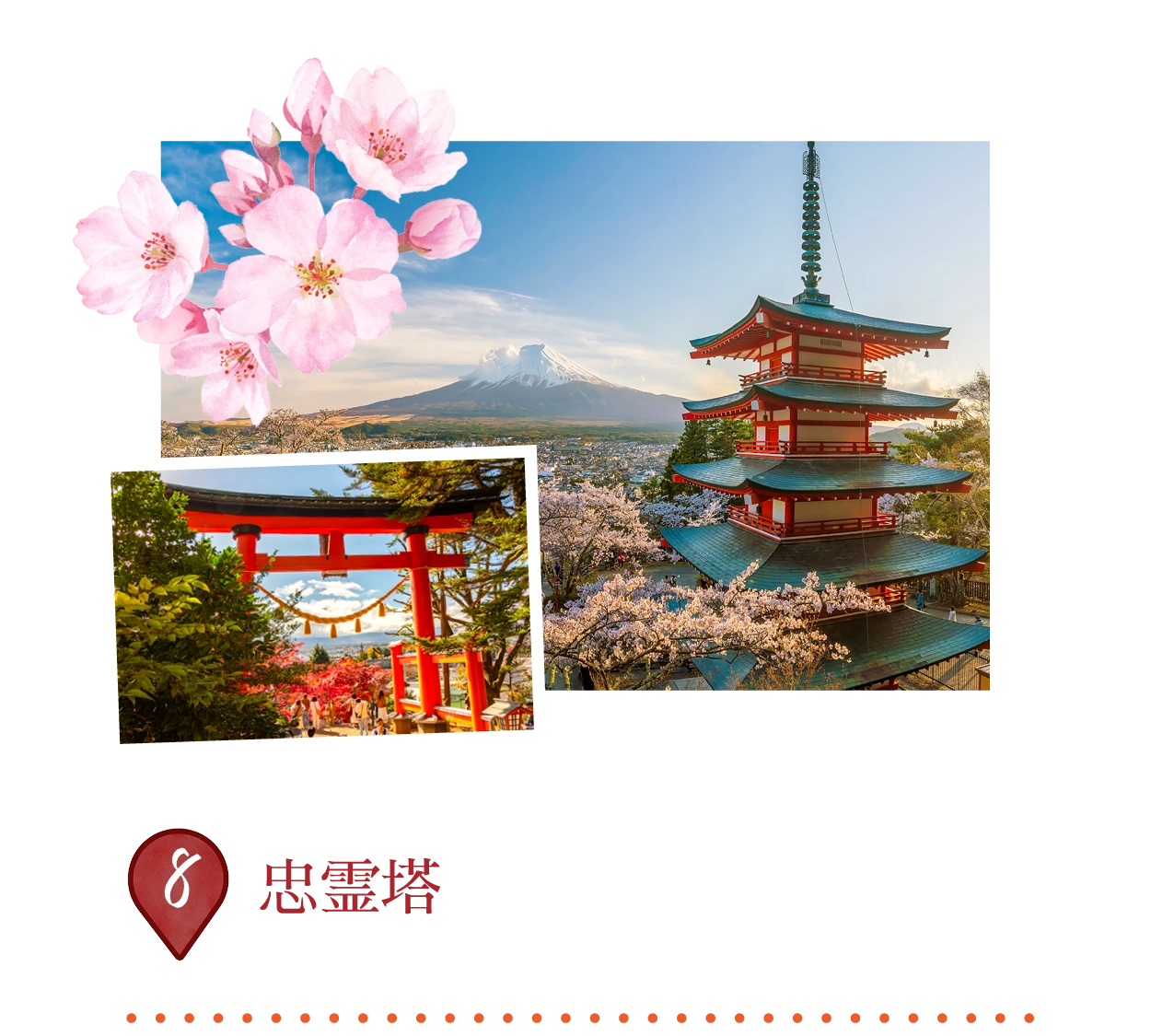
忠霊塔は、富士吉田市にある鮮やかな朱色の五重塔で、1963年に建設され、新倉富士浅間神社の敷地内にあります。400段の階段を登った新倉山の頂上に位置し、第二次世界大戦とそれ以前の戦争で亡くなった兵士たちを讃える平和の記念碑です。江戸時代の建築様式を取り入れたこの塔からは、特に春の桜や秋の紅葉の中で、雪をかぶった富士山の絶景を楽しむことができます。
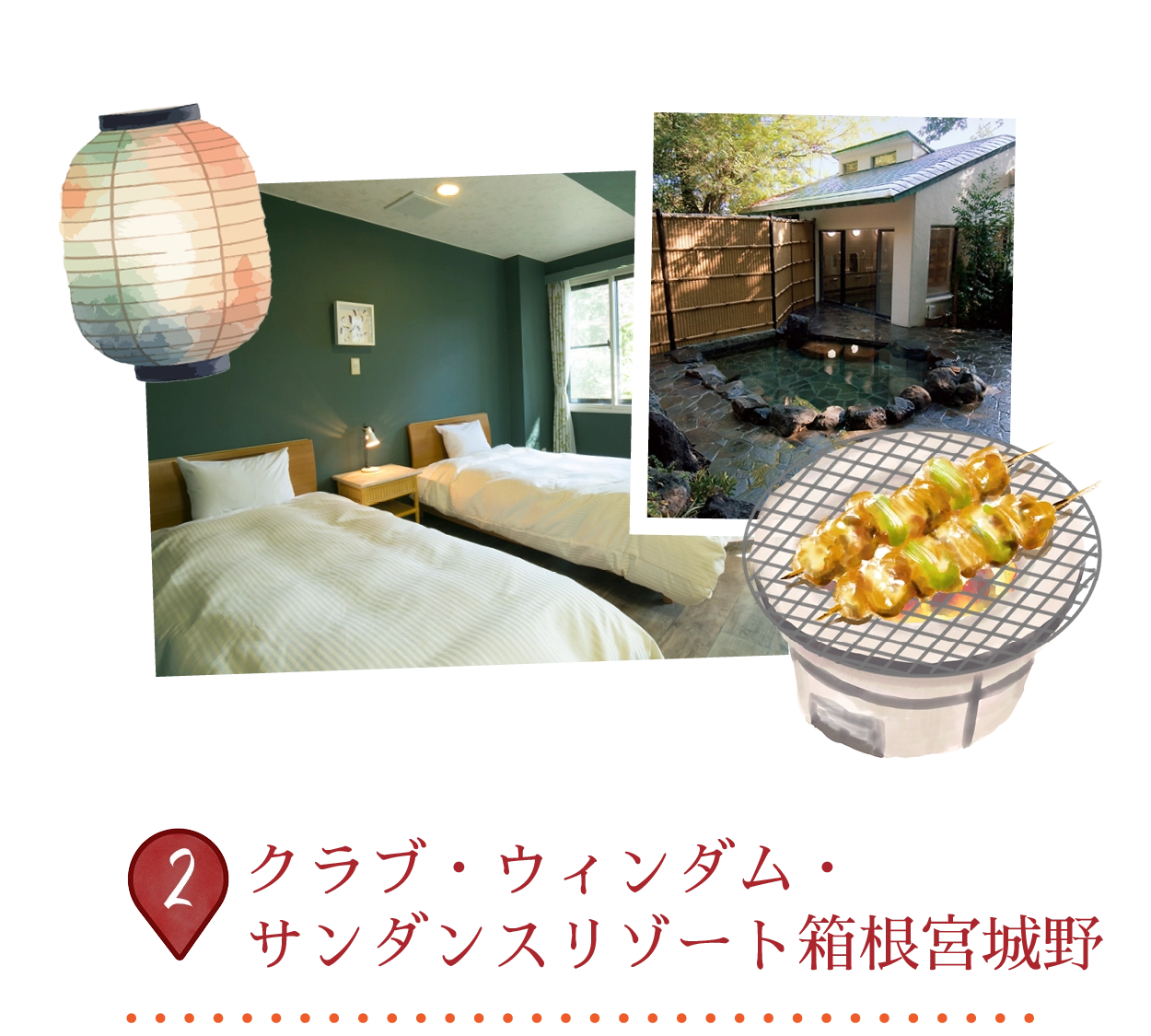
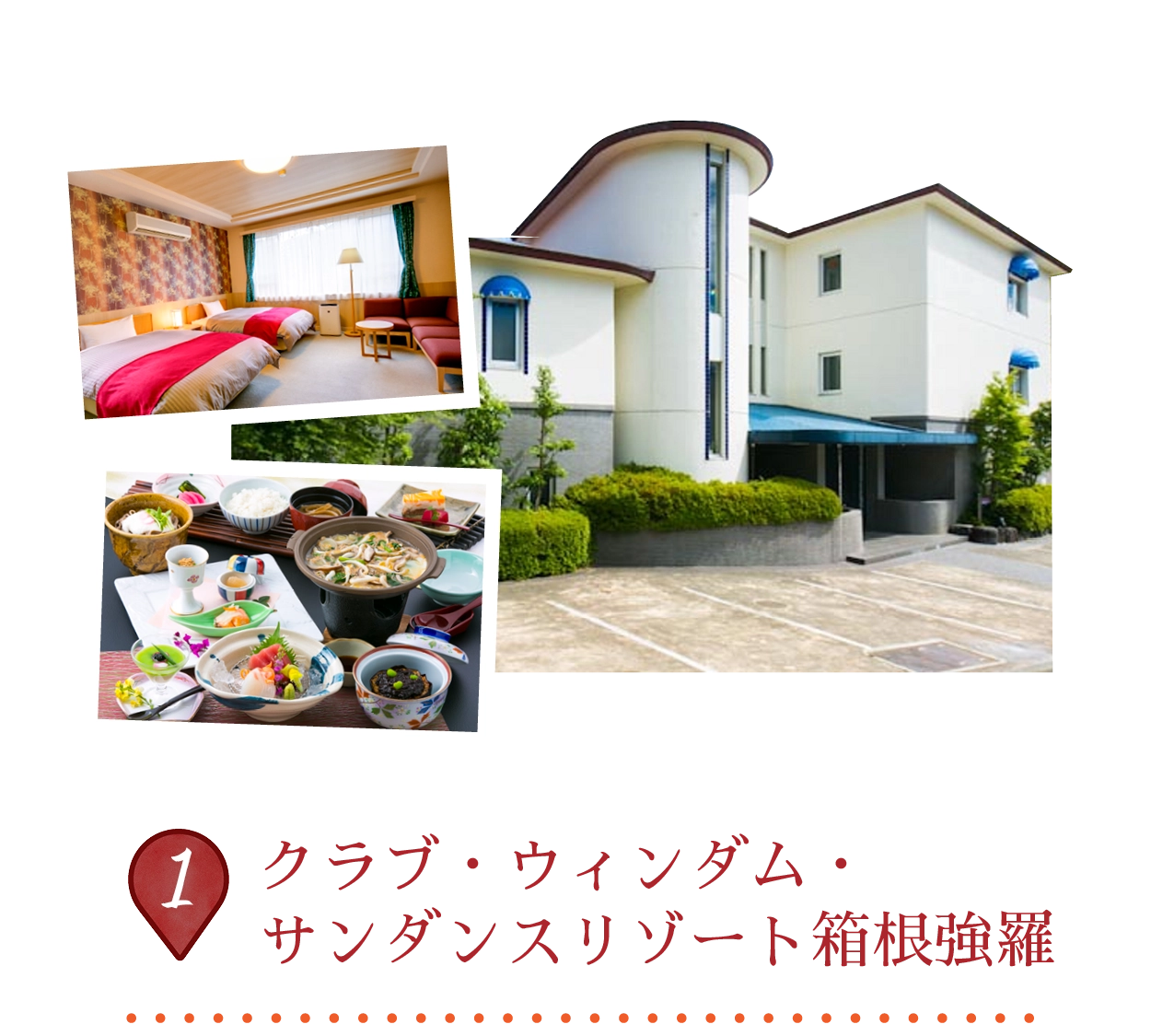
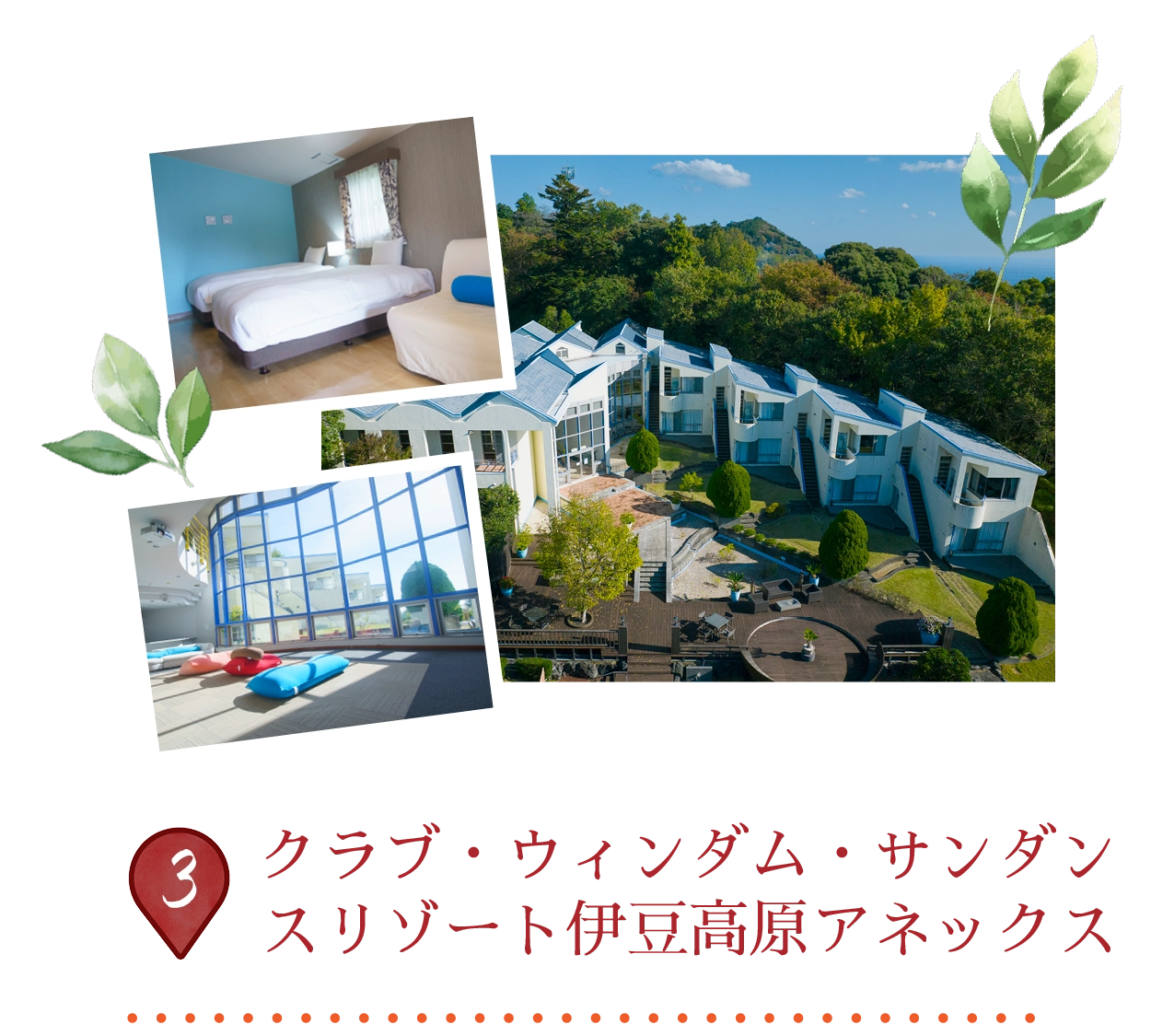
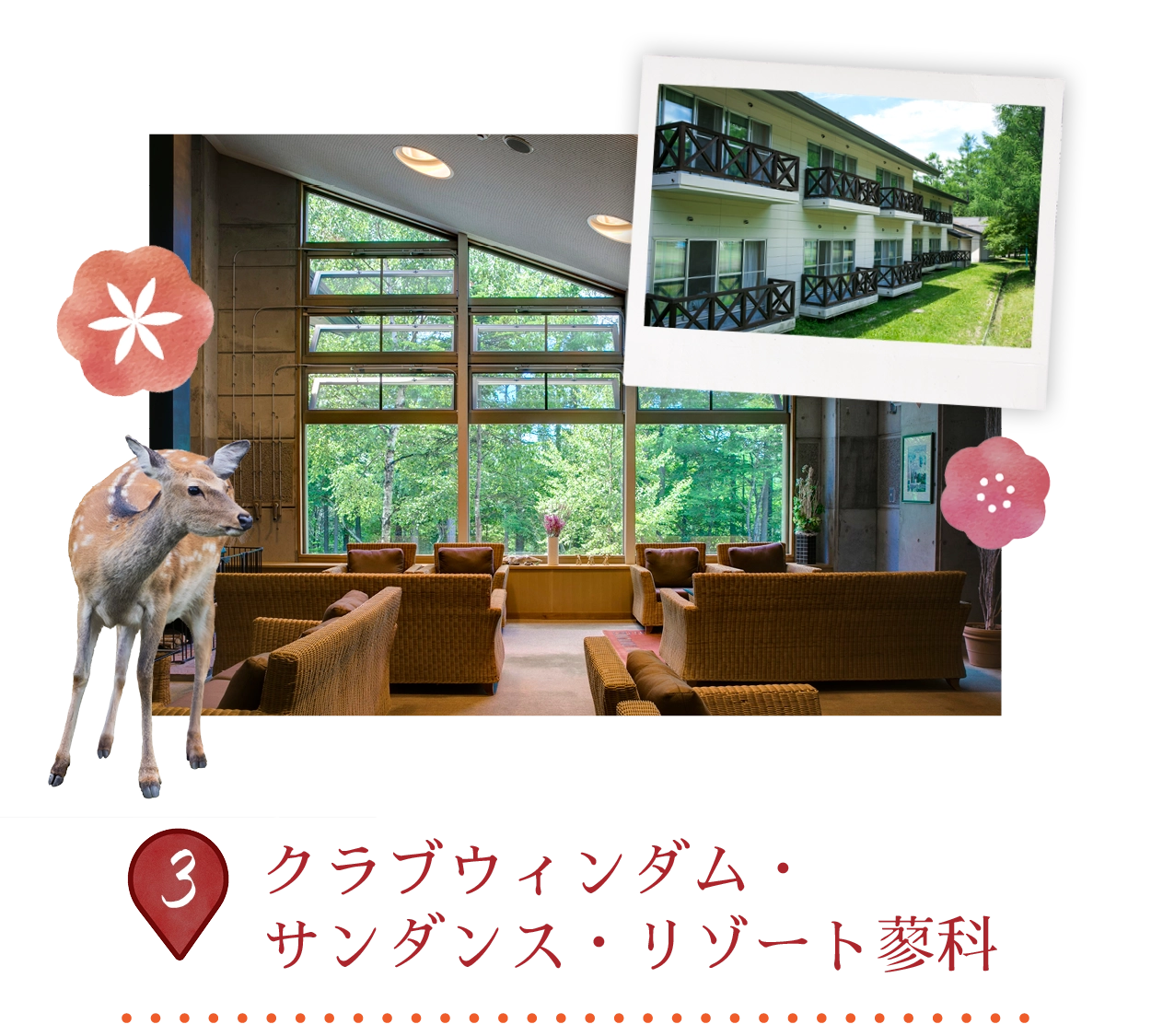
The resort immerses guests in Hakone’s stunning mountain landscapes, south of Tokyo, near Mount Fuji and Lake Ashi. This serene retreat features spacious Japanese-Western style rooms, complete with tea facilities, microwaves, and forest views — no elevators, shoes off in some units. On-site public onsens offer therapeutic hot springs, alongside a restaurant, tennis court, and kids’ games room.
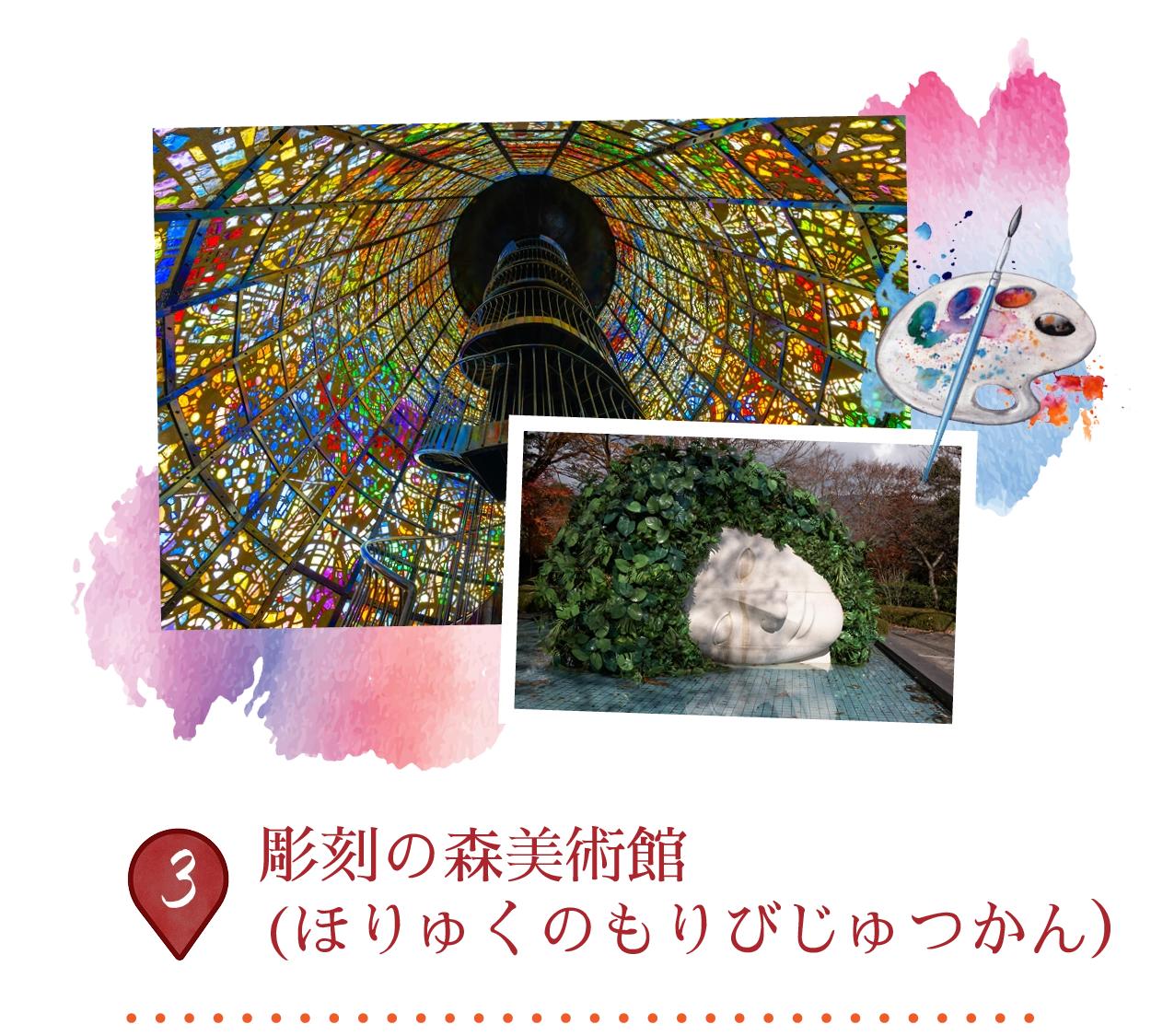
彫刻の森美術館は、1969年に開館した日本初の屋外美術館で、70,000平方メートルの広大な敷地に、ロダン、ヘンリー・ムーア、ピカソなどの現代彫刻約120点を展示しています。自然の緑と山々の景色を背景に、ピカソ館(300点以上の作品が展示)、ステンドグラスのインスタレーション、屋内ギャラリー、カフェ、足湯などが楽しめます。彫刻の森駅から徒歩2分でアクセスも良好です。
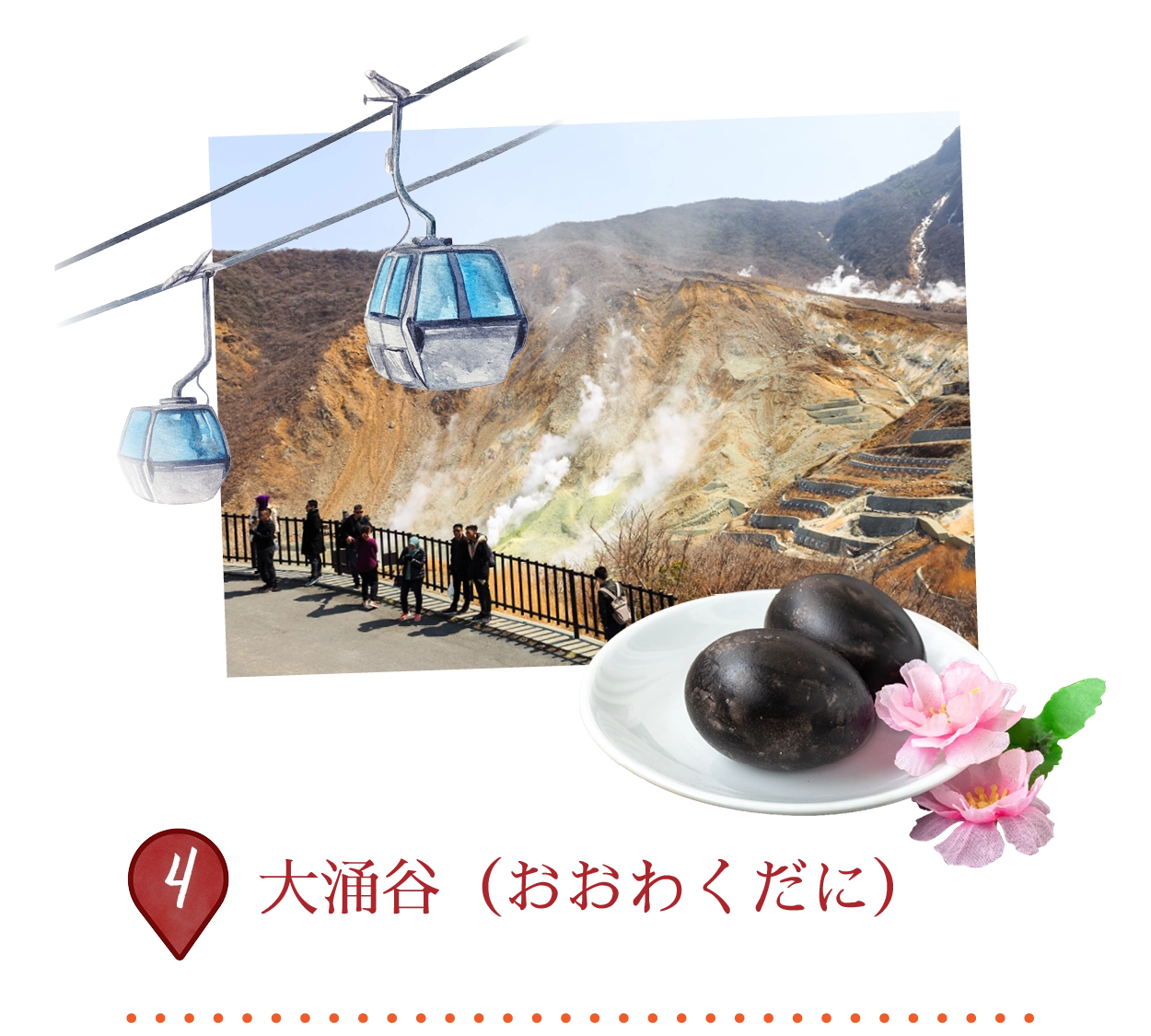 〒250-0631 神奈川県足柄下郡箱根町仙石原
「大涌谷(おおわくだに)」は、約3,000年前の噴火によって形成された活火山のクレーターで、「大涌谷(おおわくだに)」という名の通り、蒸気を発する硫黄の噴気孔、温泉、湧き上がる池などが見られ、まるで異世界のような風景が広がっています。硫化水素の強い卵臭が特徴的です。観光客は箱根ロープウェイに乗って素晴らしい空中の景色を楽しみ、晴れた日には富士山を眺めることもできます。また、温泉水で煮た「黒卵(くろたまご)」も名物で、1個食べると7年長生きすると言われています。
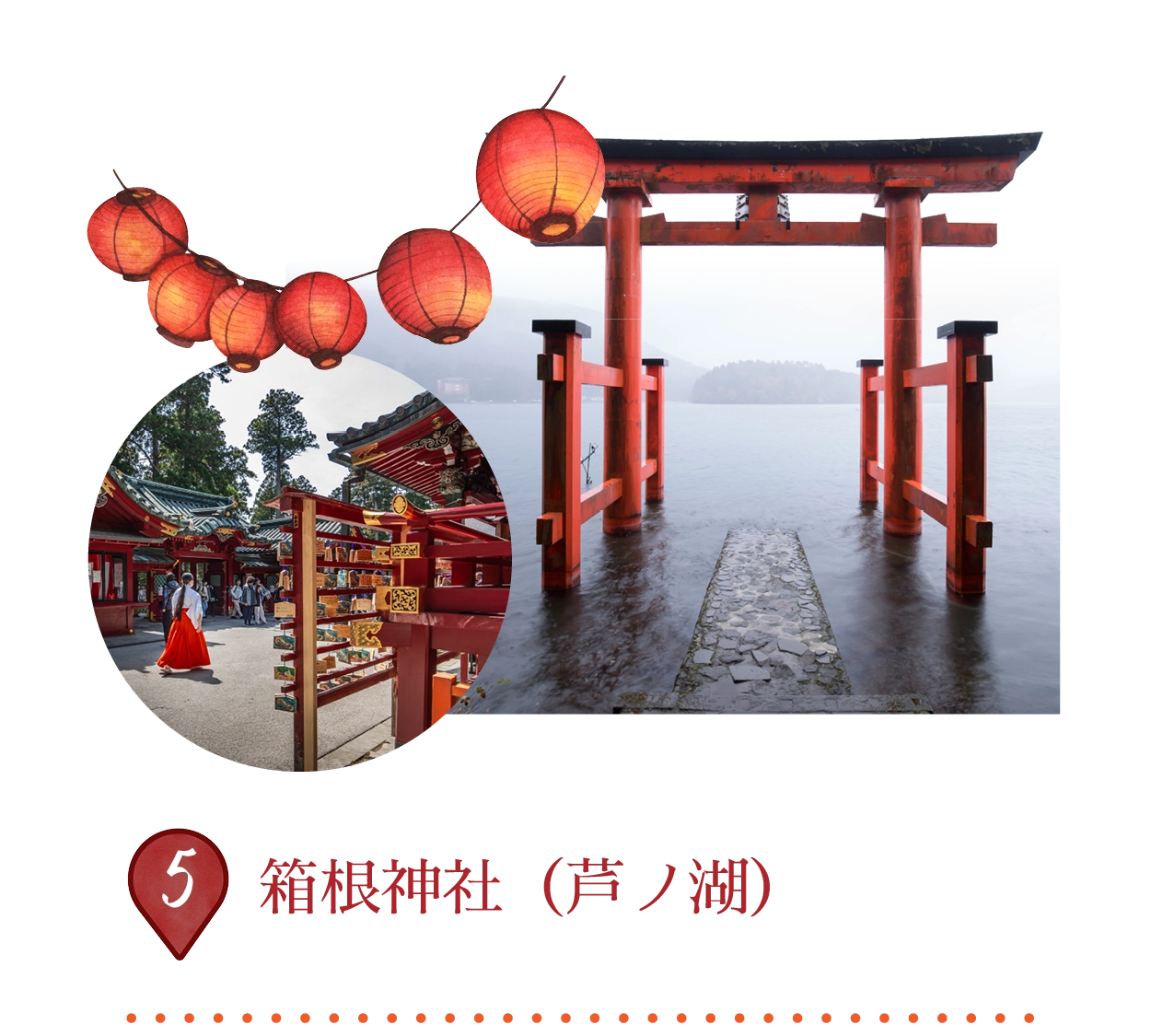
箱根神社は、奈良時代の757年に創建された由緒ある神社で、芦ノ湖畔にそびえるように佇み、樹齢を重ねた杉木立に包まれています。源頼朝や徳川家康をはじめとする武将たちから、勝利と守護の神として篤く崇敬されてきました。また、歴史ある東海道を行き交う人々の旅の安全を祈願する神社としても知られています。
湖面から立ち上がる鮮やかな朱色の「平和の鳥居(Peace Gate)」や、権現造り様式の本殿は、箱根神社を象徴する見どころのひとつです。
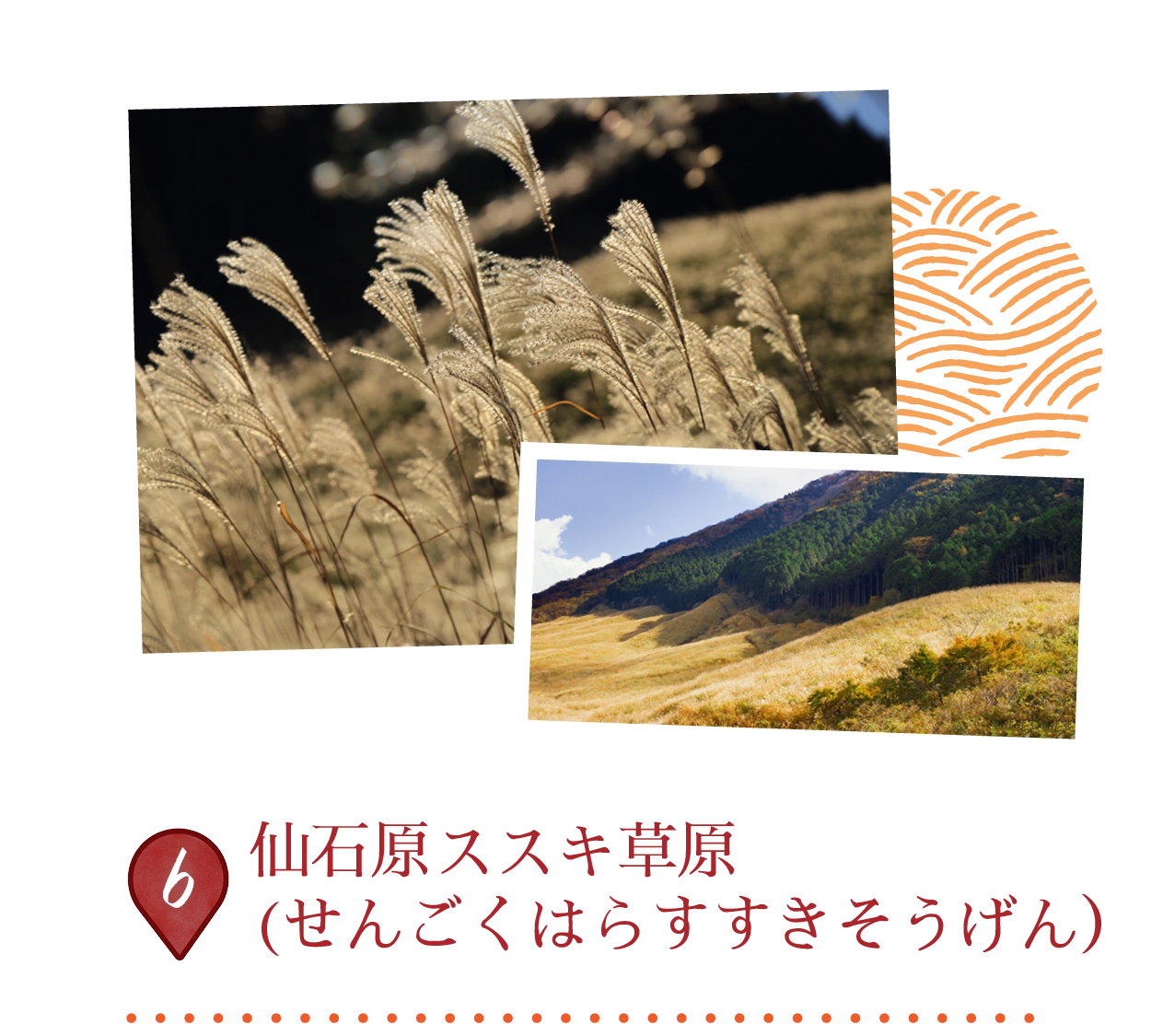
仙石原のススキ草原は、9月下旬から11月初旬にかけて、風に揺れる高いススキの草が約18万平方メートルの広大な土地を覆い、銀色の海のような景色を作り出します。神奈川県の50大景観スポットと100花の名所に認定されており、広い遊歩道が黄金色の秋の風景の中を歩くことができ、晴れた日には富士山を眺めることもできます。春には再生のために焼き畑が行われ、この歴史的な草原はかつて屋根を葺くために使われていました。
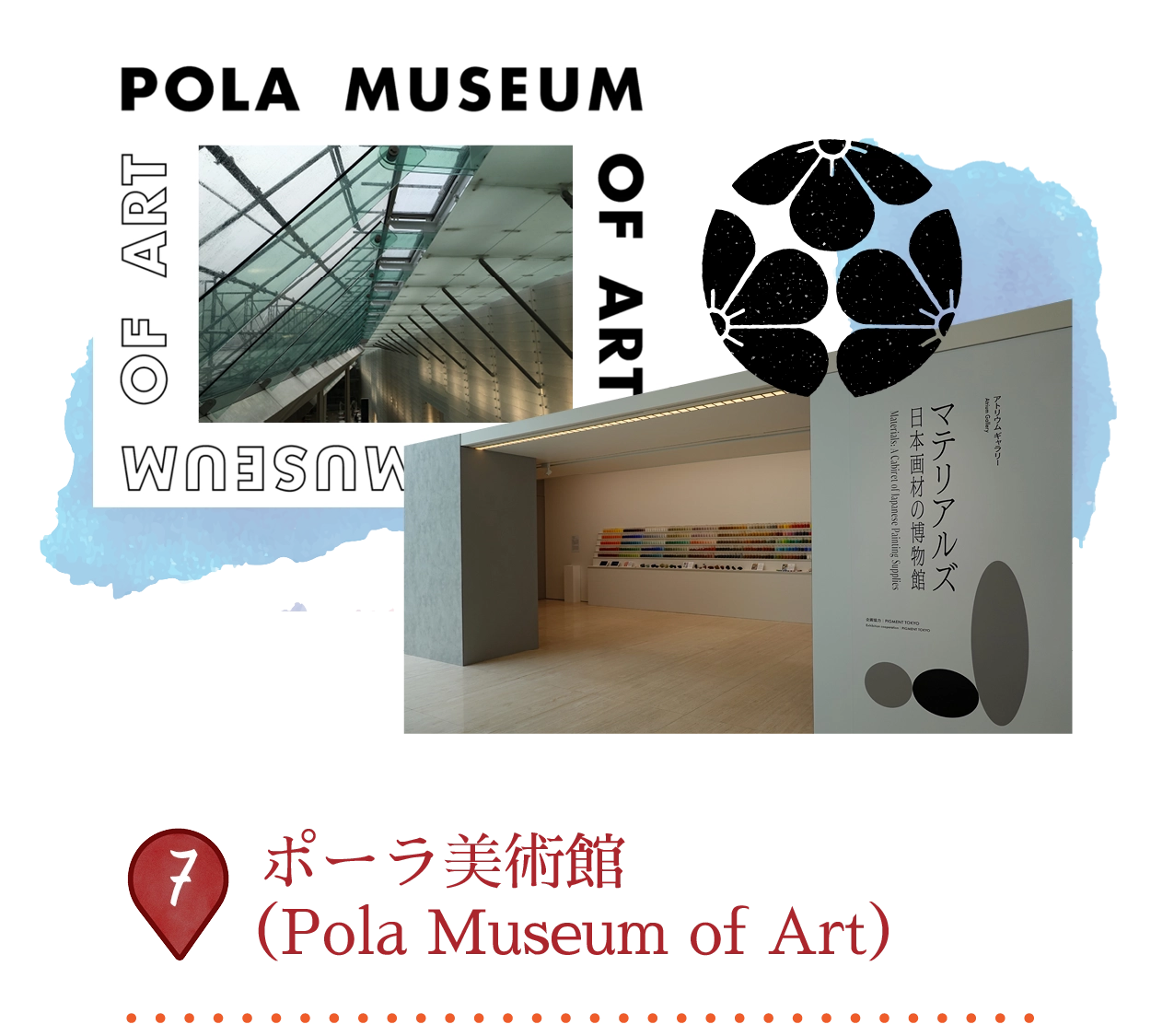
ポーラ美術館は、2002年に富士箱根伊豆国立公園内に開館し、ポーラ化粧品創業者である鈴木常志氏が収集した9,500点以上の作品を展示しています。ハイライトは、モネ、ルノワール、セザンヌなどの印象派の名作に加え、ピカソ、ゴッホ、現代アートの作品も展示されており、地下の建築と自然光を活かしたギャラリーが周囲の森と調和しています。
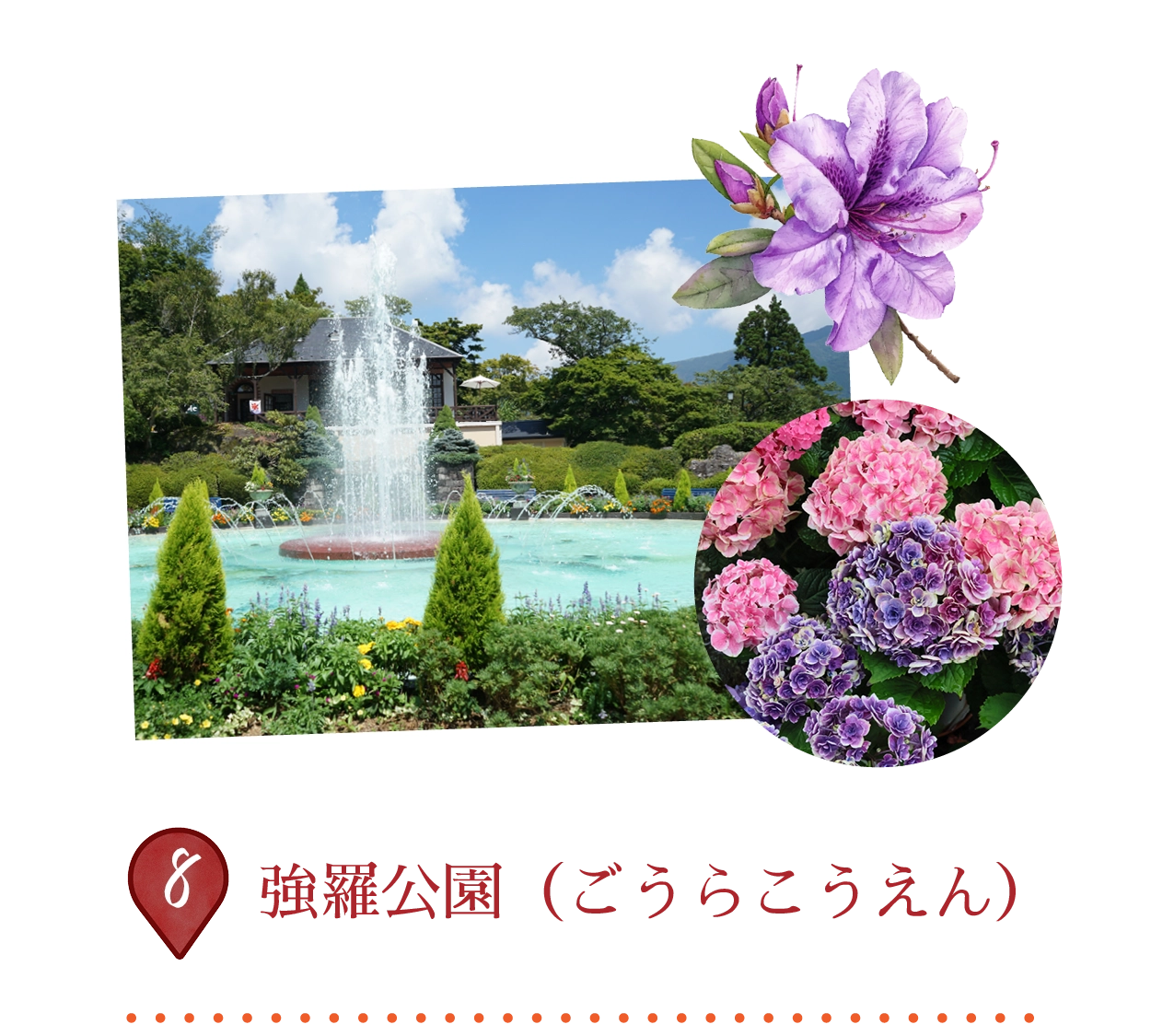 〒250-0408 神奈川県足柄下郡箱根町強羅1300-457
強羅公園は、1914年に日本初のフランス式庭園として開園されました。強羅駅近くの丘陵地に広がるこの公園からは、箱根の山々を一望できます。特徴的なものとしては、1,000本以上のバラが咲き誇るバラ園、熱帯植物や昆虫を展示する温室、手入れの行き届いた芝生、噴水、そして春の桜、ツツジ、アジサイなどの季節の花々があります。ガラス吹きや陶芸、茶道のワークショップなどの体験型イベントも楽しめ、カフェでのんびり過ごすことができます。
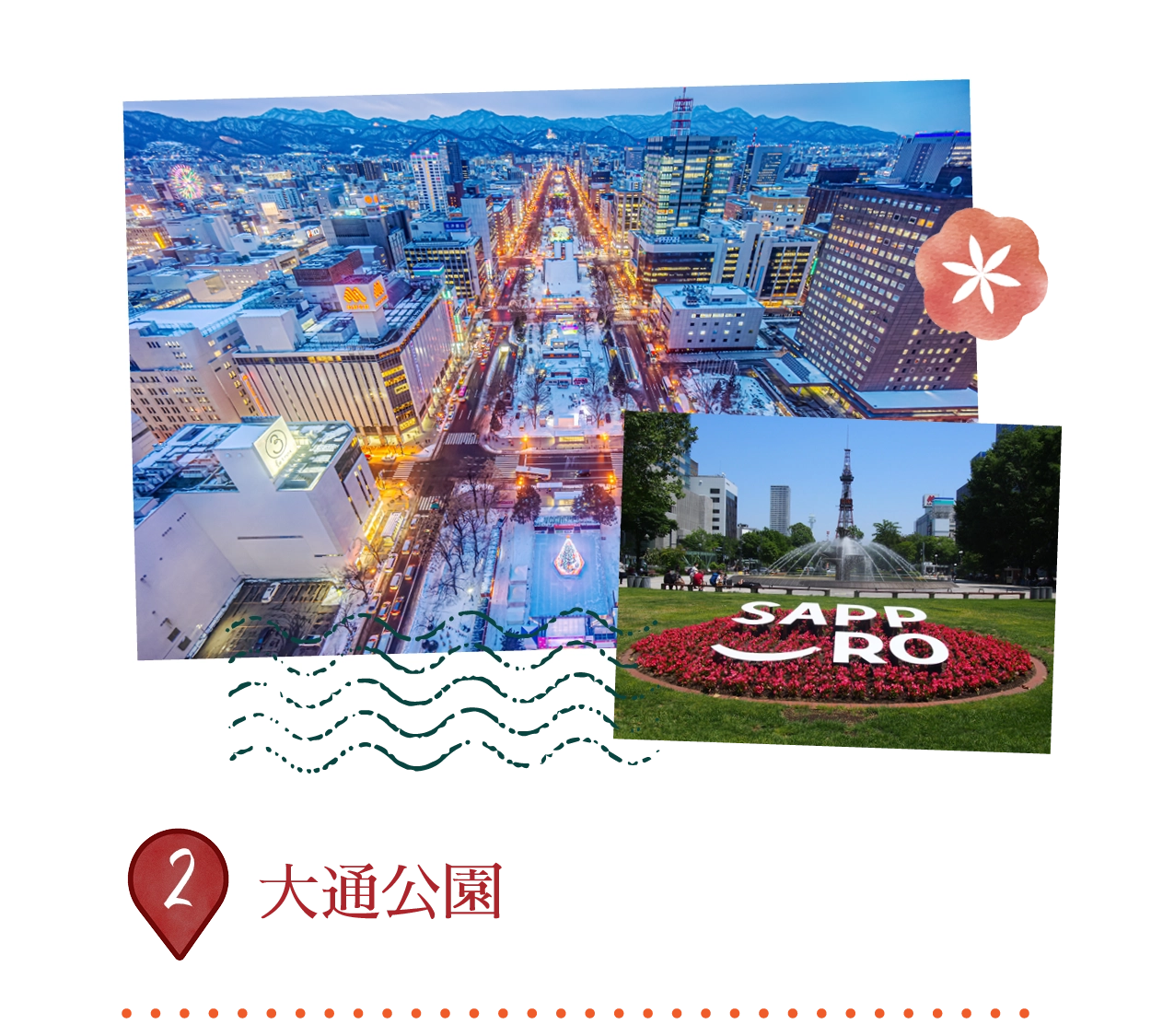
札幌中心を東西に走る1.5kmの緑のオアシスで、美しい庭園、噴水、彫刻で知られています。年間を通じた文化の中心地で、冬は世界的に有名な札幌雪まつり、夏はよさこいソーラン祭りとビアガーデン、秋はオータムフェストなどの主要イベントを開催。東端には象徴的な札幌テレビ塔が立ち、パノラマビューを提供します。
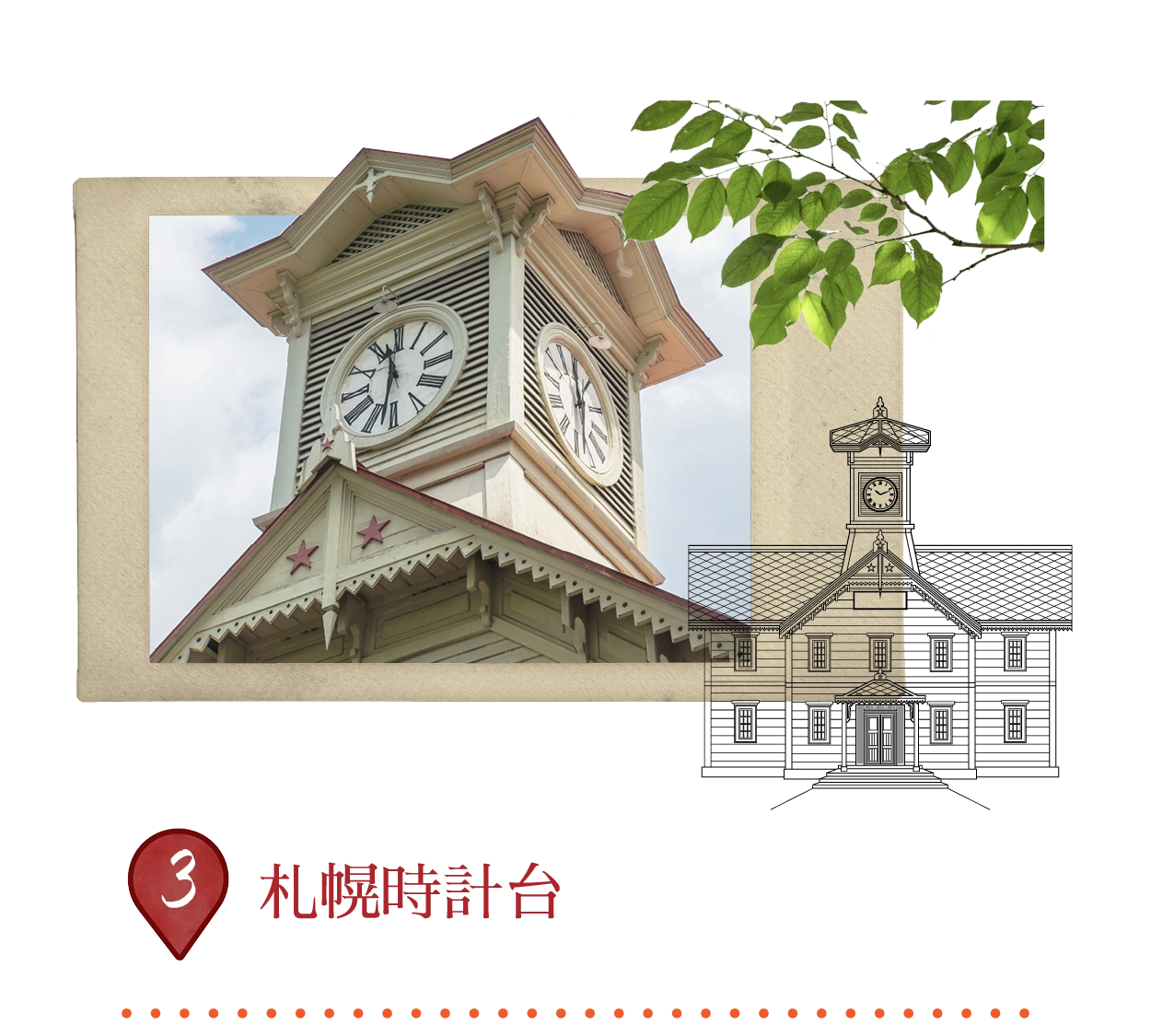
札幌中心に立つ象徴的な木造ランドマークで、1878年に札幌農学校(現北海道大学)の演武場として建設されました。アメリカ式建築の日本最古の時計塔で、1881年に設置された時計が今も正確に鐘を打ち鳴らします。現在は市史を紹介する博物館として機能し、大通公園近くの人気スポットです。
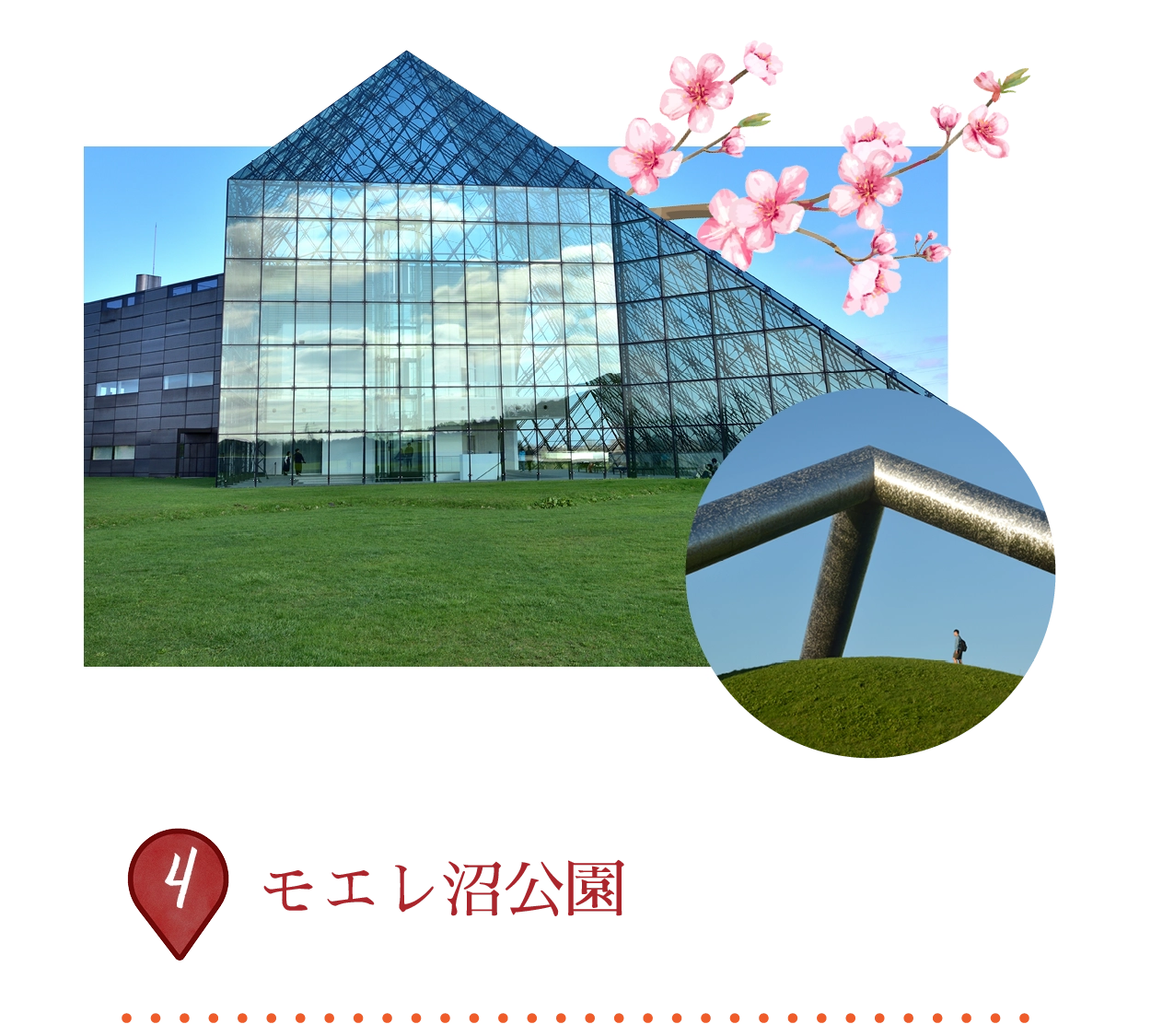 東区モエレ沼公園1-1、札幌市、北海道007-0011、日本
旧埋立地を再利用し、彫刻家イサム・ノグチが手掛けた189ヘクタールの「ランドスケープ彫刻」で、2005年に公開。光輝くガラスピラミッド「ひだまり」ハブ、62mのモエレ山からの絶景展望、桜の森に囲まれた革新的遊具、季節ごとに25m噴水を上げるダイナミックな海の噴水がハイライト。自転車レンタルで四季折々のアートと自然の融合を探訪できます。
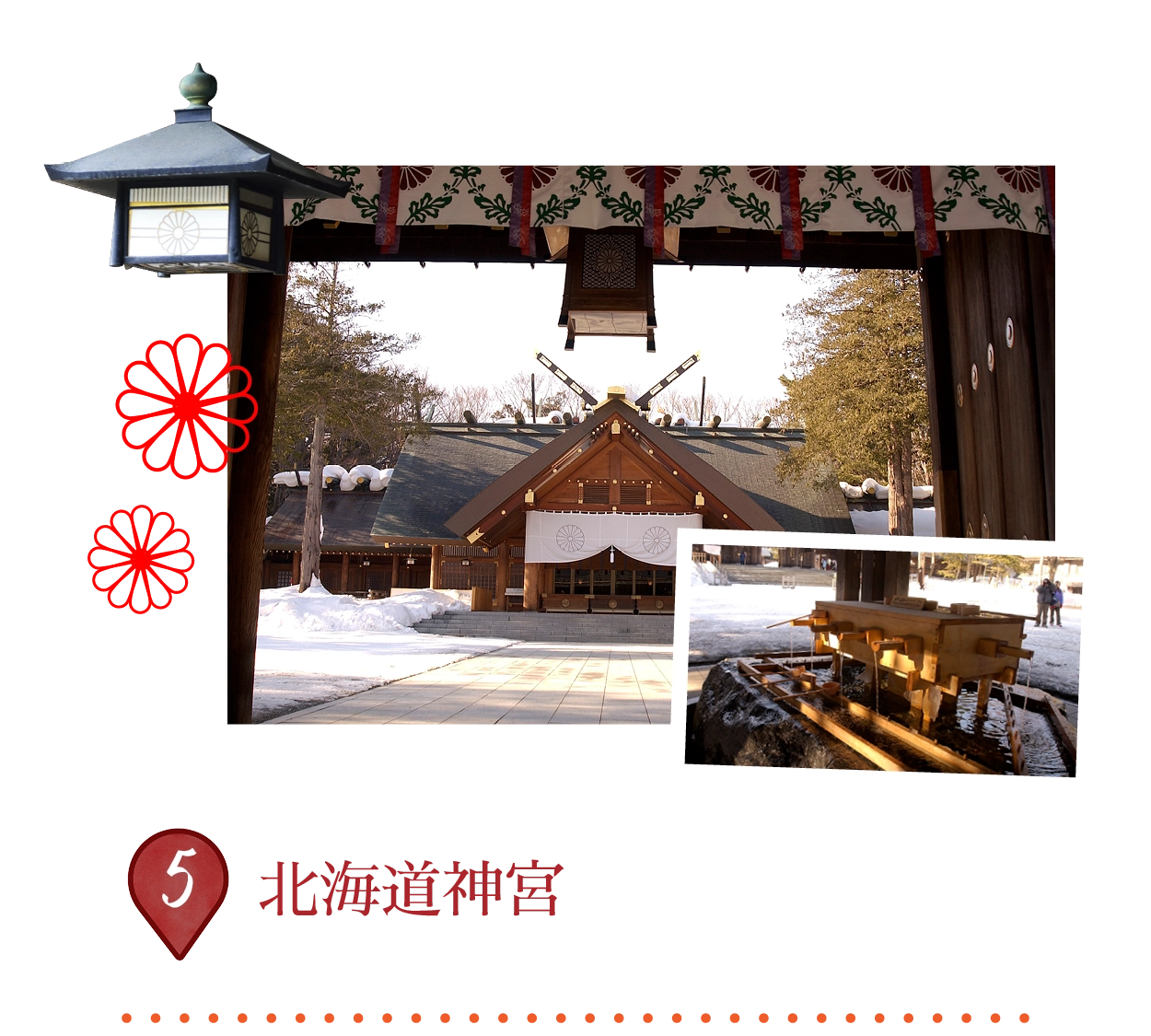 中央区宮ヶ丘474、札幌市、北海道064-8505、日本
札幌円山公園の静かな森に佇む重要な神道神社。1869年明治天皇の勅命により建立され、開拓神々を祀り北海道開発の精神的中心地となりました。現在も年間を通じた文化拠点で、特に春の桜の名所および6月の華やかな札幌祭りで有名です。
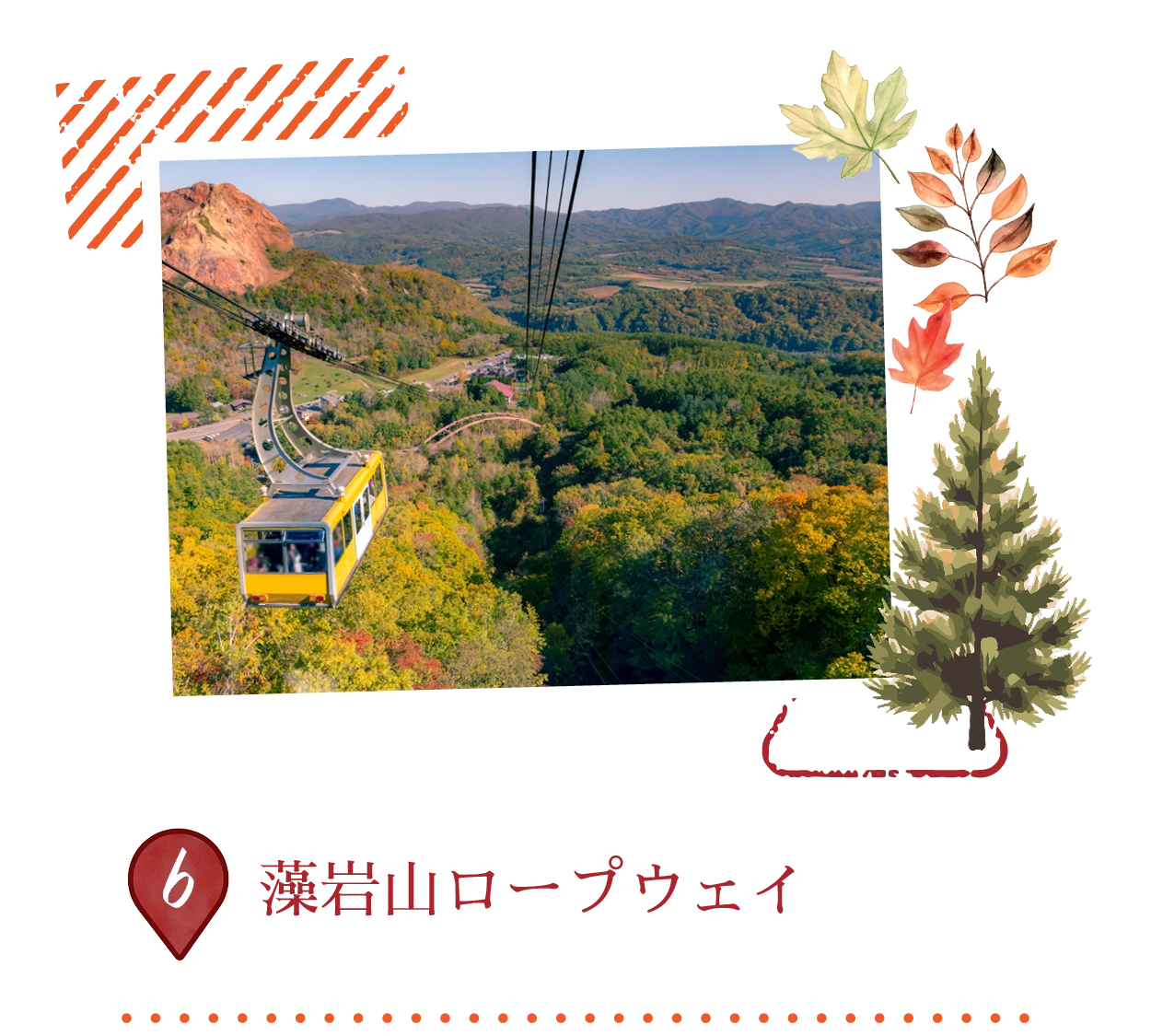 中央区伏見5丁目3-7、札幌市、北海道064-0942、日本
標高531mから日本三大夜景の一つを堪能できるロープウェイ。大型ロープウェイで中間駅へ、小型ミニケーブルカー「モリスカ」に乗り換え山頂へ。札幌市街、日本海、周囲の山々のパノラマが広がります。年中運行、定期メンテナンスおよび悪天候時のみ休止。
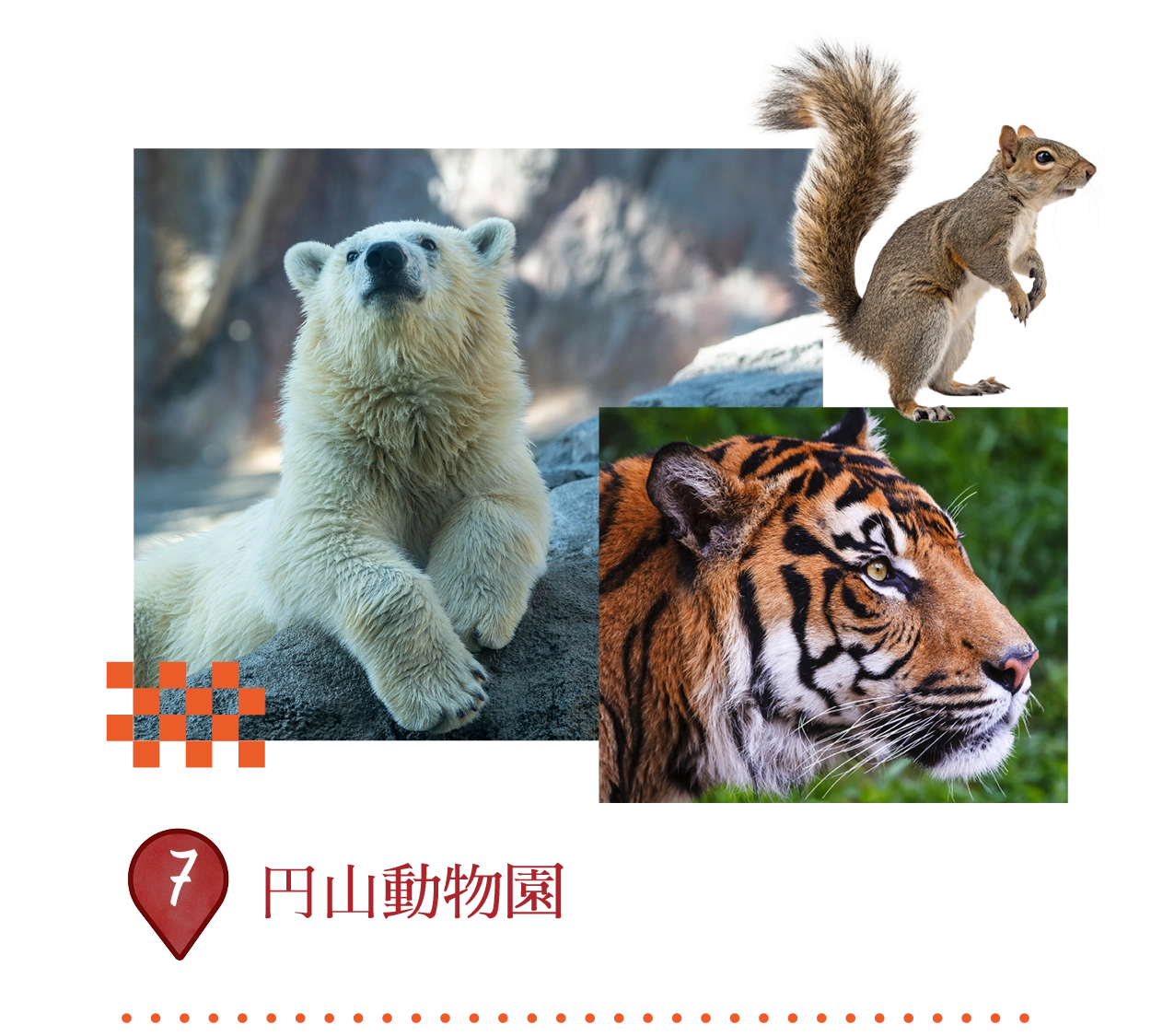 中央区宮ヶ丘3丁目1、札幌市、北海道064-0959、日本
北海道最古の動物園で、豊かな円山公園内に位置。家族連れに人気の自然環境重視型で、ホッキョクグマ、アムールトラ、エゾリスなど170種以上を間近で観察可能。印象的なホッキョクグマ館と象舎がハイライトで、通年教育エンターテイメントを提供します。
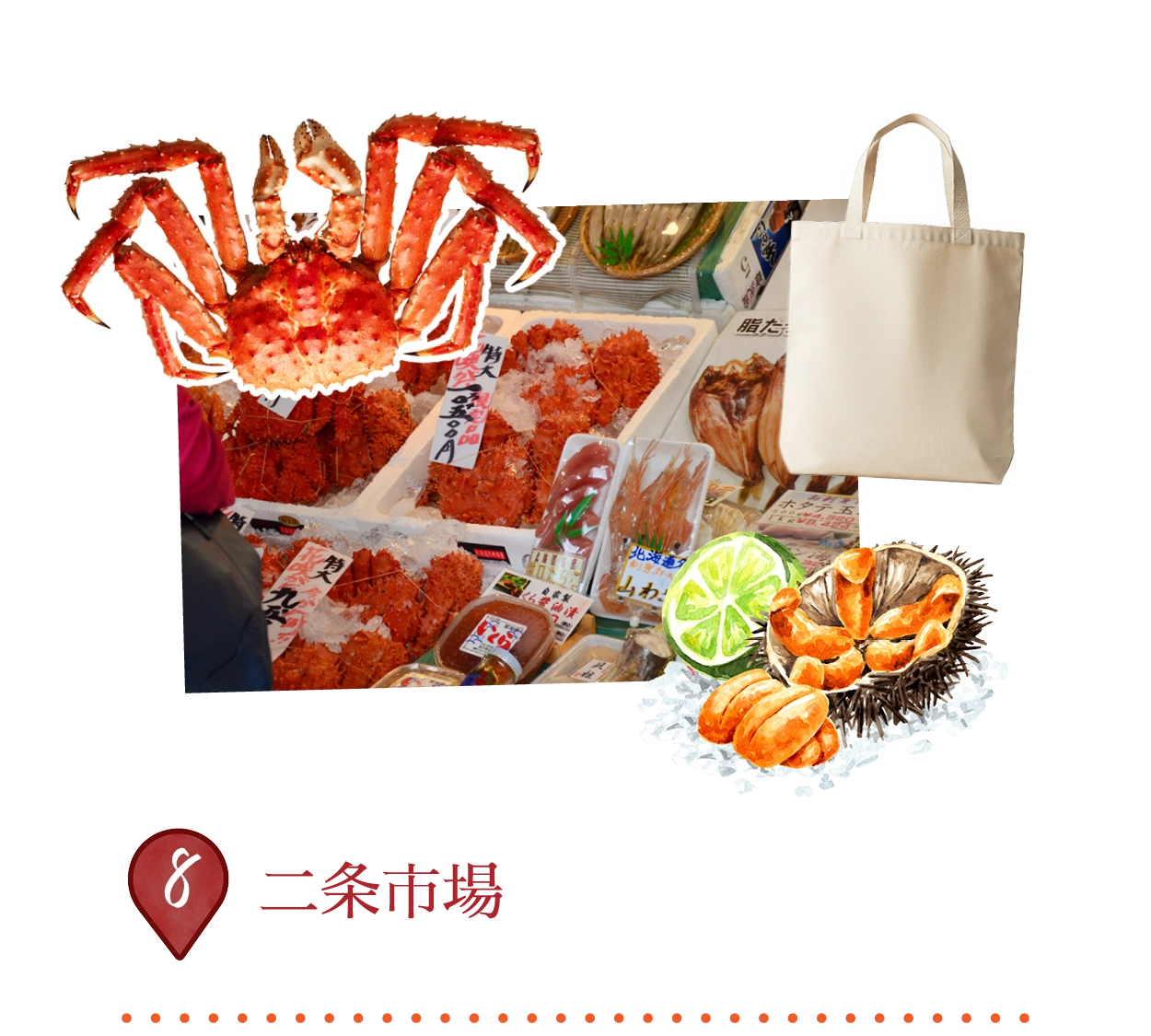
札幌中心の100年以上の歴史を持つ伝統魚市場で「札幌の台所」と称されます。新鮮な毛ガニ、ウニ、イクラなどの海産物、地元農産物、軽食を売る活気ある店舗群。小さなレストランで朝食・昼食の海鮮丼を堪能し、その場で海の恵みを味わえます。
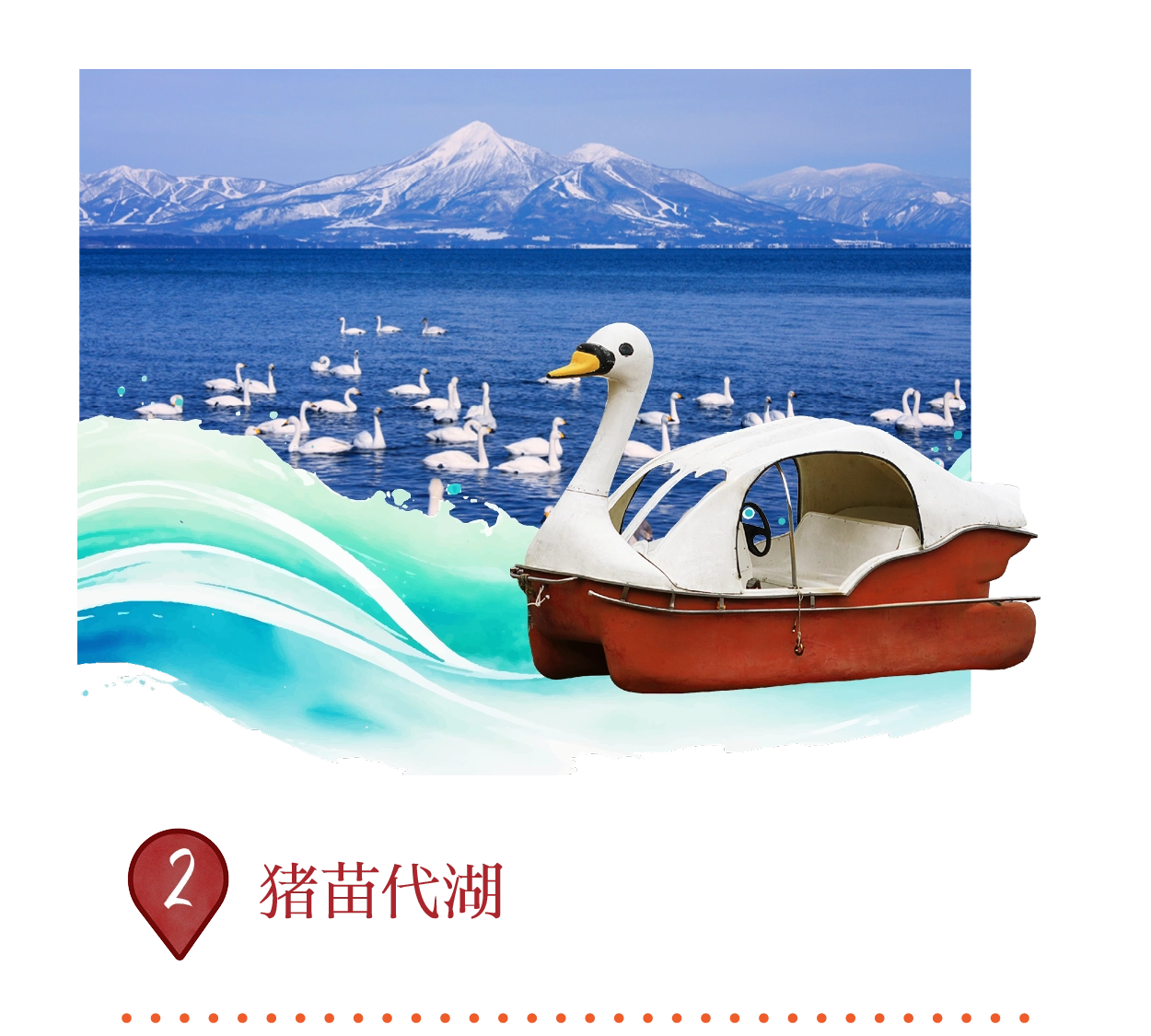
日本第4位の湖で磐梯吾妻国立公園内に位置。「天の鏡湖」と称される抜群の透明度と磐梯山の美しい反射が特徴で、面積104平方キロメートル。酸性の湖水は水生生物を制限するが、冬には渡り鳥の白鳥が集まる。ボート、釣り、「スプレーアイス」現象で人気で、歴史的な運河で灌漑用水を供給。
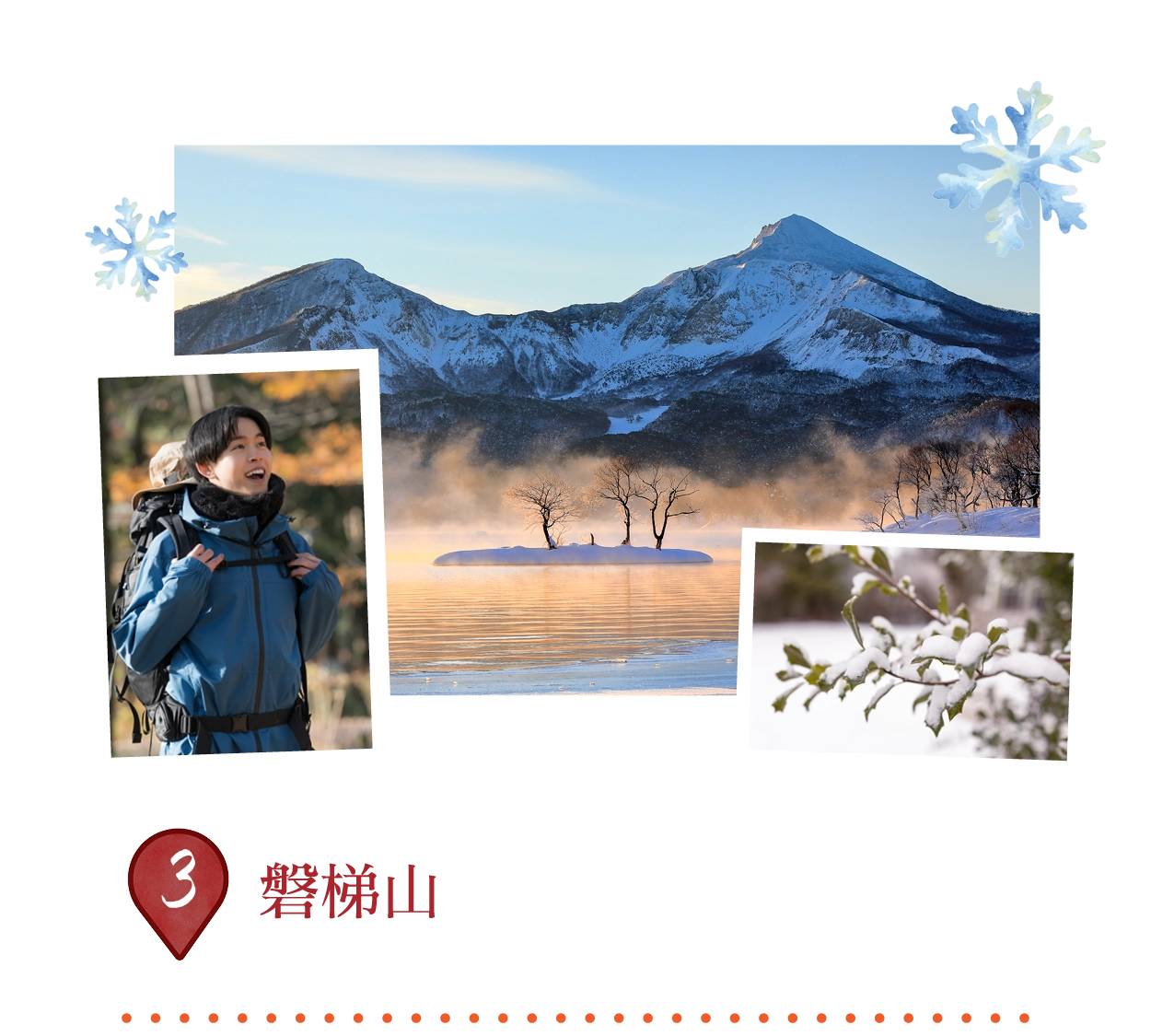
1888年の大規模な噴火で複数峰に変貌し、裏磐梯の美しい湖沼群(檜原湖含む)を形成した成層火山。かつての円錐形から「会津富士」と呼ばれ、磐梯吾妻国立公園のシンボル。初心者向け八方台コース(頂上まで約2時間)から、ブナ林と硫黄噴気帯を巡る上級コースまでハイキングコースが豊富。
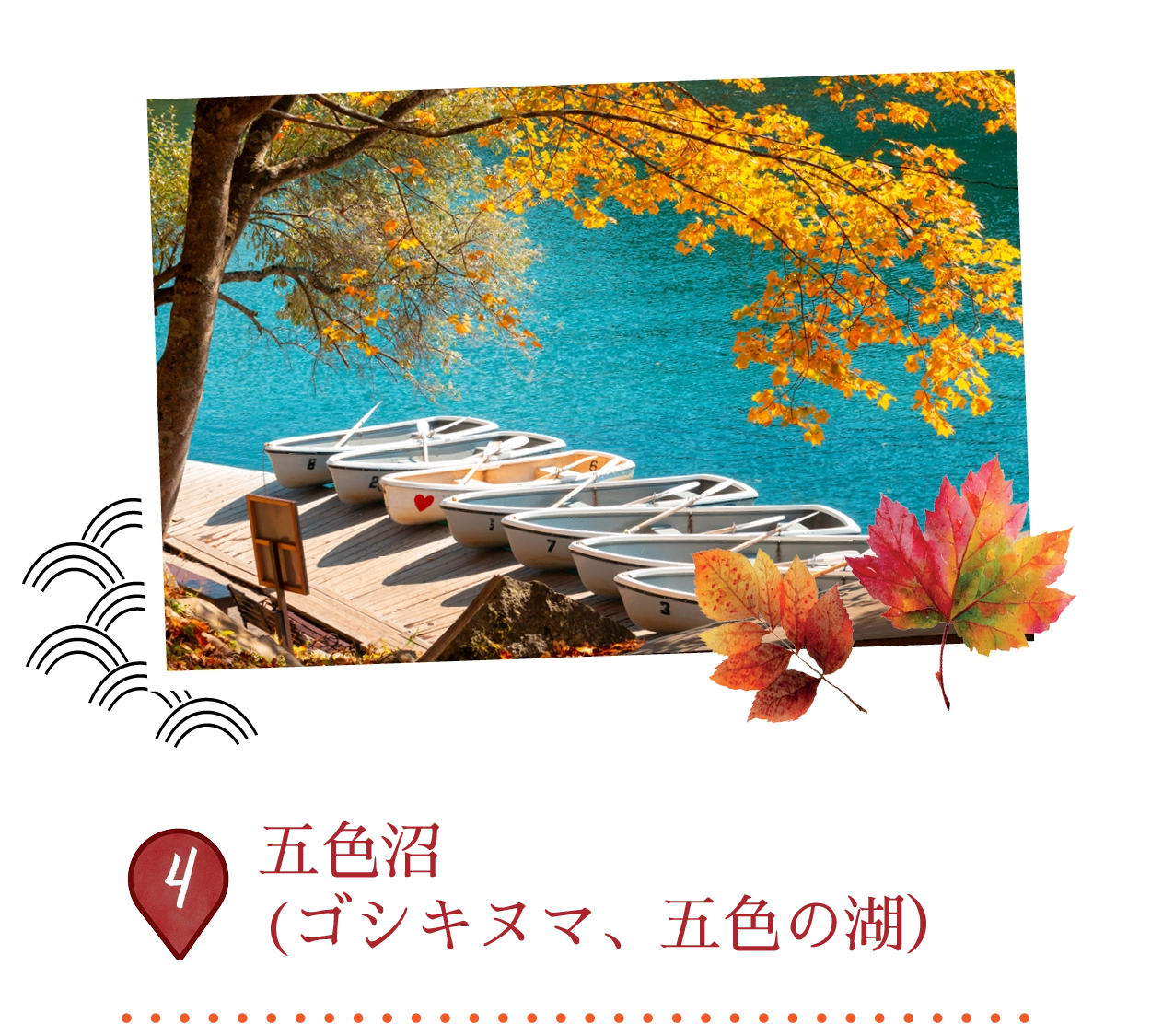
磐梯山麓に広がる息をのむ火山性池沼群。1888年噴火後に形成され、ターコイズ、コーバルトブルー、エメラルドグリーン、赤など幻想的な色合いが天候、季節、酸化鉄などの鉱物で変化。4kmの初心者向け遊歩道で毘沙門沼(ボート貸出)、青沼、瑠璃沼を結び、ブナ林の橋を渡る。
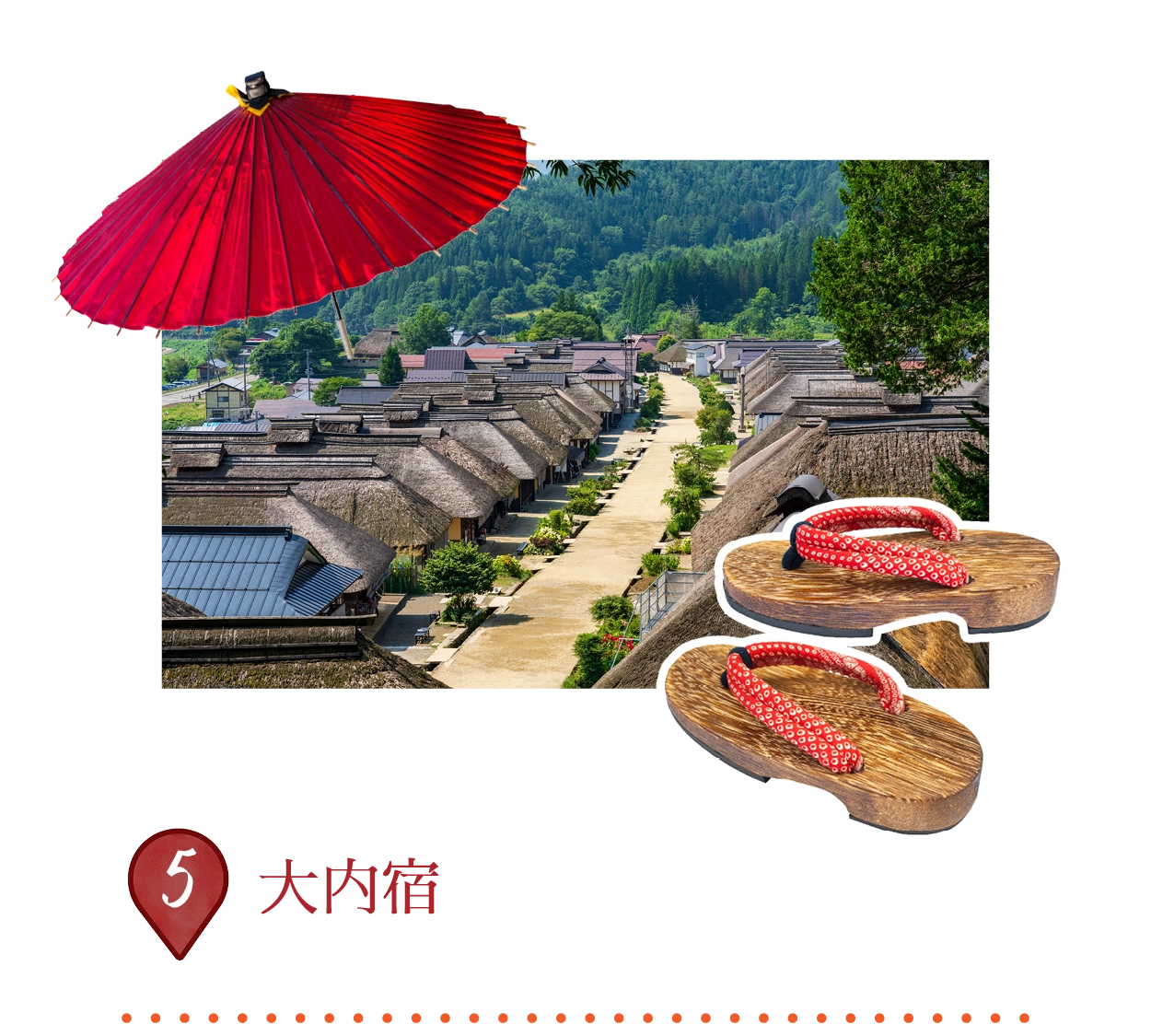
驚くほど保存状態の良い江戸時代の宿場町。1640年頃会津西街道沿いに成立し、30棟以上の茅葺き屋根の家屋が旅籠、商店、飲食店として機能。1981年に「重要伝統的建造物群保存地区」に指定され、地元住民が「売らない、貸さない、壊さない」の原則で維持。
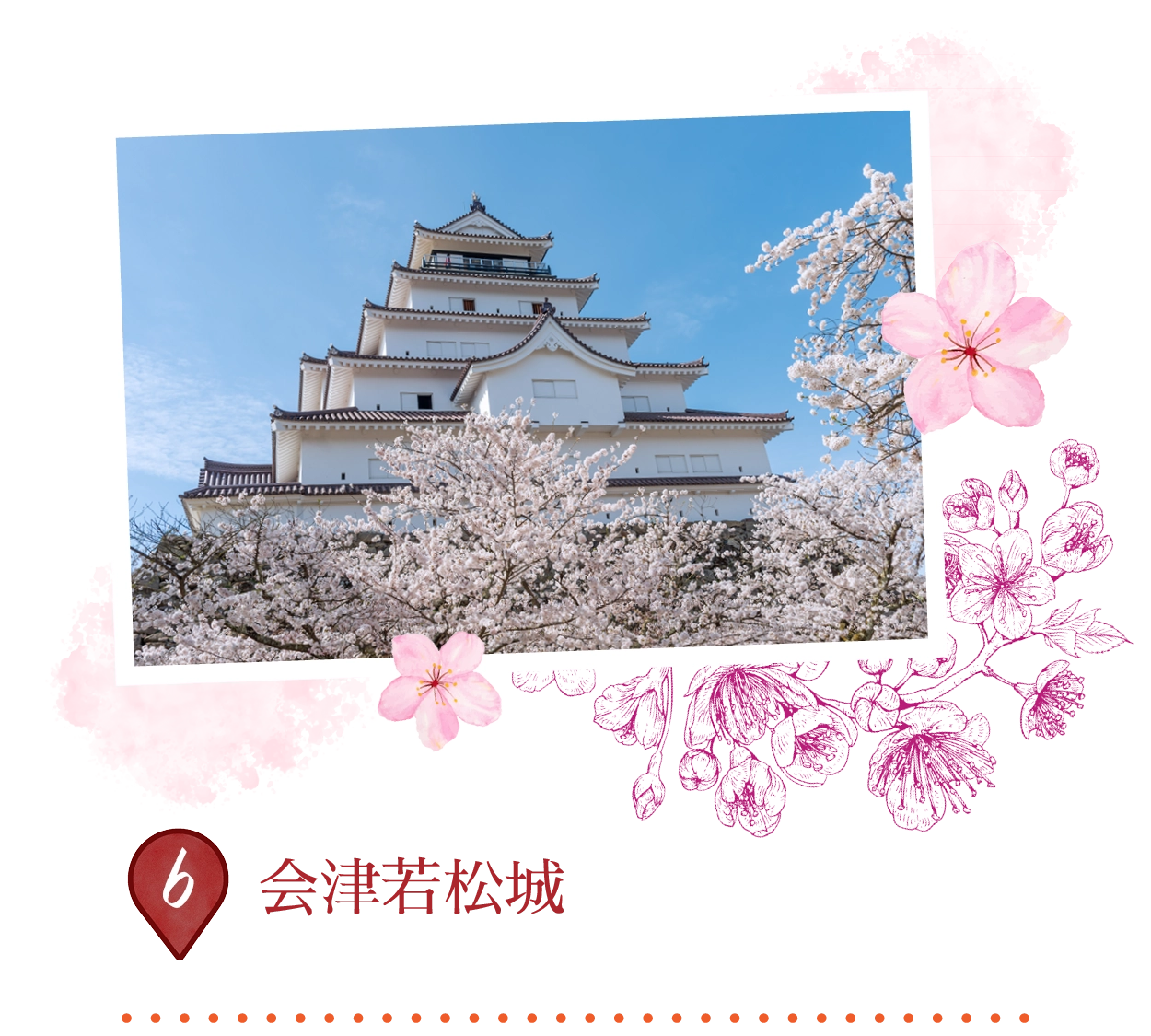
「鶴ヶ城」としても知られ、福島の侍の不屈の象徴。14世紀に黒川城として築かれ、16世紀に蒲生氏郷により五角形の要塞に拡張、深い堀と石垣を備える。白壁の5層天守閣は会津歴史博物館を収容。春は桜に囲まれ、市街のパノラマビューを提供。
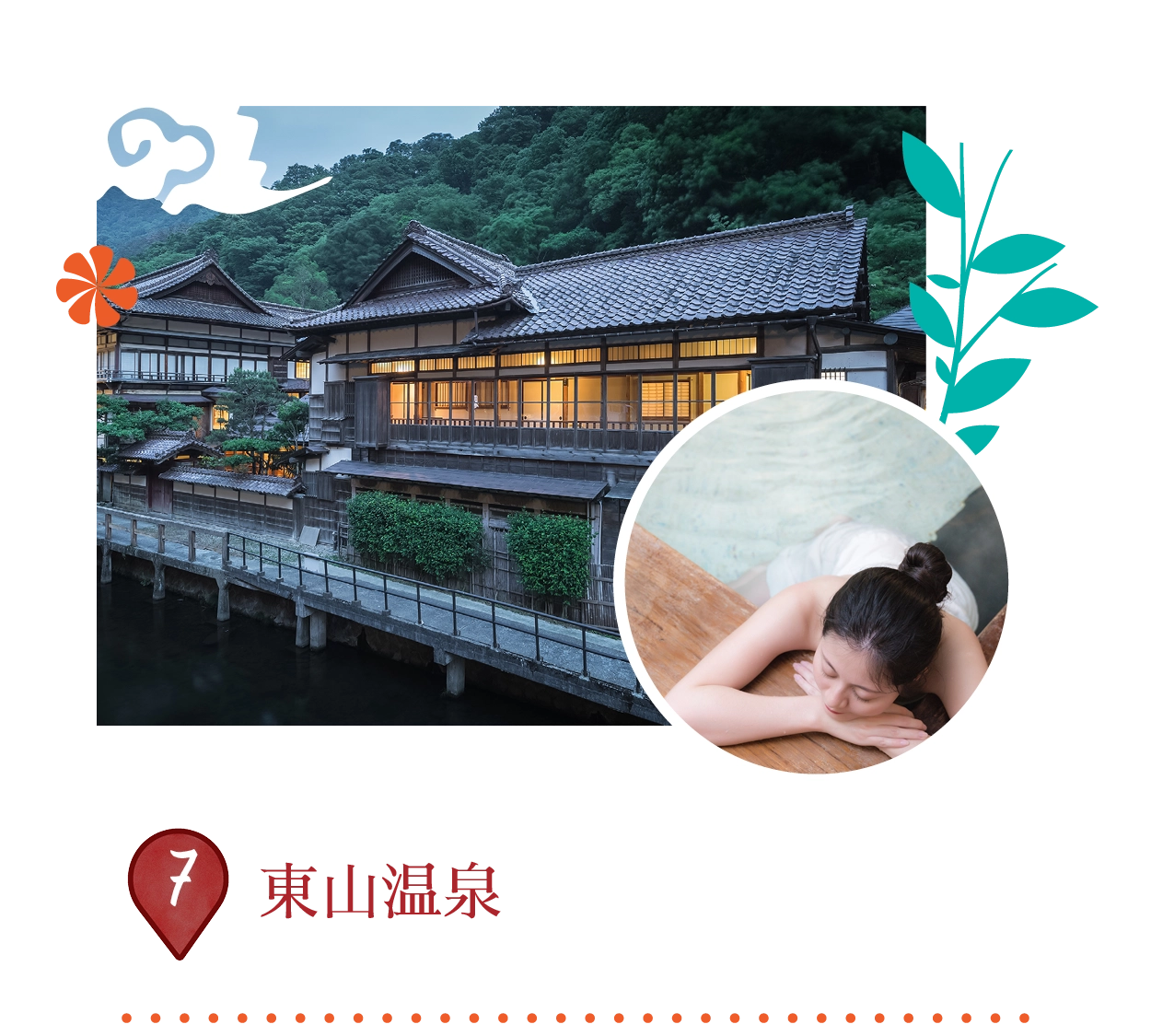 東山町湯本、会津若松市、福島県965-0814、日本
1300年以上の歴史を持つ会津若松の温泉街。8世紀に行基菩薩が発見し、江戸時代には会津侍の行楽地として栄え、東北三名湯の一つ。絹のような硫黄泉が古くから高血圧症や“美肌の湯”として親しまれて、湯川沿いの15軒の旅館が露天風呂と懐石料理を提供。
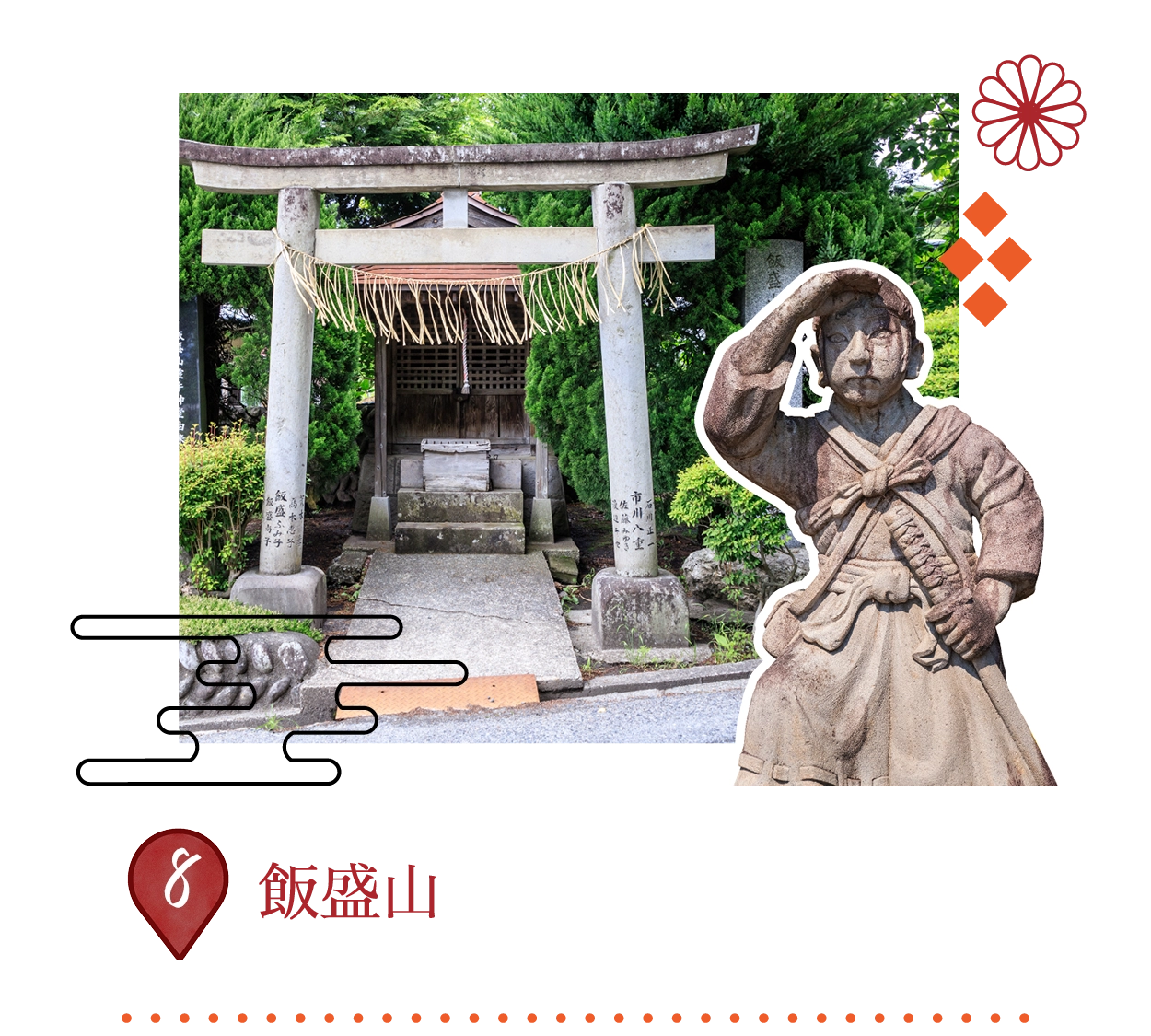
1868年戊辰戦争の悲劇の舞台。由良木隊19名の少年兵が鶴ヶ城陥落と誤認し、自刃した場所。頂上には彼らの墓、慰霊碑、銅像、独特の二重螺旋構造のさざえ堂。有料エスカレーターで登り、街のパノラマを堪能可能。
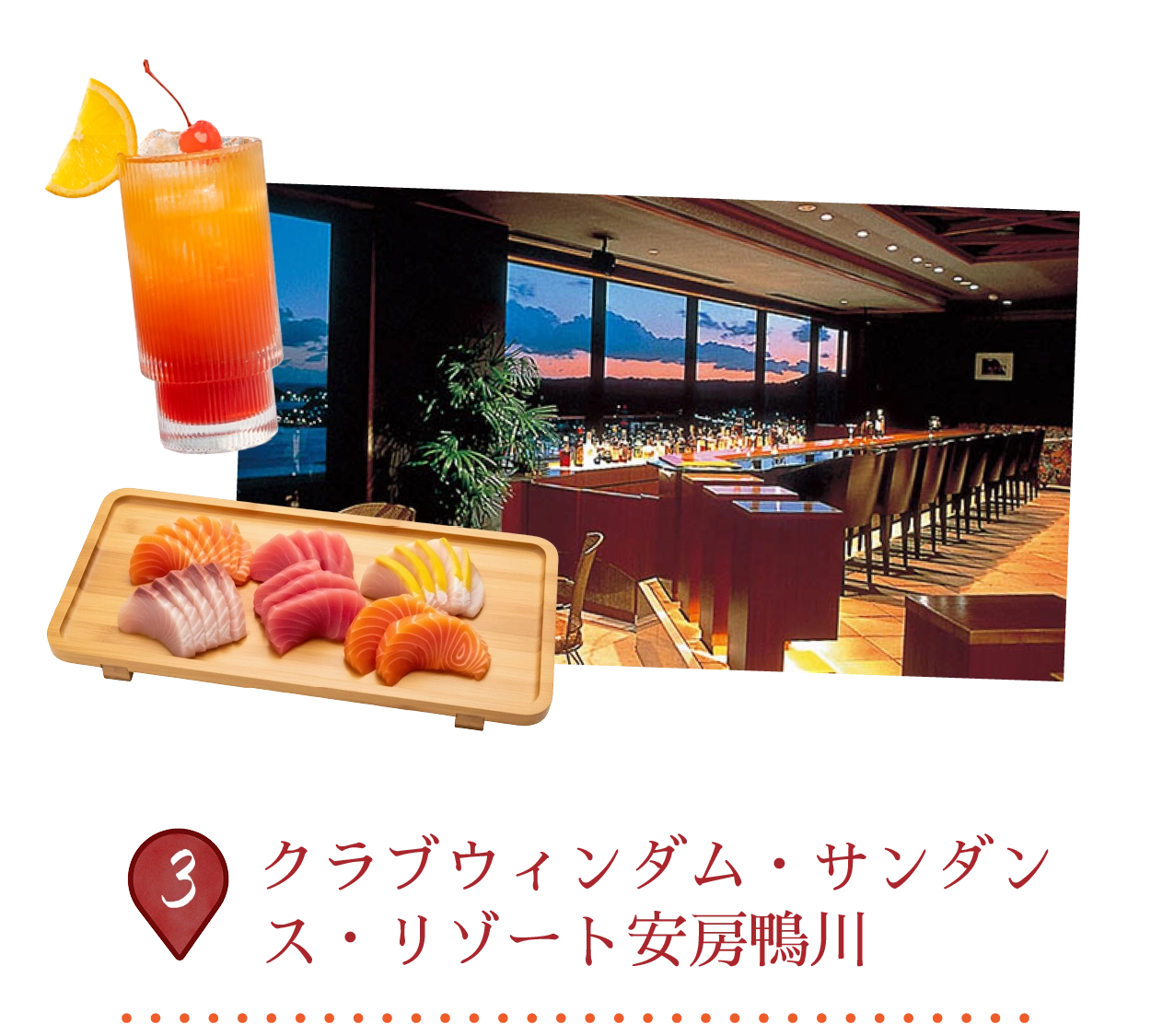
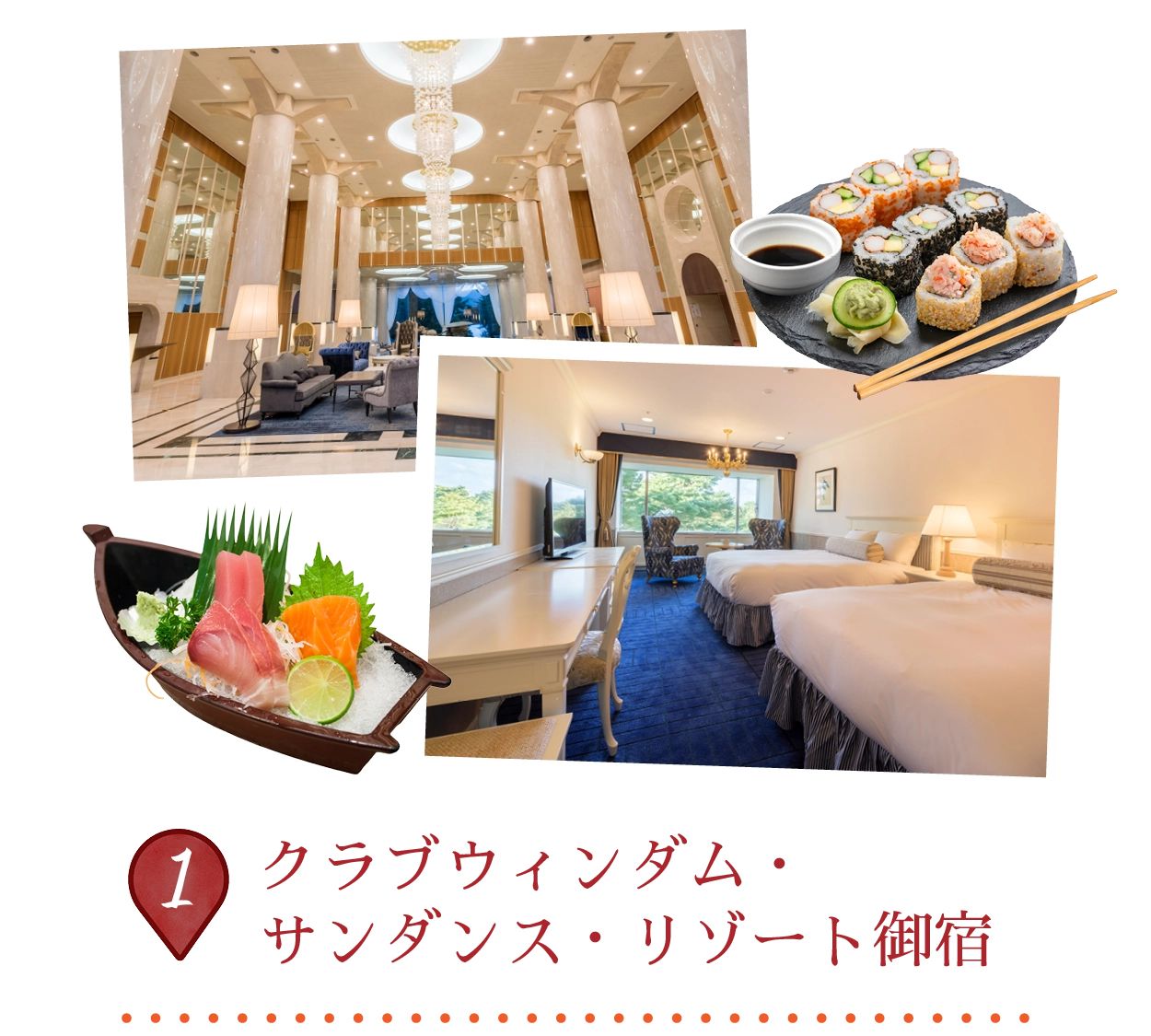
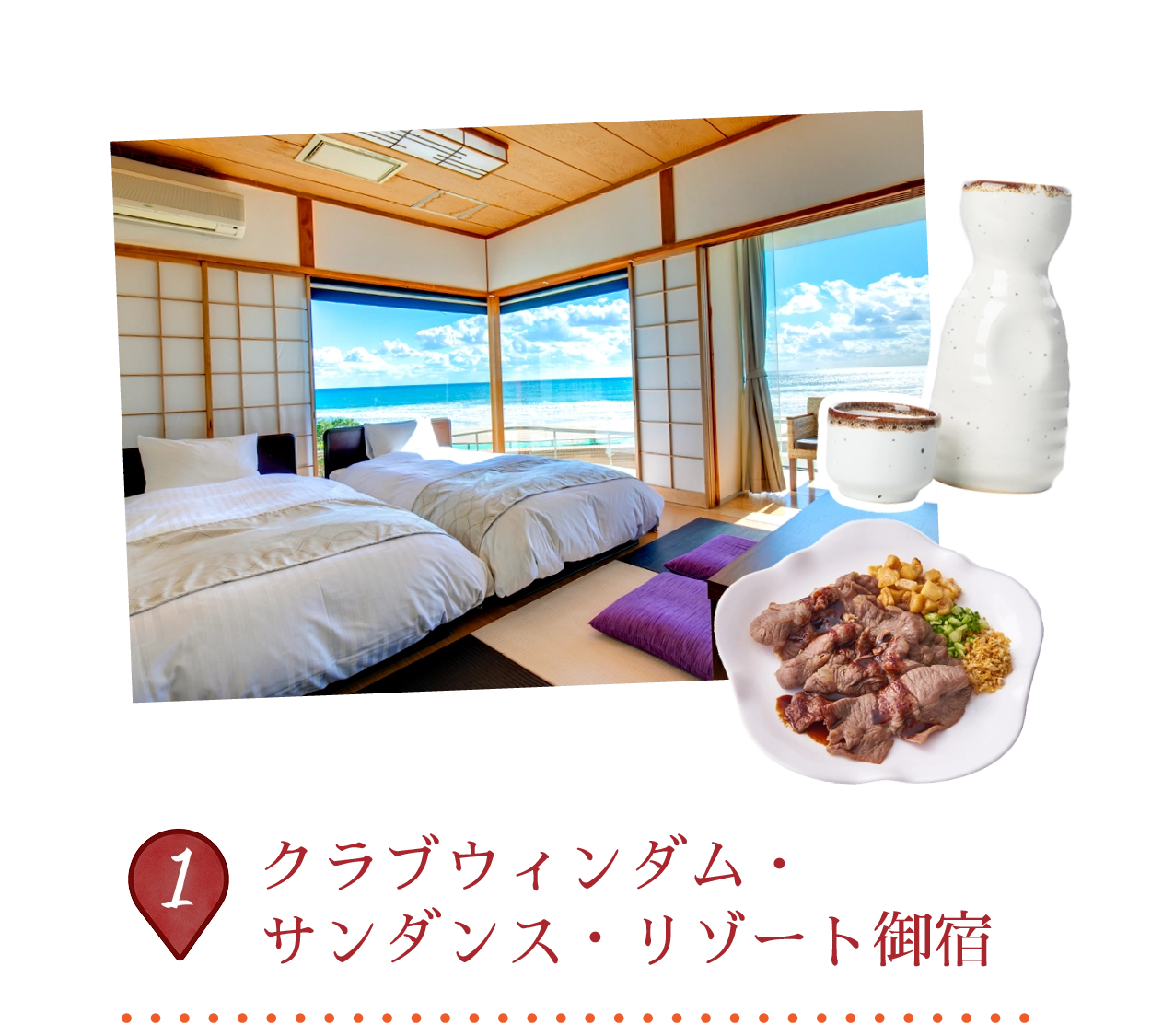
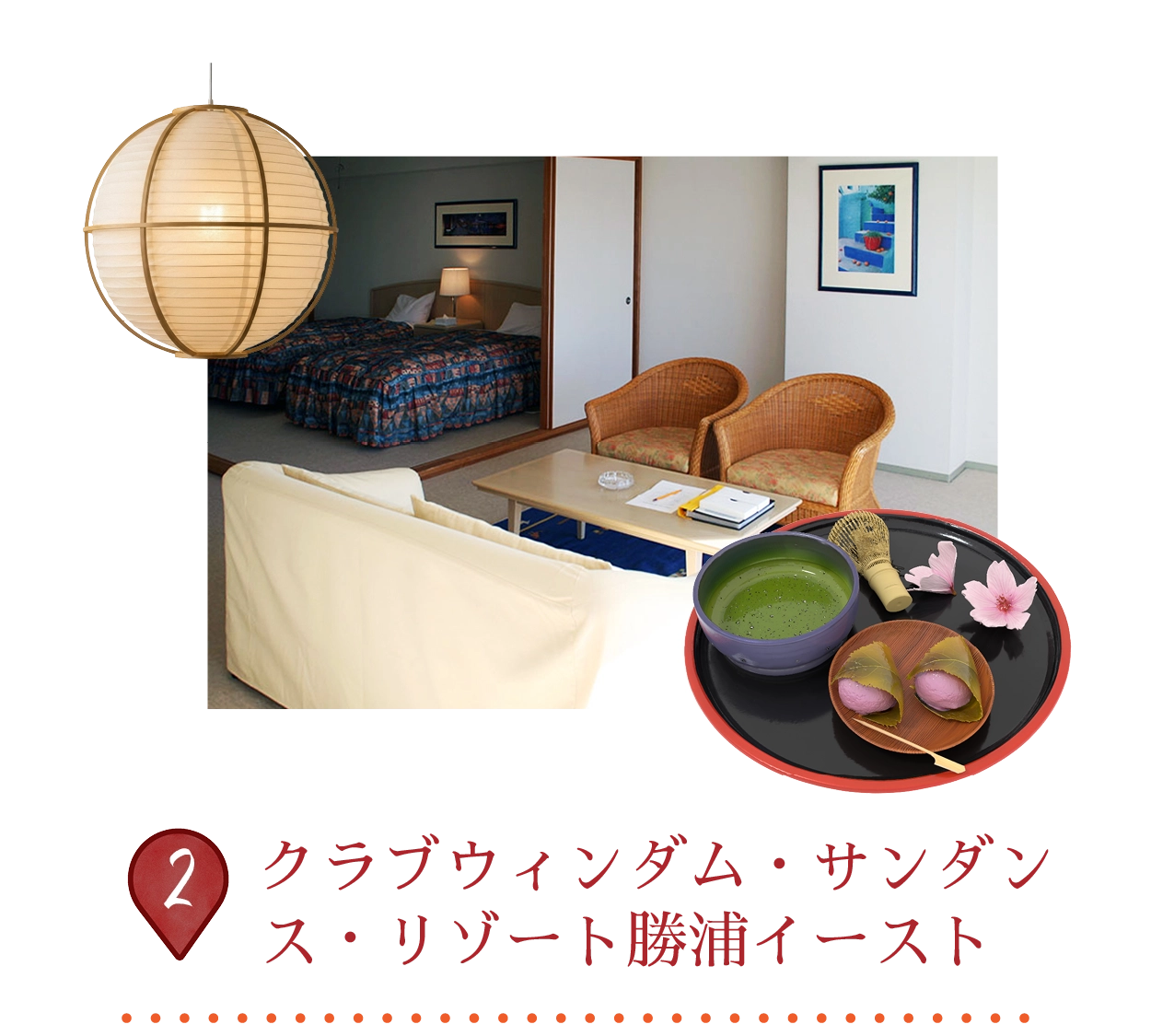
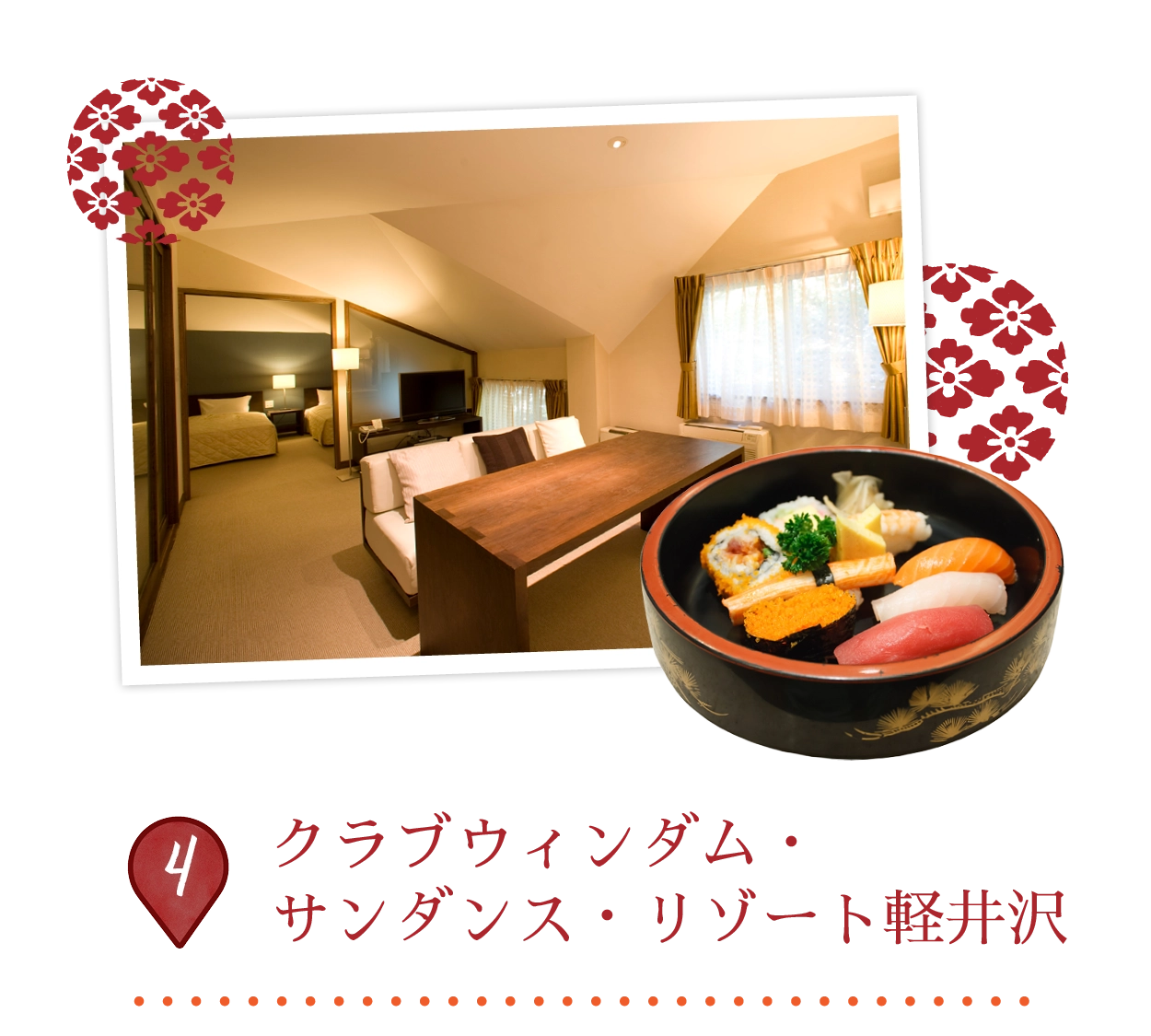
The resort is a charming coastal escape in Chiba featuring traditional Japanese-style rooms with modern amenities, many of which provide scenic garden or ocean views. Guests can enjoy an on-site restaurant and cocktail bar, a sauna, adult and kids’ pools, and private outdoor onsens. Additional perks include a café, bike hire, and easy access to the famous Kamogawa Sea World.
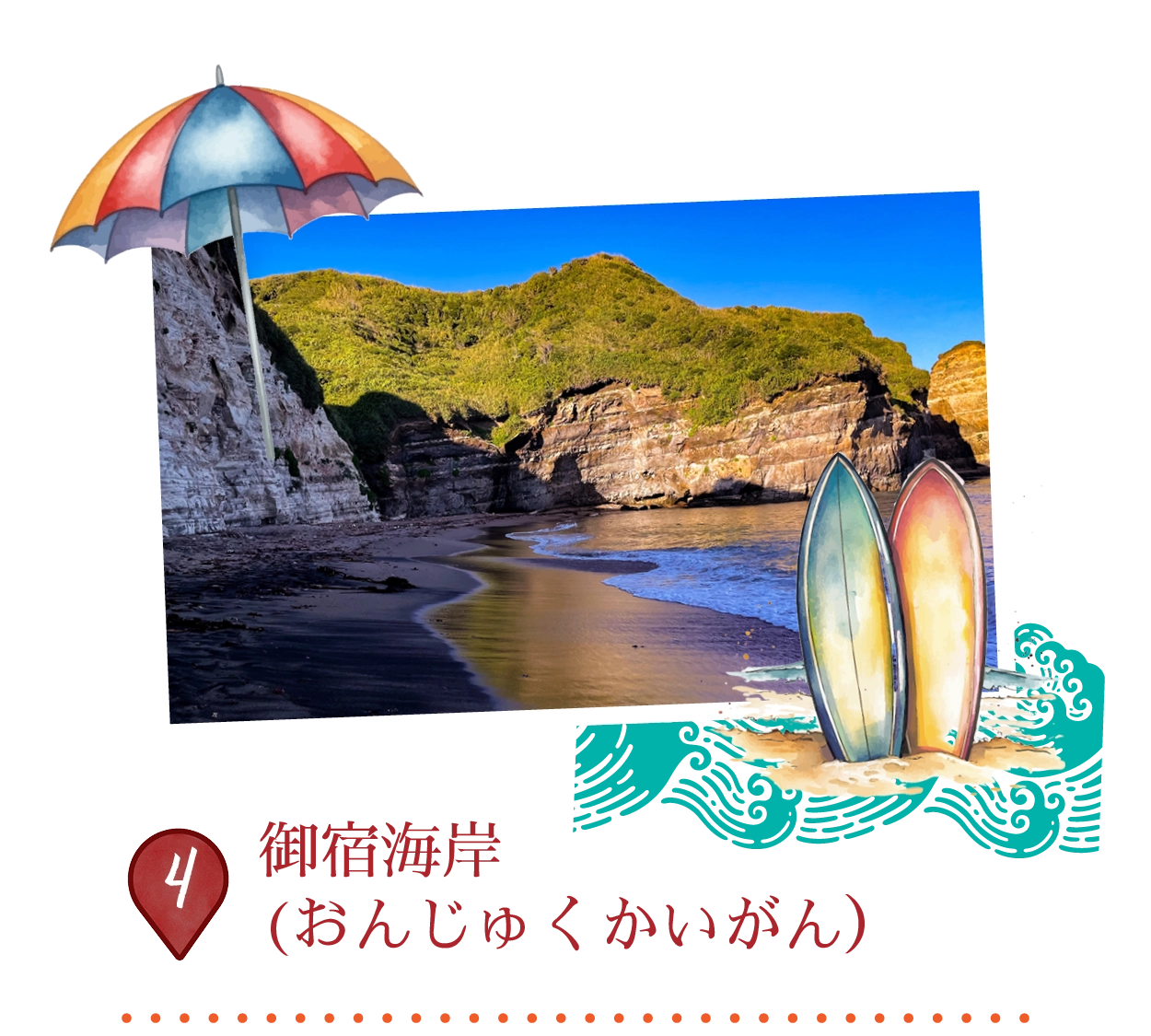
御宿海岸は、千葉県房総半島東岸に位置する全長約2キロメートルの美しい白砂のビーチで、日本有数のサーフスポットとして知られています。東京から電車で約90分とアクセスも良く、透明度の高い海と安定した波が、初心者から上級者まで多くのサーファーや海水浴客を惹きつけています。シャワー設備や周辺にはサーフボードのレンタル店も整っています。
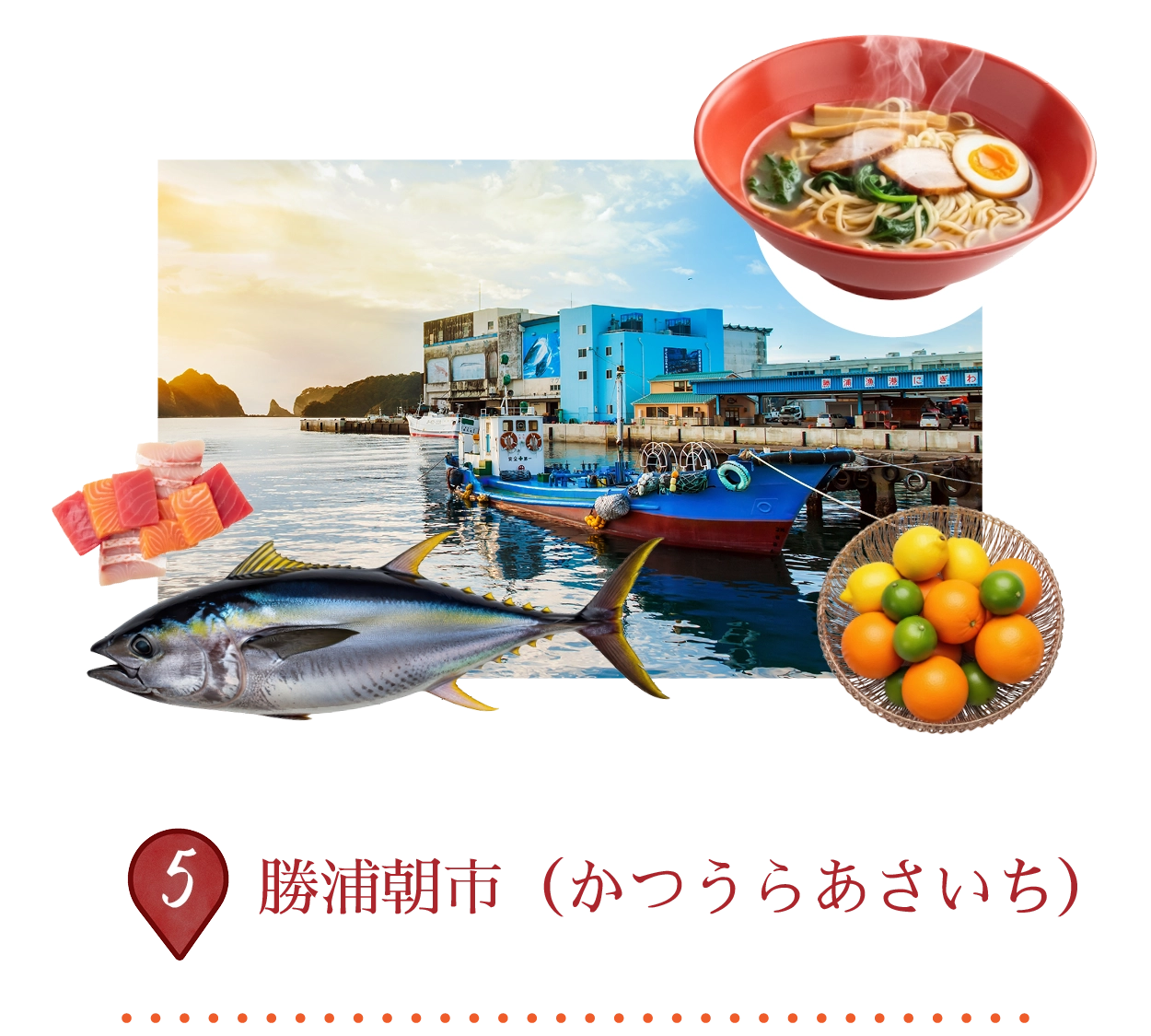
勝浦朝市は、日本三大朝市のひとつとして知られ、430年以上の歴史を誇ります。毎週水曜日を除き毎日開催され、新鮮な魚介類や旬の野菜、名物の勝浦タンタンメンなどを求めて多くの人で賑わいます。気さくな店主との会話も、この歴史ある朝市ならではの魅力のひとつです。
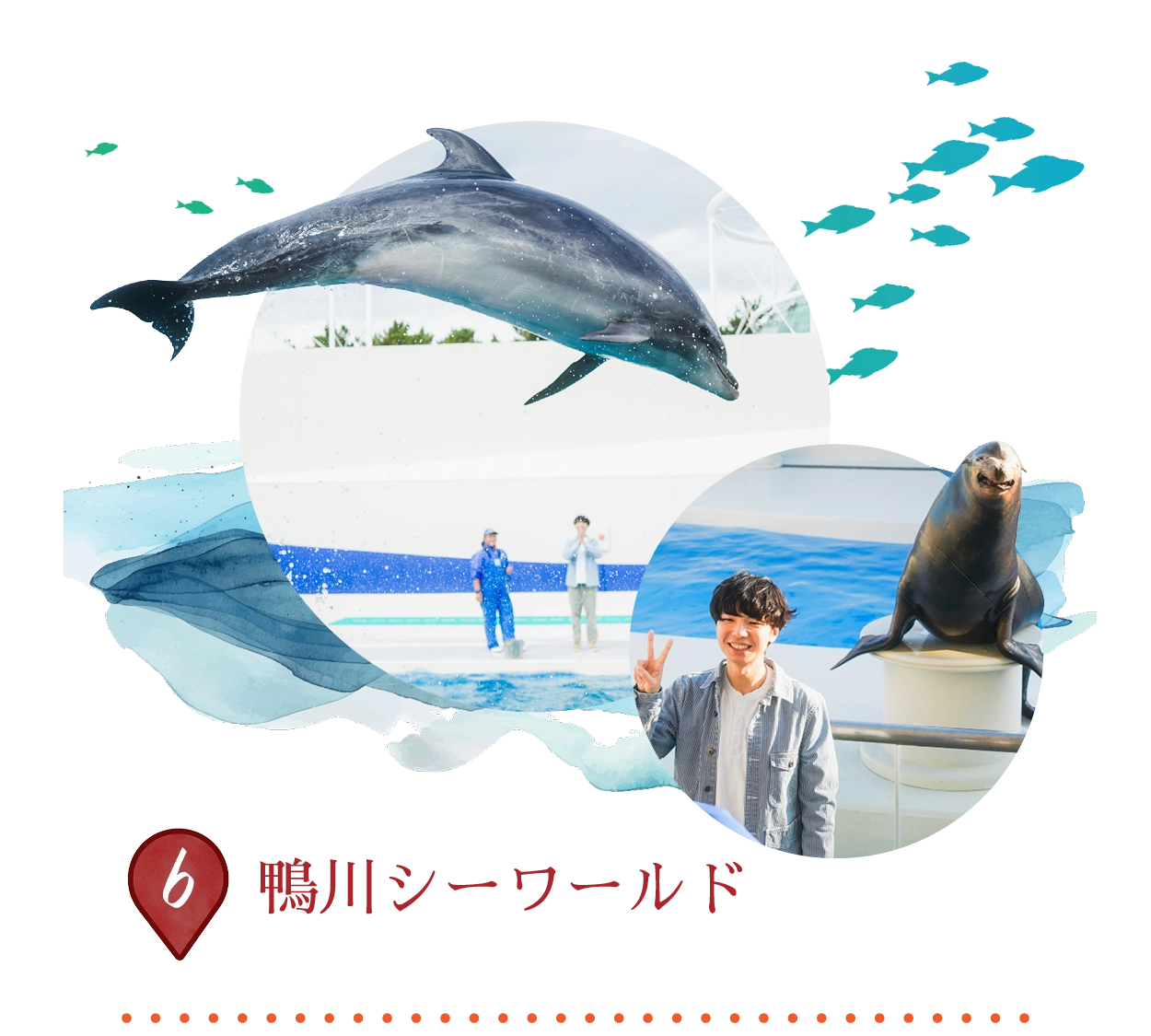
鴨川シーワールドは、迫力ある動物パフォーマンスと学びのある展示が楽しめる、日本有数の海洋テーマパークです。太平洋を背景に、シャチ(オルカ)やイルカ、アシカによるダイナミックなショーを鑑賞できます。海洋環境の保全にも力を入れており、さまざまな海の生き物を間近で観察できる体験型プログラムも充実しています。
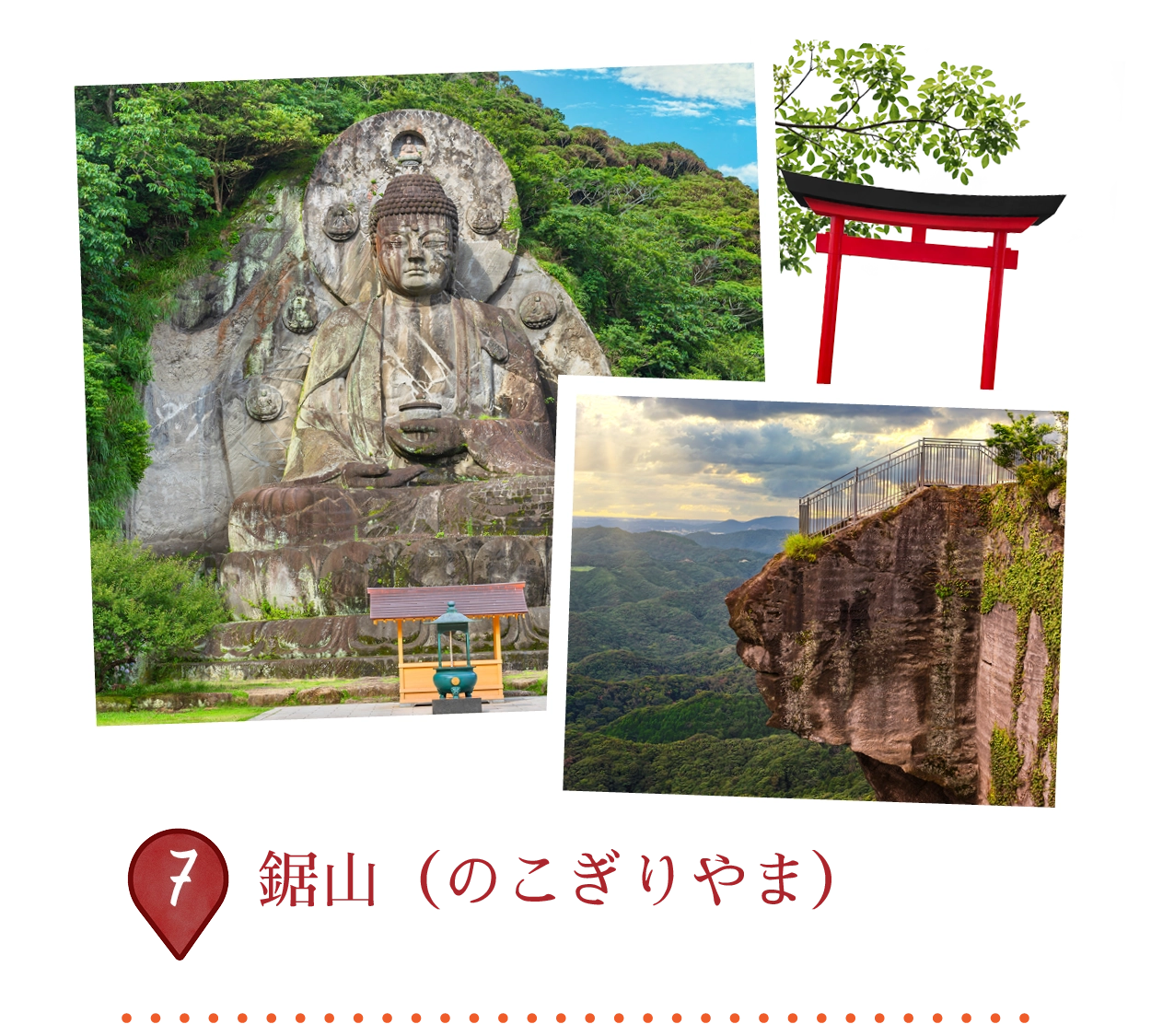
鋸の歯のような鋭い稜線が特徴的な、房総半島を代表する海沿いの山です。山頂へはロープウェーまたは登山道でアクセスでき、断崖絶壁からの絶景が楽しめる「地獄のぞき」は特に有名です。山中には日本寺(にほんじ)境内が広がり、日本最大級の石仏である大仏や、数千体に及ぶ石仏群を見ることができます。
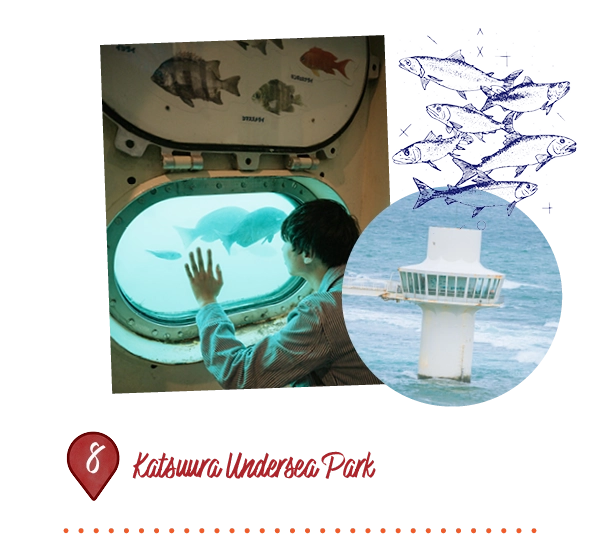
かつうら海中公園は、太平洋へ約60メートル伸びる海中展望塔が見どころの施設です。海面下約8メートルまで降り、24枚の観察窓を通して、季節ごとの魚やサンゴなど多彩な海の生き物を観察できます。千葉県の美しい海中公園エリアに位置し、濡れることなく自然の海洋生態系を間近に体感できる貴重なスポットです。
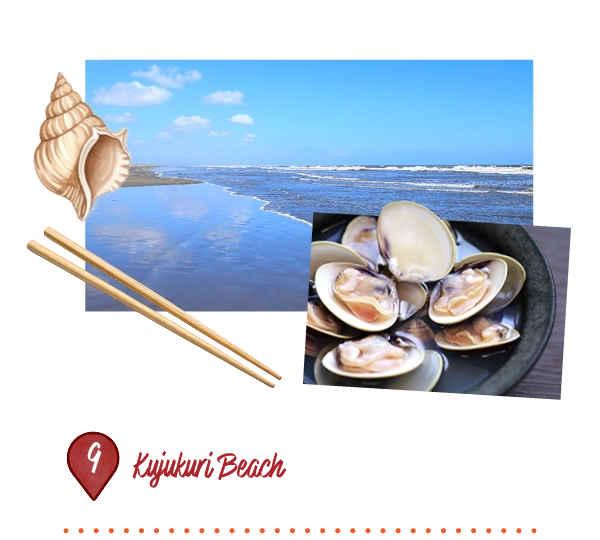
九十九里浜は、房総半島の太平洋沿いに約66キロメートル続く、日本最長の砂浜海岸です。起伏の多い日本の海岸線とは異なり、なだらかな弧を描く広大なビーチが広がり、サーフィンや海水浴、マリンスポーツの名所として親しまれています。海沿いには地元ならではの雰囲気が残り、新鮮な魚介類や名産のハマグリを提供する浜小屋も点在しています。
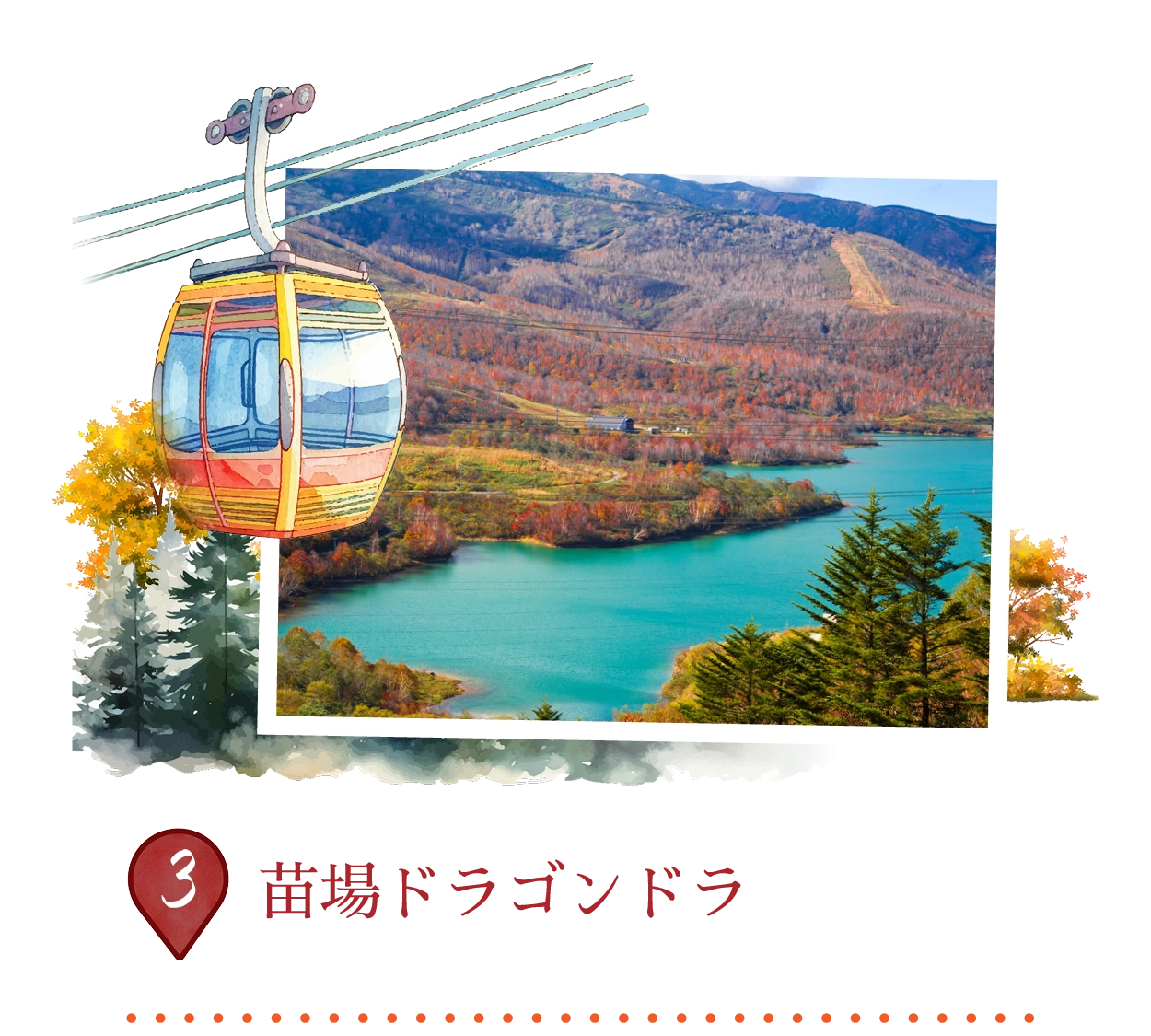
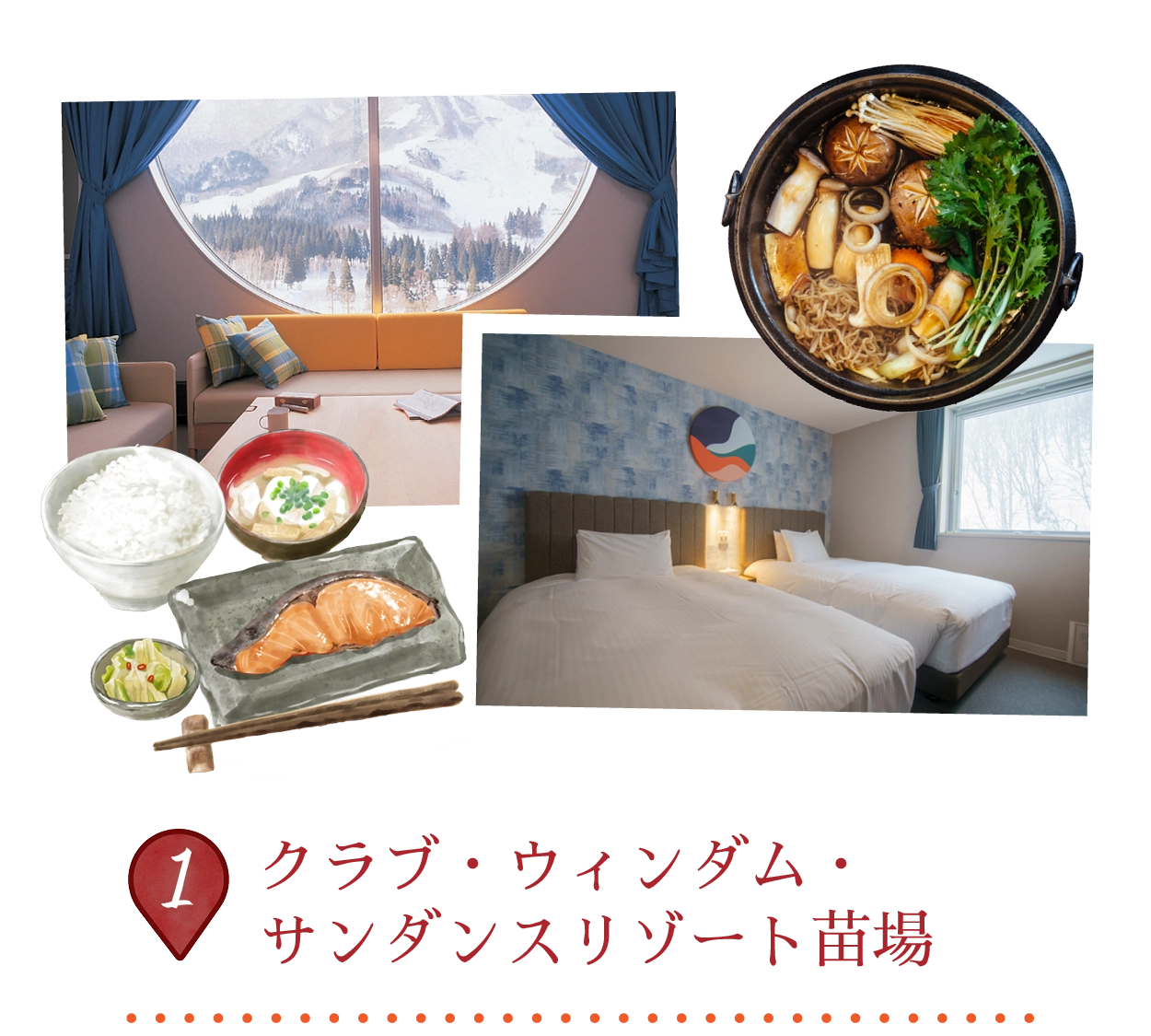
苗場ドラゴンドラは、日本最長のゴンドラリフトで、長さは5,481メートルに及び、苗場スキーリゾートと田代スキーリゾートを結んでいます。その名前は、山々を越えるドラゴンの背骨のような道に由来しており、湖や谷、森林を一望できるパノラマビューが楽しめます。秋の紅葉や冬の雪景色が色鮮やかで、スキーアクセスとしても人気があり、年間を通じて観光にも最適です。
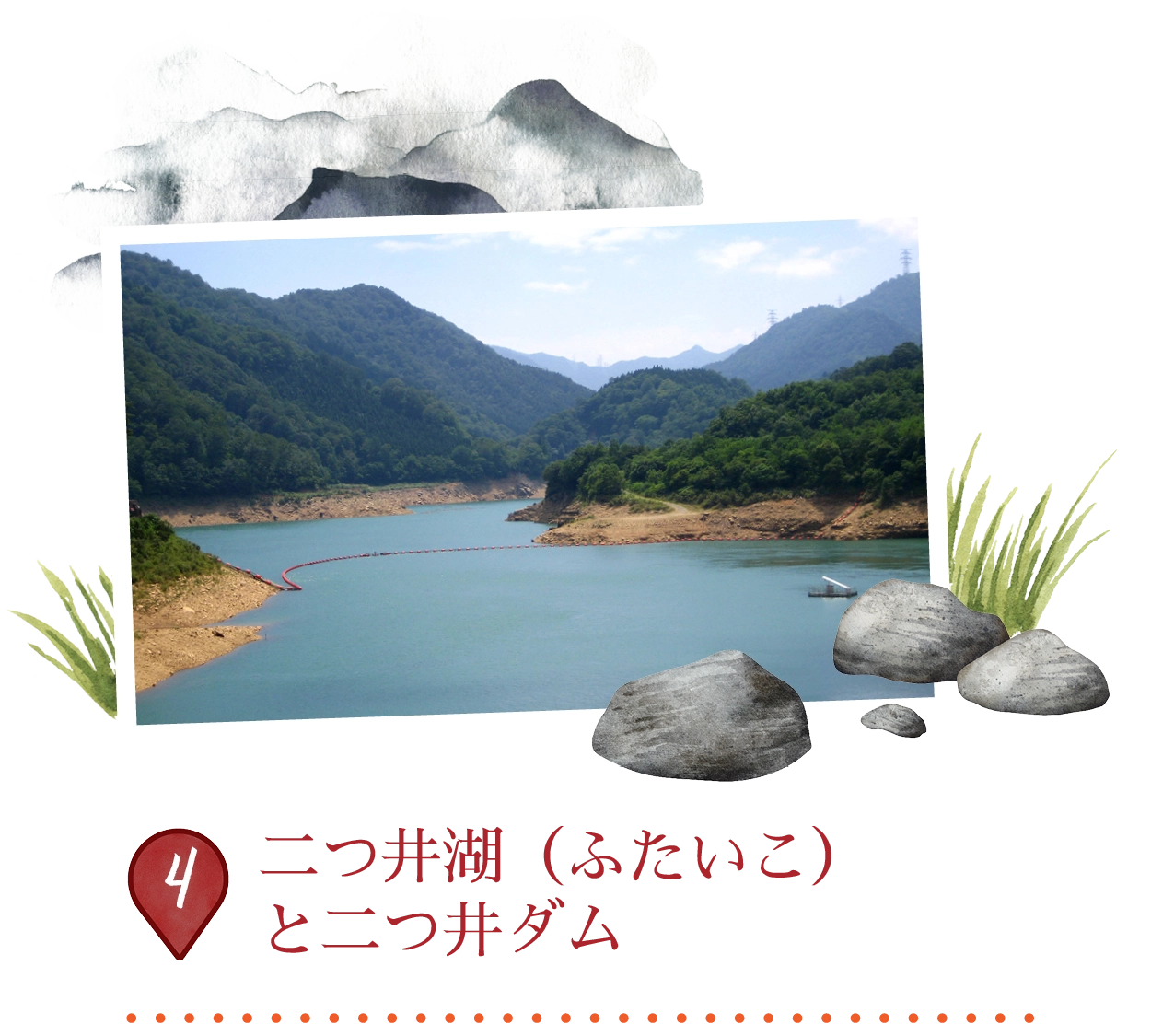
二つ井ダムは、景観美しい二つ井湖エリアの一部として楽しまれている、清津川にあるロックフィルダムです。高さ87メートルで、エメラルドグリーンの貯水池を形成しており、時折「二つ井湖」とも呼ばれます。周囲は秋の色に輝く苗場の森林に囲まれており、このダムは奥清津ポンプ貯水式発電所の下流貯水池として機能しています。ネバドラゴンドラや近隣の観光ルートからもその美しい景色を楽しむことができます。
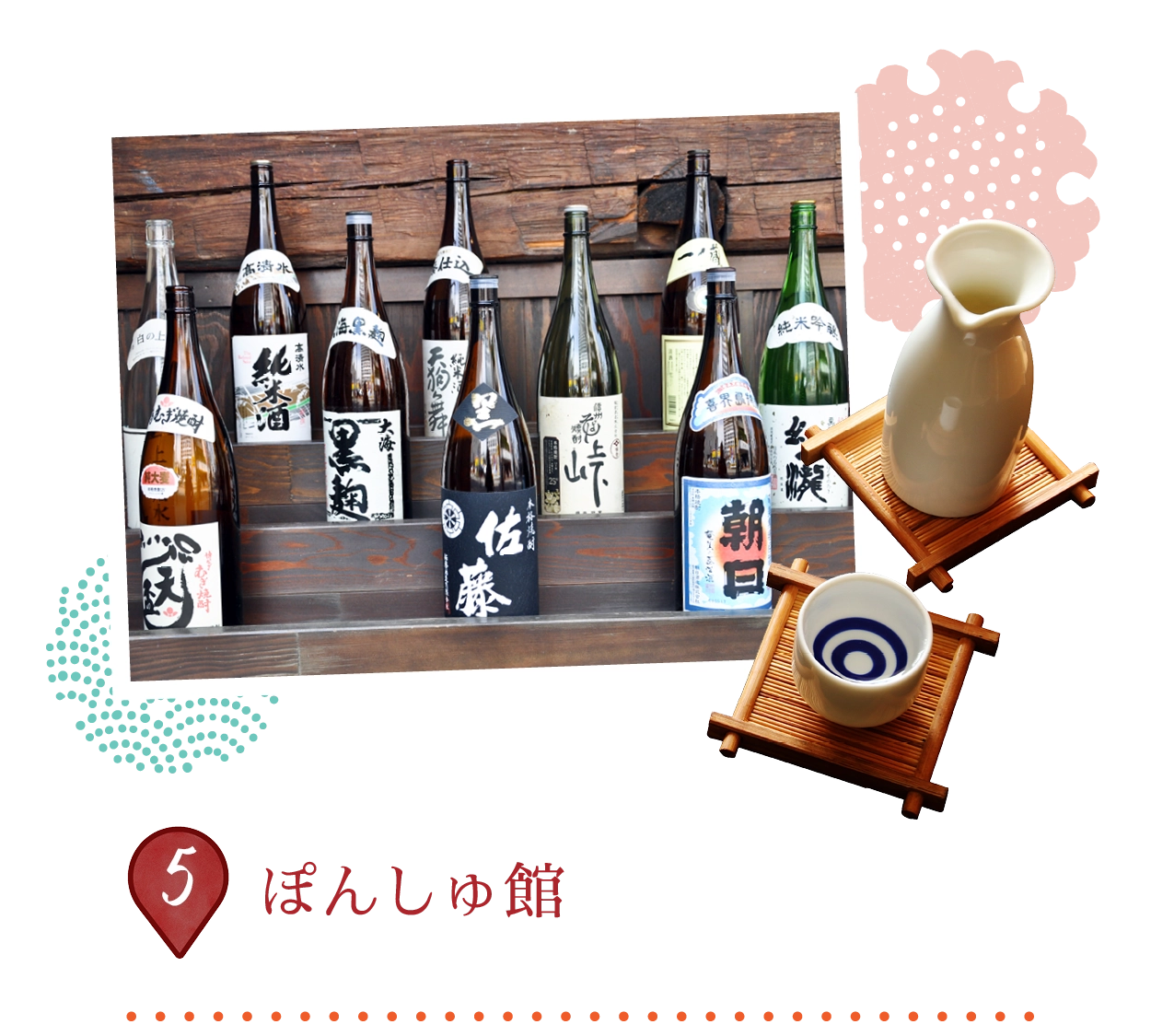
越後酒の陣は、越後湯沢駅内にあり、新潟県が日本一の酒蔵地であることを祝う酒文化を紹介する施設です。CoCoLo湯沢内に位置し、90を超える地元の酒蔵を紹介し、酒造りの歴史や米の品種、越後杜氏(えちごとうじ)についてのインタラクティブな展示が楽しめます。訪れる人々は、キキザケ番所で100種類以上の日本酒を試飲したり、酒風呂を楽しんだり、酒を使ったお菓子などの土産を購入したりできます。
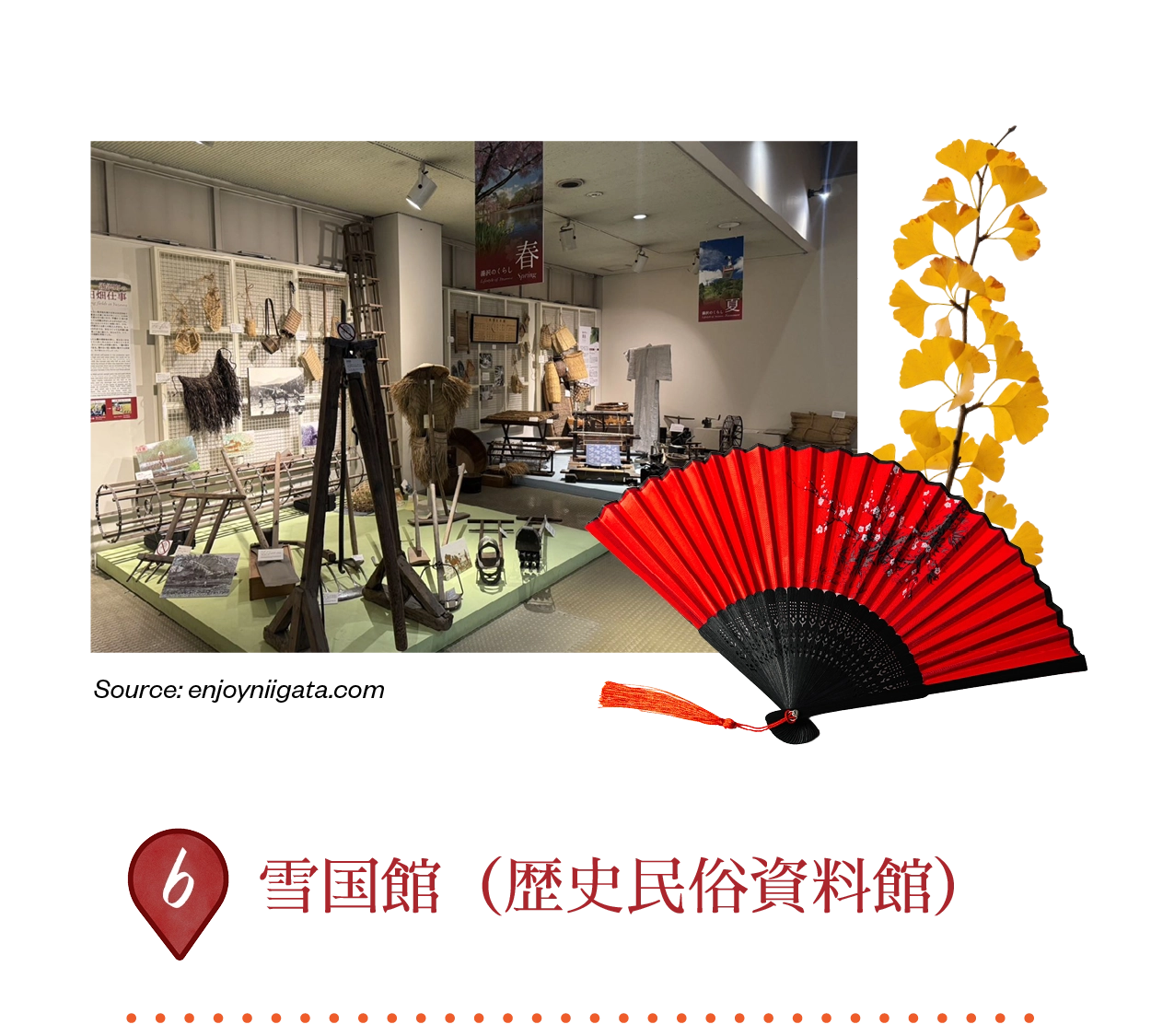
雪国館は、「雪国」として知られる、湯沢を舞台にしたノーベル賞作家川端康成の名作小説の世界に浸ることができる博物館です。伝統的なケヤキの木造切妻屋根の農家に収められたこの博物館では、縄文時代の遺跡から出土した遺物、民俗道具、そしてヒロイン・駒子の部屋を再現した展示などが紹介されています。
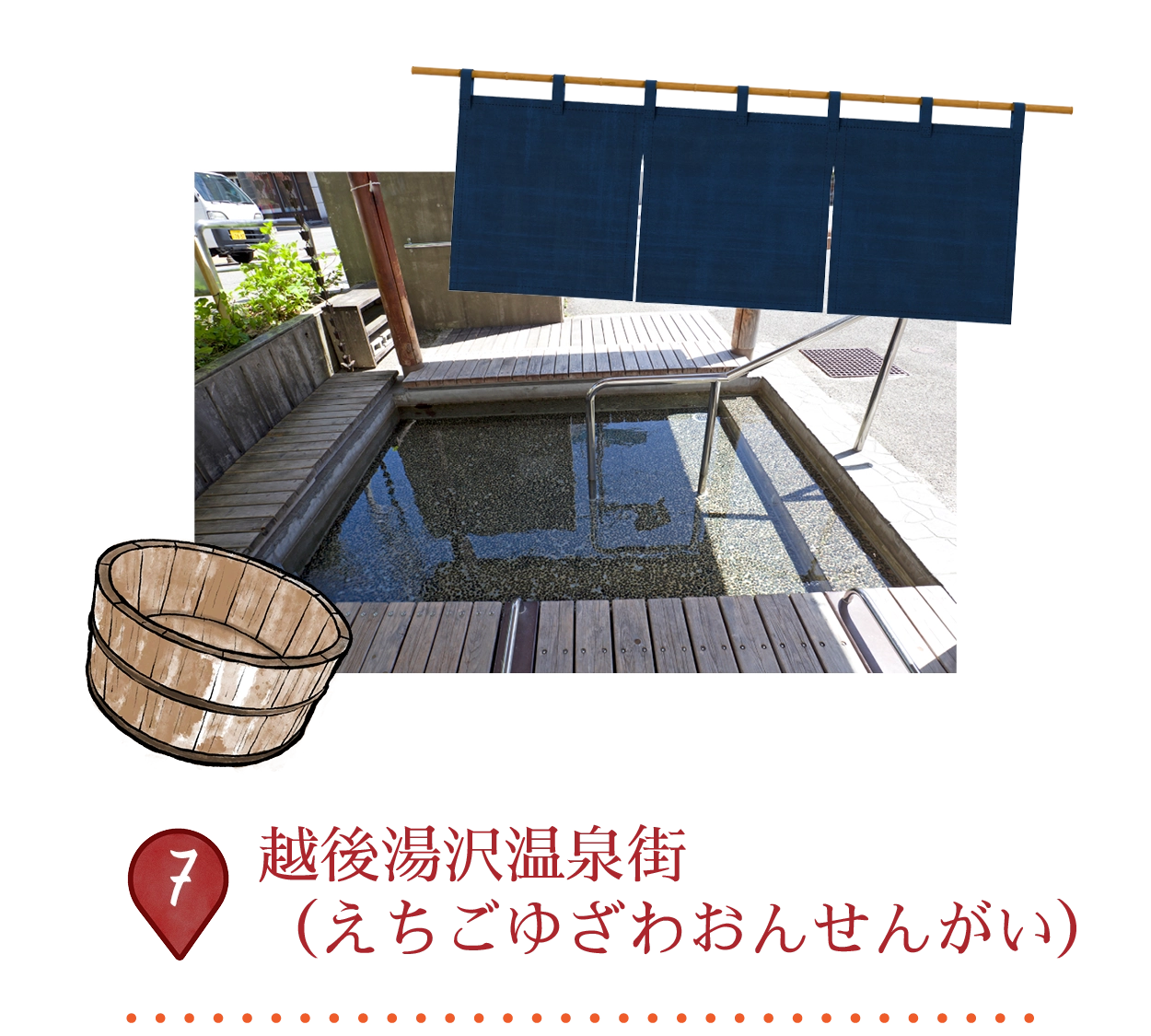
越後湯沢温泉街は、東京から新幹線でわずか80分の距離にある活気ある冬のリゾート地です。1,000年以上の温泉の歴史を持ち、大雪で知られるこの街は、アルカリ性の温泉水が筋肉や肌を癒してくれます。温泉旅館、公共の浴場、そしてポンシュカンのユニークな酒入り温泉など、さまざまな場所でその効能を楽しめます。
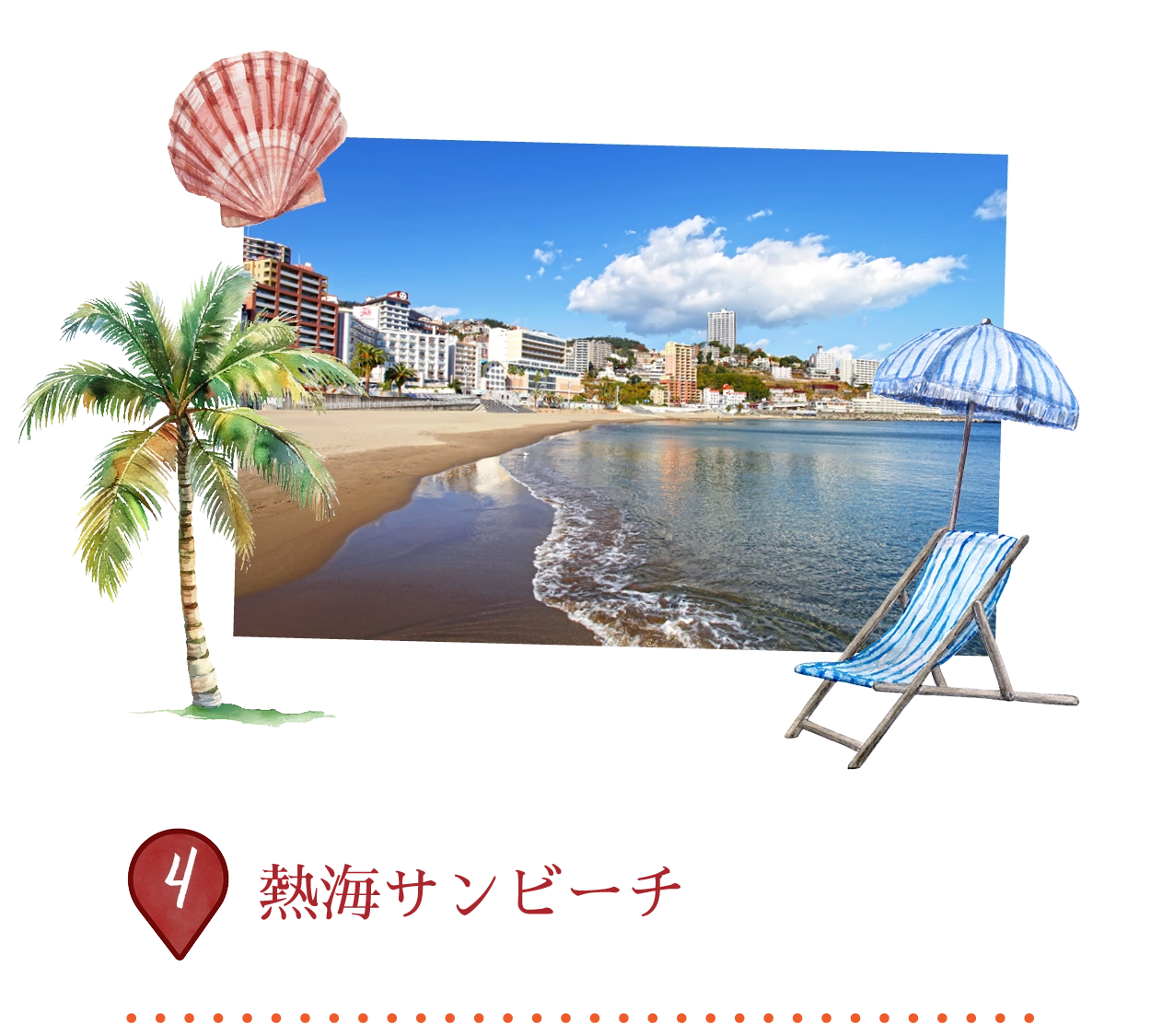
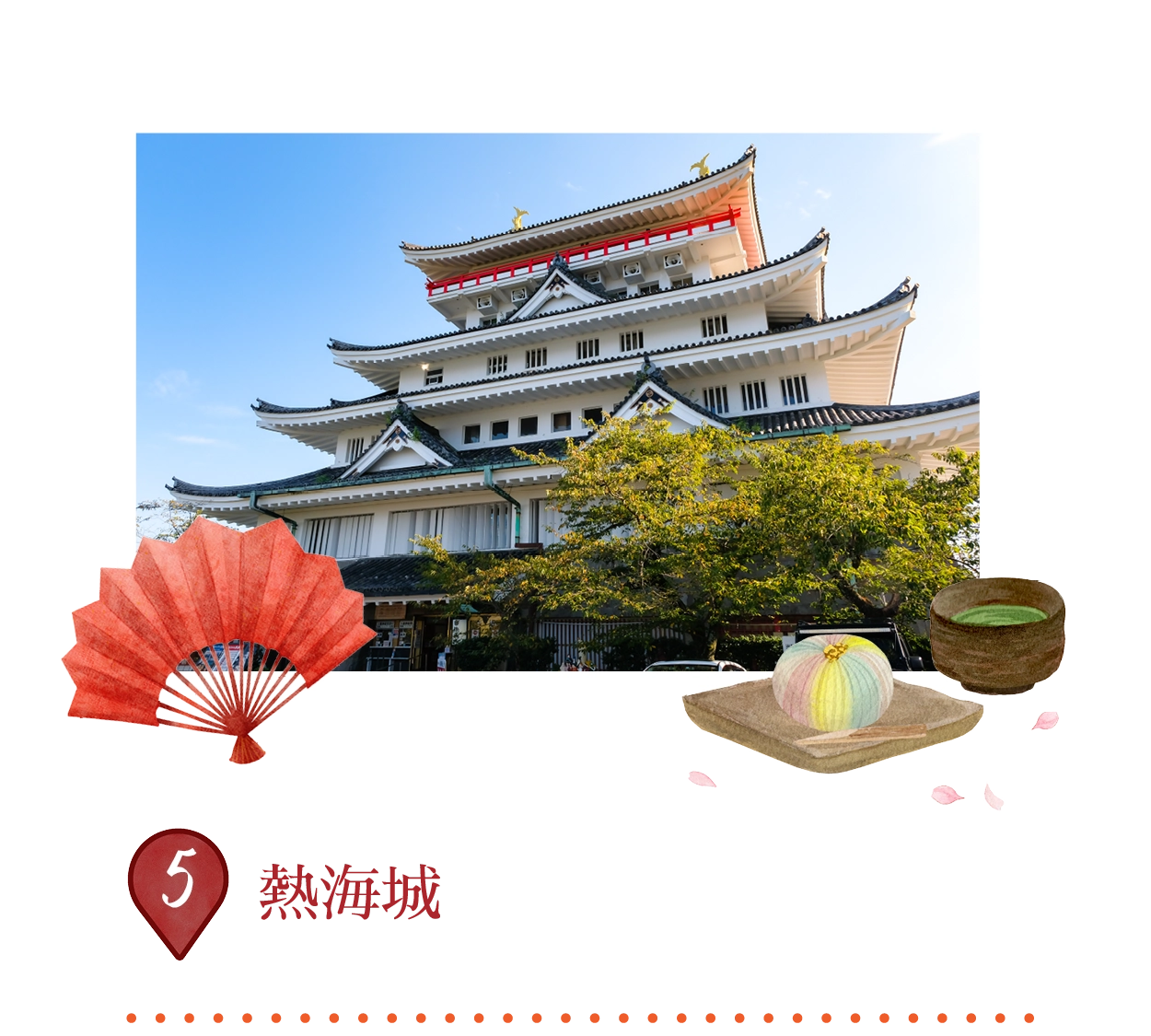
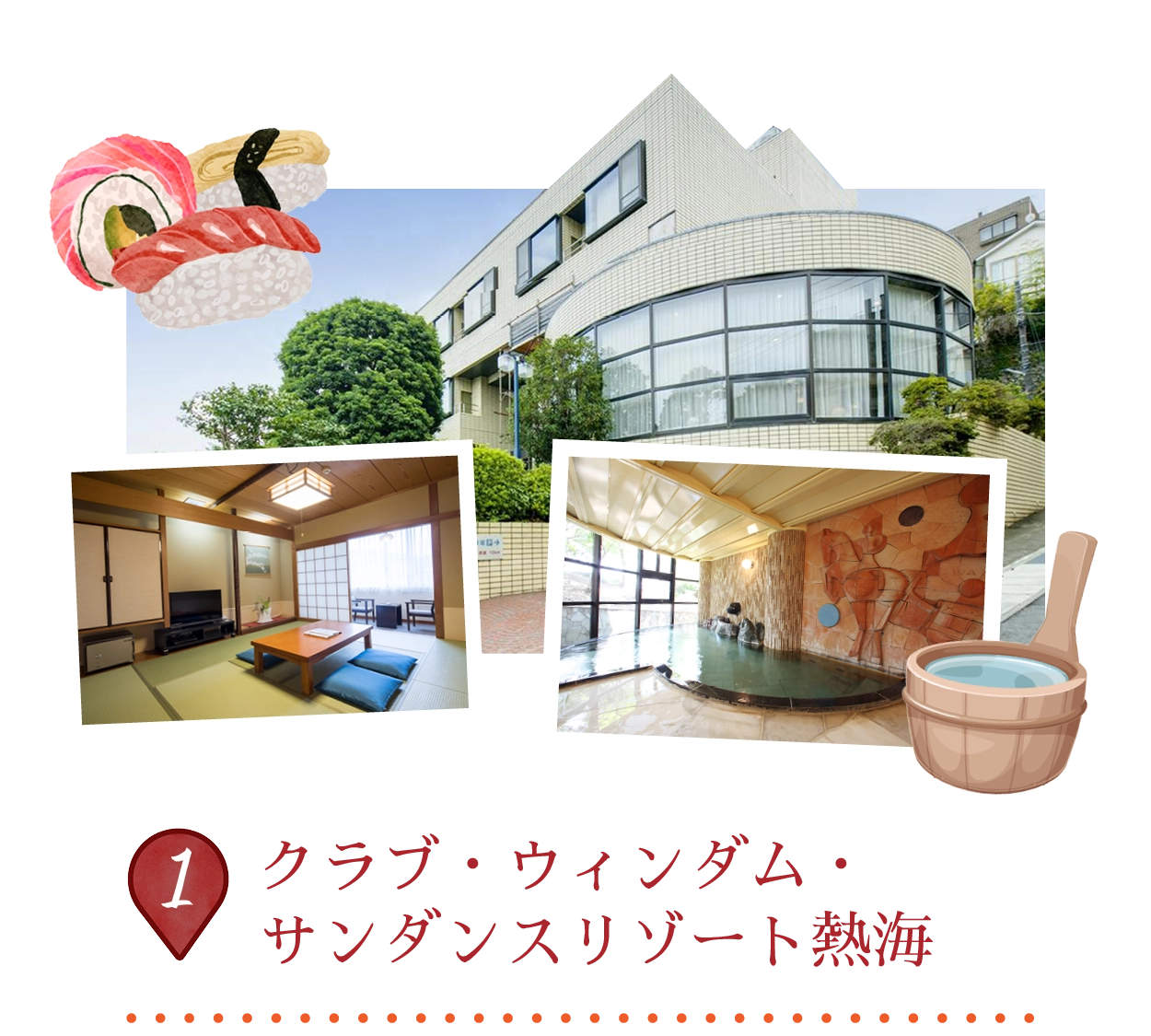
熱海城は、1959年に熱海市の錦ケ浦山頂に建てられた近代的な複製で、歴史的な前身はありませんが、桃山時代の建築様式を模しています。この五階建てのコンクリートの塔は、高さ160メートルの展望台として、相模湾や熱海の海岸線、晴れた日には東京スカイツリーなどの遠くの名所を360度のパノラマで楽しむことができます。館内には、江戸時代の遺物、侍の鎧、刀、春画などが展示されており、春には庭園に桜が咲き誇ります。
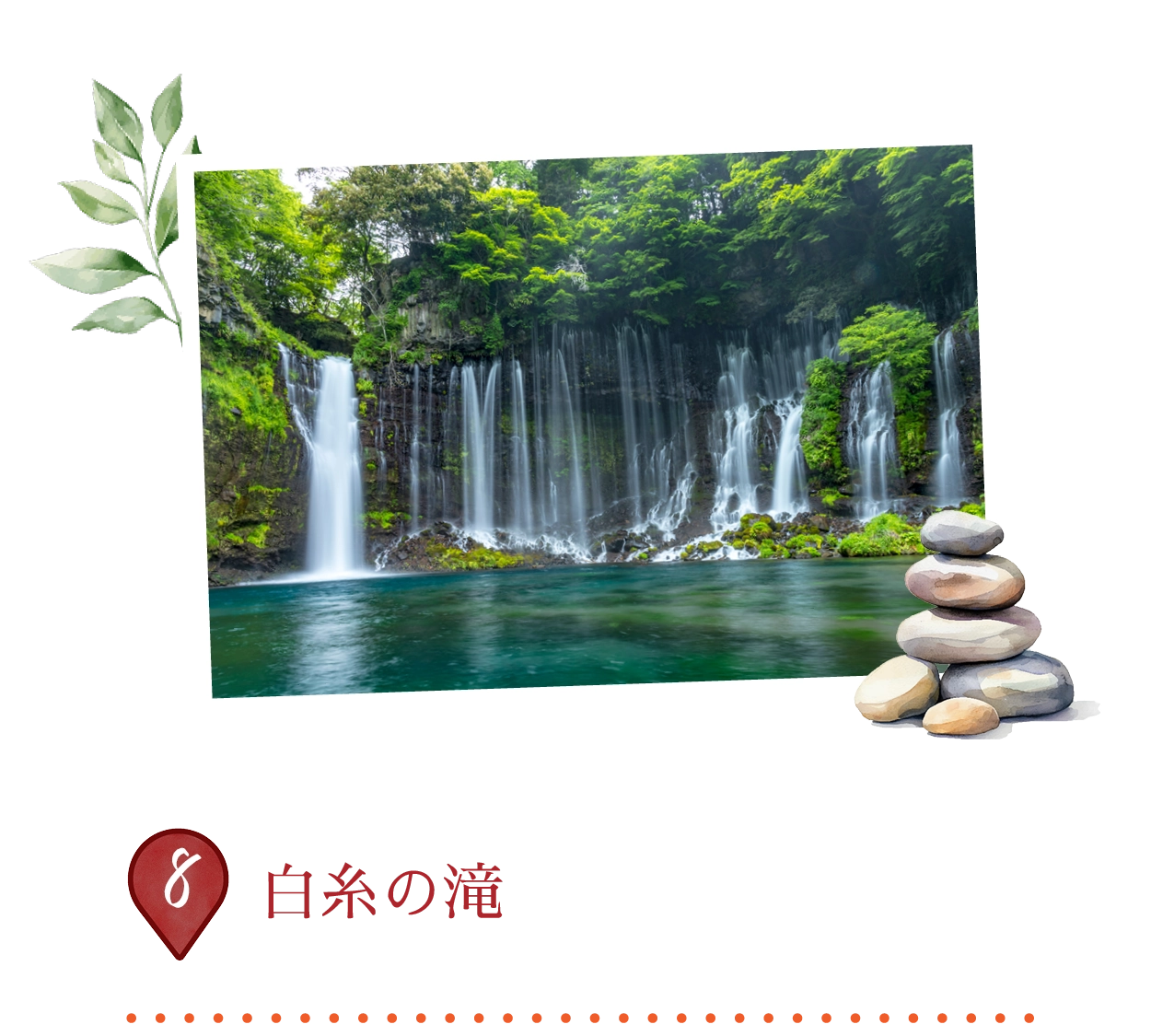
この自然の驚異は、日本で最も美しい滝の一つとして魅了しています。幅150メートル、高さ20メートルの滝は、まるで白い絹糸が溶岩の崖から落ちるような姿をしています。滝は、富士山の雪解け水により供給され、富士箱根伊豆国立公園内に位置し、1936年からユネスコ世界遺産および天然記念物に指定されています。四季折々の景観を楽しめる遊歩道、橋、そして富士山の眺望が訪れる人々を引き寄せ、特に春と夏は水量が最大になります。
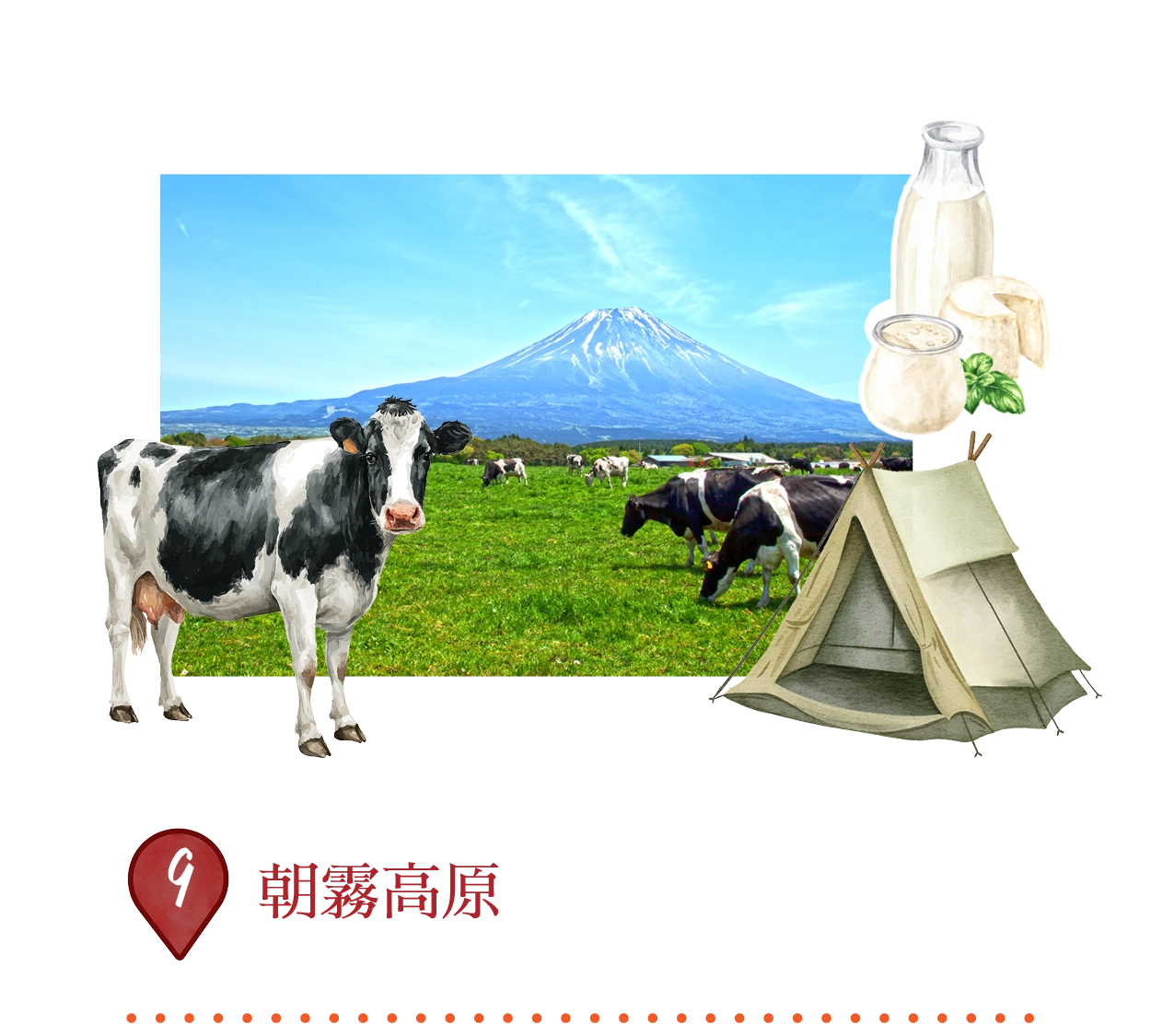
朝霧高原は、富士山の南西側に広がる1万ヘクタールの広大な高原で、霧に包まれた朝、緑豊かな牧草地、そして新鮮な牛乳とチーズを生産する酪農農場で魅了されます。標高800〜900メートルに位置し、富士山の素晴らしい景色を楽しむことができ、動物とのふれあいができる牧場、タヌキ湖でのキャンプ、ハイキング、ジップライン、そして富士ミルクランドのような牧場内でのサイクリングなど、多彩なアクティビティが楽しめます。
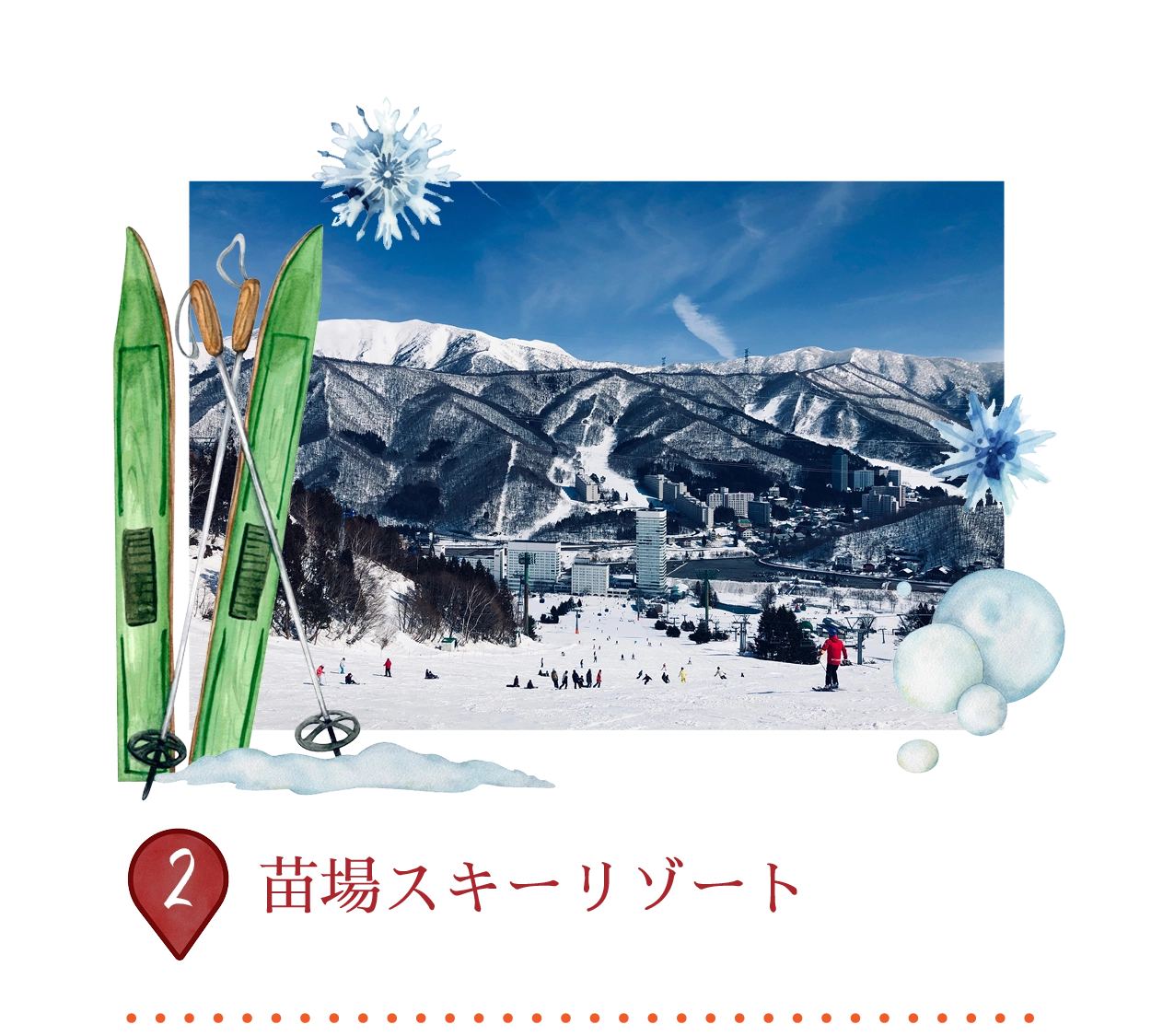
苗場スキーリゾートは、国内最大級のスキーリゾートの一つで、134ヘクタールの広さに24の多様なコースを完備しており、初心者から上級者まで楽しめます。5.5キロメートルのゴンドラで隣接するかぐらスキーリゾートと繋がっており、合計46キロメートルのスキーエリア、スノーパーク、ファミリー向けのアクティビティも充実しています。2006年の冬季オリンピックのフリースタイル競技や、夏のフジロックフェスティバルの開催地としても有名で、信頼できるパウダースノーと英語のスキーレッスンも提供しています。施設内には、グランドプリンスホテル苗場などの宿泊施設も完備しています。
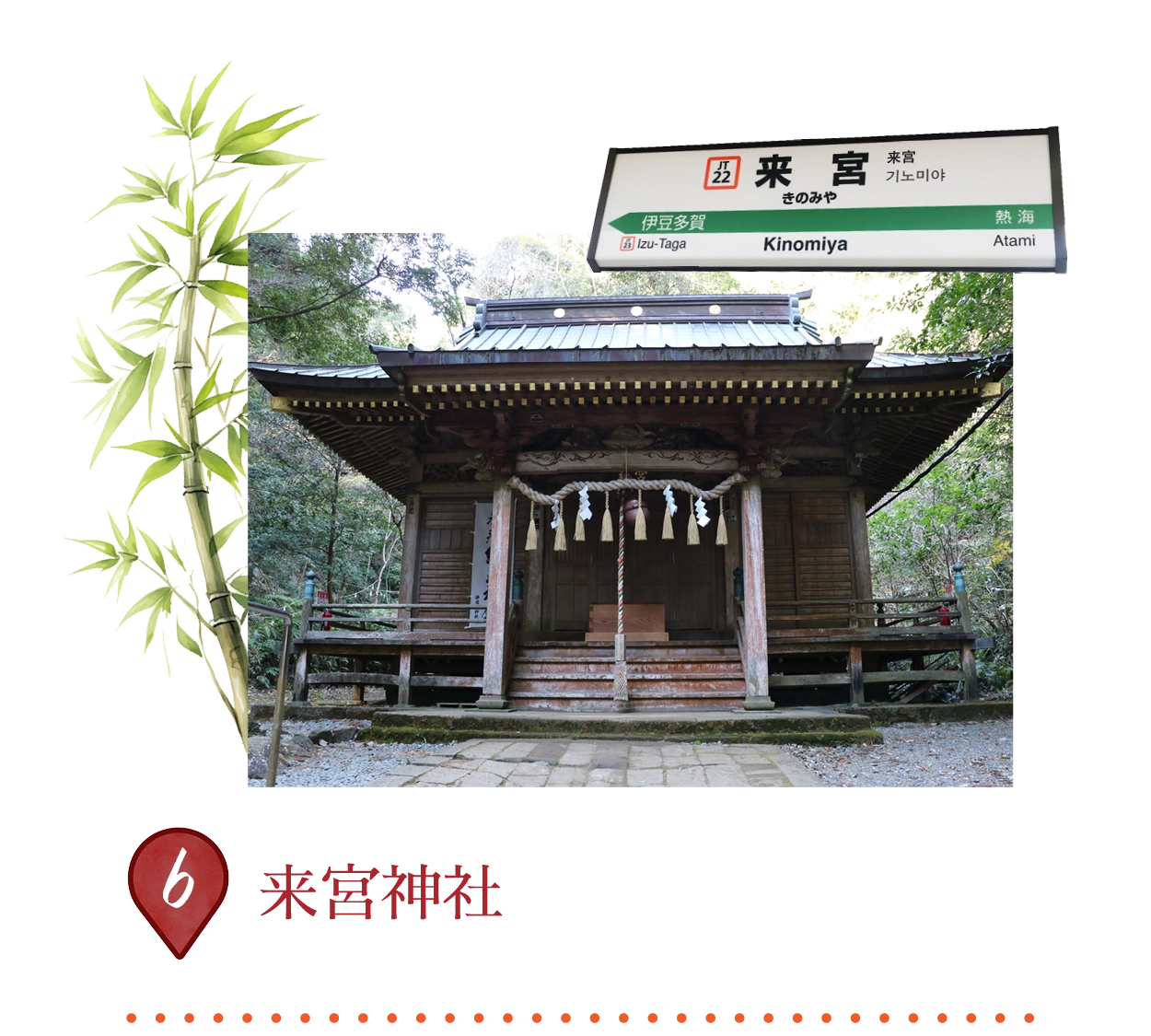
この神社は約710年に創建され、漁師が網で神聖な木製の像を捕まえたことがきっかけで、聖なるクスノキの下に設立されました。2,000年の歴史を持つクスノキが有名で、23.9メートルの幹周りを誇る国指定の天然記念物です。この木には長寿を授ける力があると信じられており(木を一周することで1年の寿命が加わります)。このパワースポットは、福の神、健康の神、自然の神々を祀っており、森の道を通って巡礼者を引き寄せます。
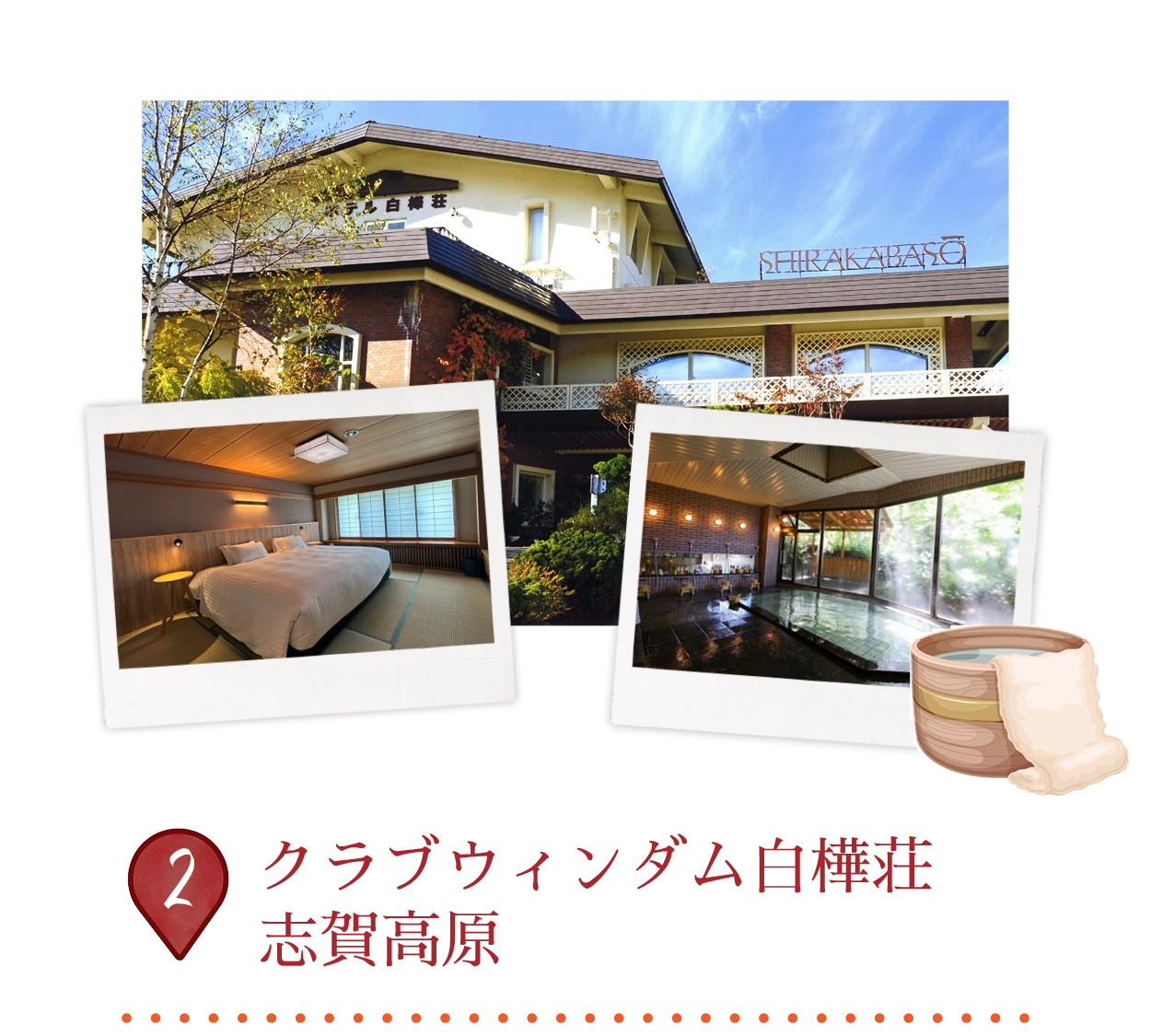
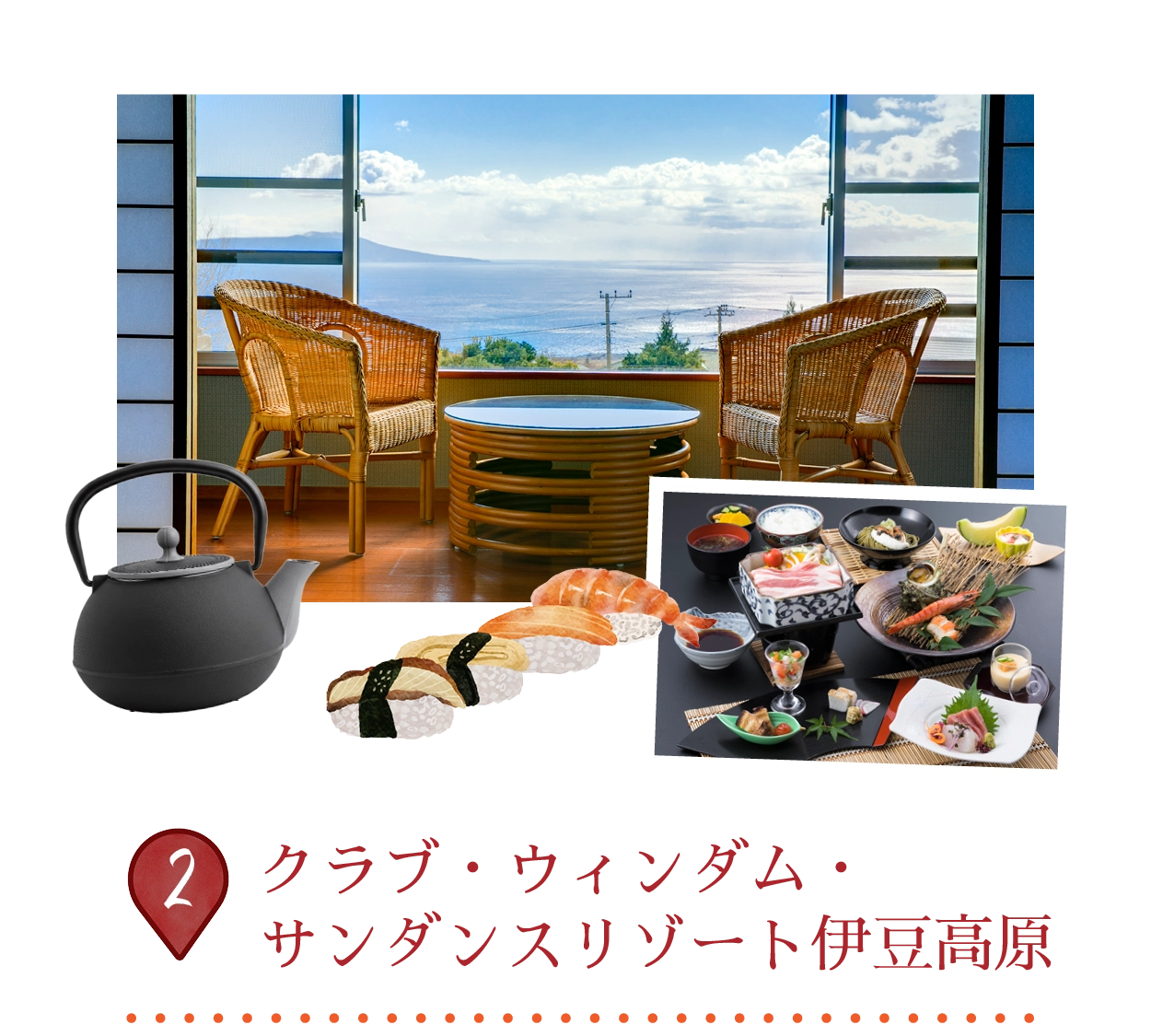
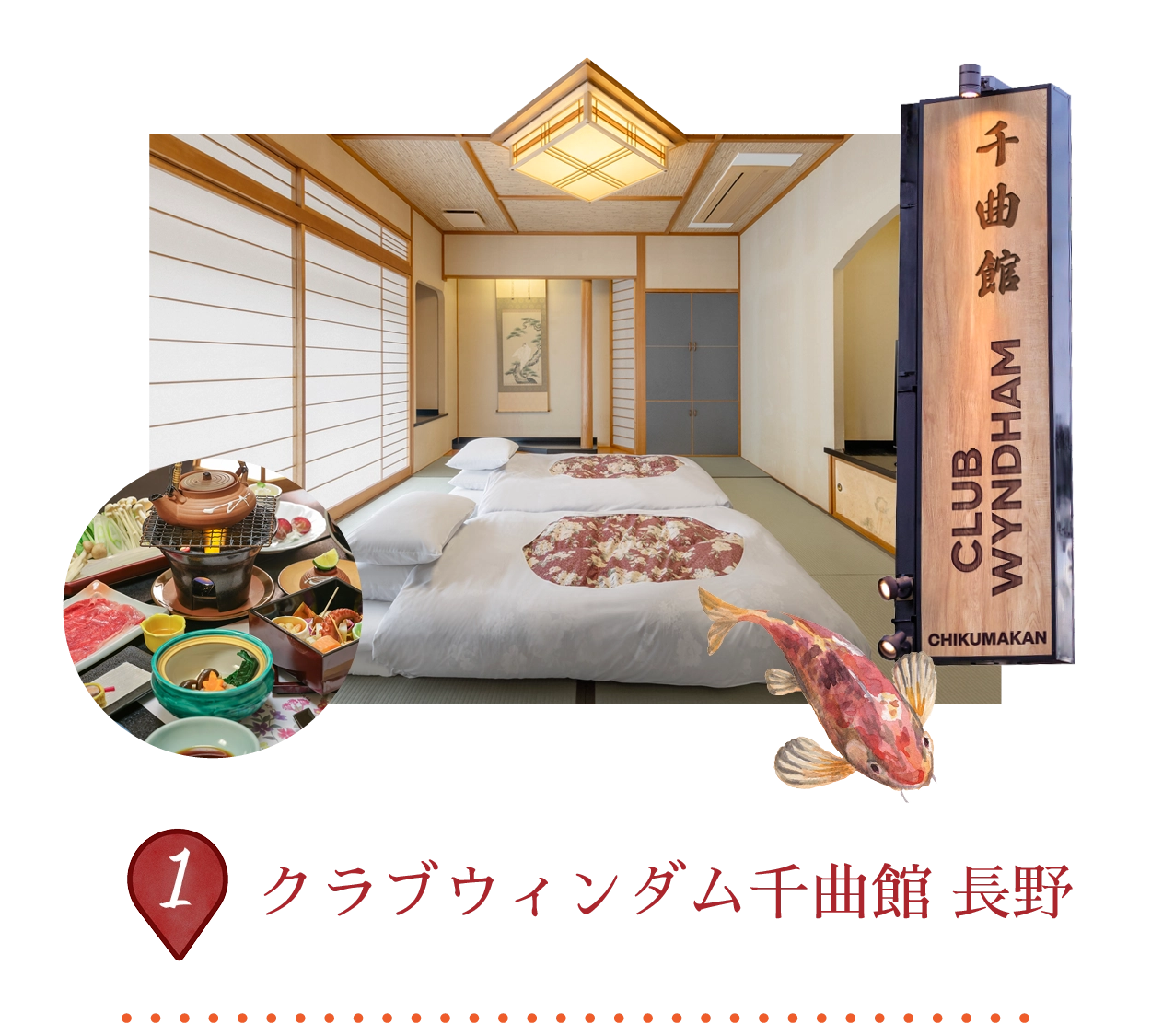
アジア最大級のスキーエリア・志賀高原に位置し、ゲレンデ直結のスキーイン/スキーアウトが楽しめるリゾートです。1998年長野冬季オリンピックの開催地として知られ、総延長80km以上の多彩なコースを誇ります。近年リニューアルされた全32室の客室は、和の伝統美と現代的なミニマリズムを融合。ツイン、キング、和布団タイプをご用意しています。館内には内湯・露天温泉、サウナ、ミニマート、スキーレンタルなどの充実した設備を完備。お食事は刷新されたビュッフェ、新設のピザバー、そして近日オープン予定のウイスキーバーをお楽しみいただけます。
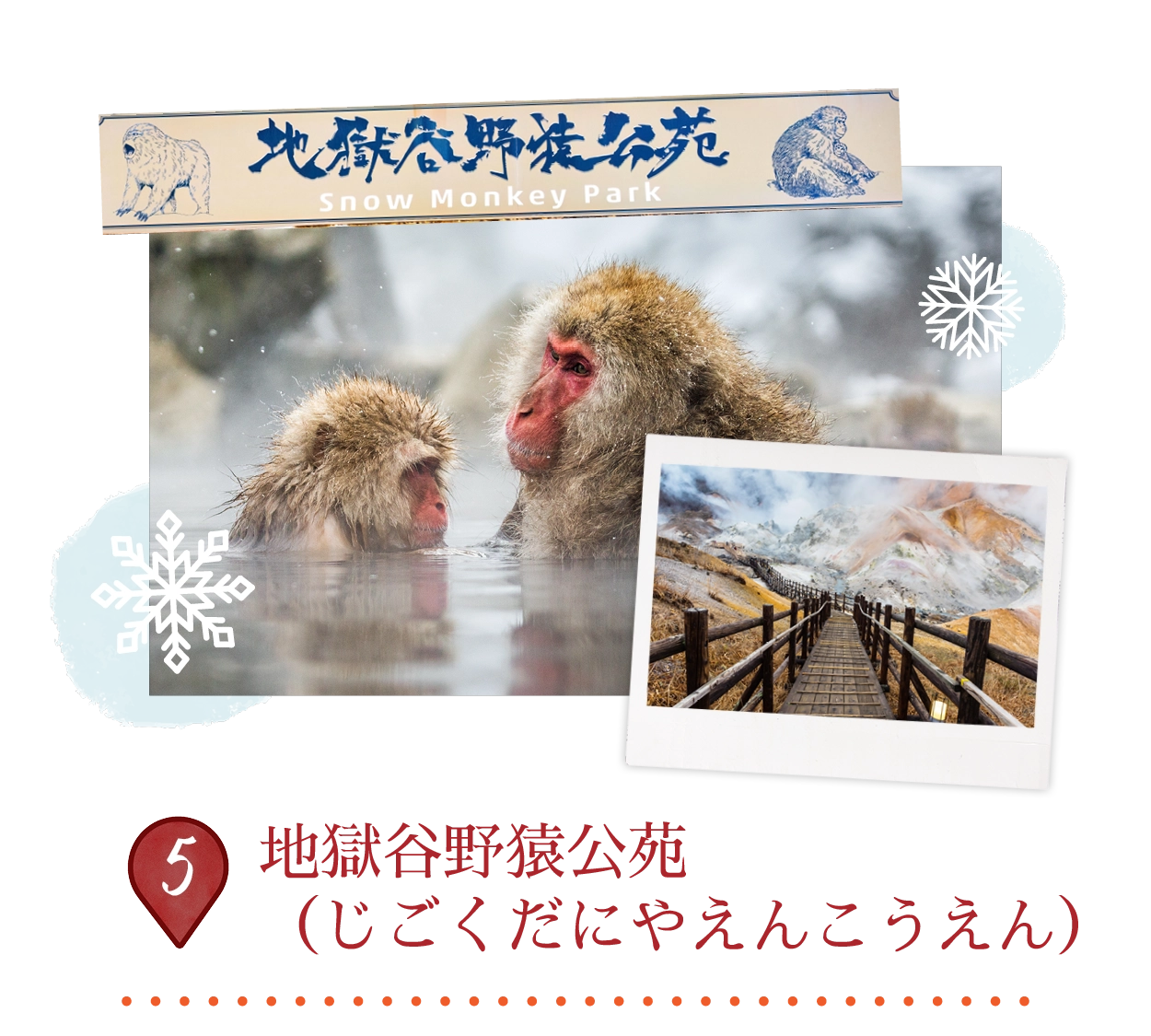
野生のニホンザル、通称「スノーモンキー」が天然温泉に浸かる姿で知られる公苑です。標高約850メートルに位置する上信越高原国立公園内にあり、上林温泉から森林に囲まれた遊歩道を30〜40分ほど歩いて到達します。長野駅からはバスで約45分です。通年開園しており、特に冬季(12月〜3月)には雪景色の中で温泉に入る猿の姿という象徴的な光景を楽しめます。猿たちは「地獄谷」と呼ばれる自然環境の中で自由に暮らしています。
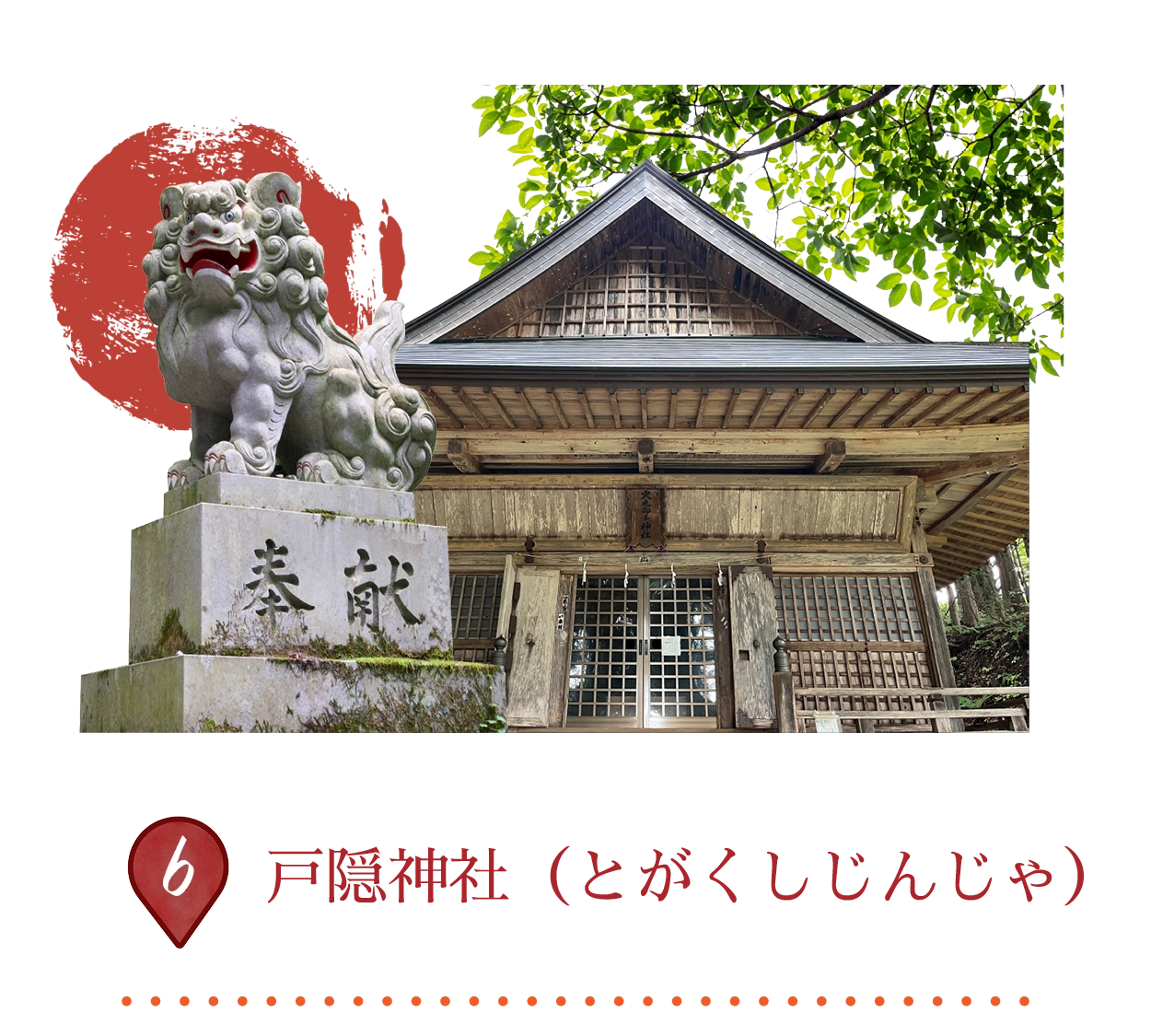
戸隠神社は、奥社・中社・宝光社・九頭龍社・火之御子社の五社から成り、妙高戸隠連山国立公園内の霊峰・戸隠山の麓に鎮座しています。天岩戸神話において、天手力雄命が岩戸を投げ開き、天照大神が姿を現したという伝説にゆかりがあり、創建から1200年以上の歴史を誇ります。修験道の修行場として栄え、忍者修行との関わりでも知られています。
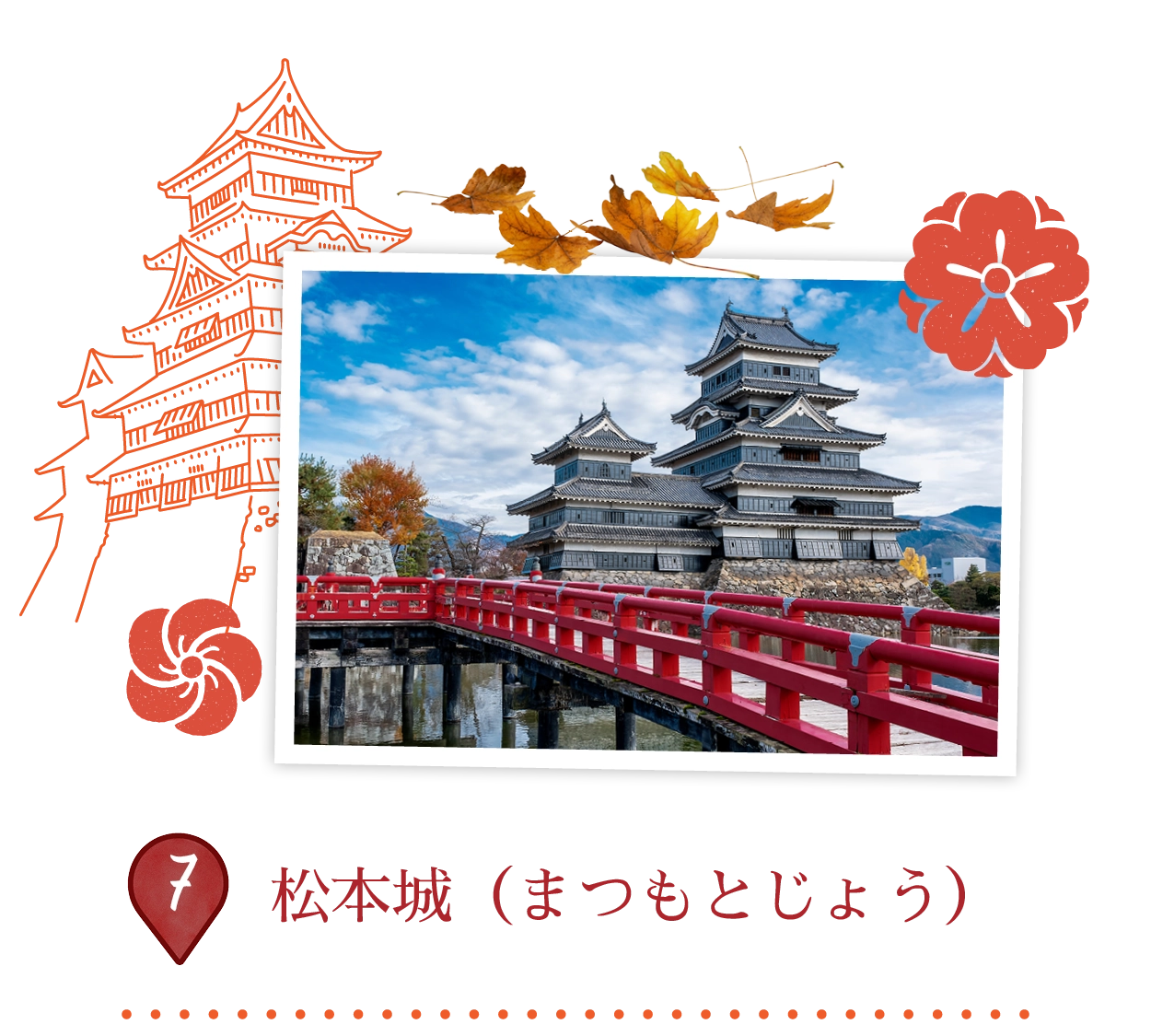
松本城は松本市を代表する国宝で、黒漆の外観から「烏城(からすじょう)」の愛称で親しまれています。1593〜1594年に築かれた五重天守は、石川数正らの城主のもと戦国時代に建造されました。急勾配の階段や隠し戸、矢狭間・石落としなど、防御機能を備えた複雑な木造内部構造が特徴です。現存天守として当時の姿を保つ数少ない城の一つで、城内からの眺望や四季折々の催しも楽しめます。
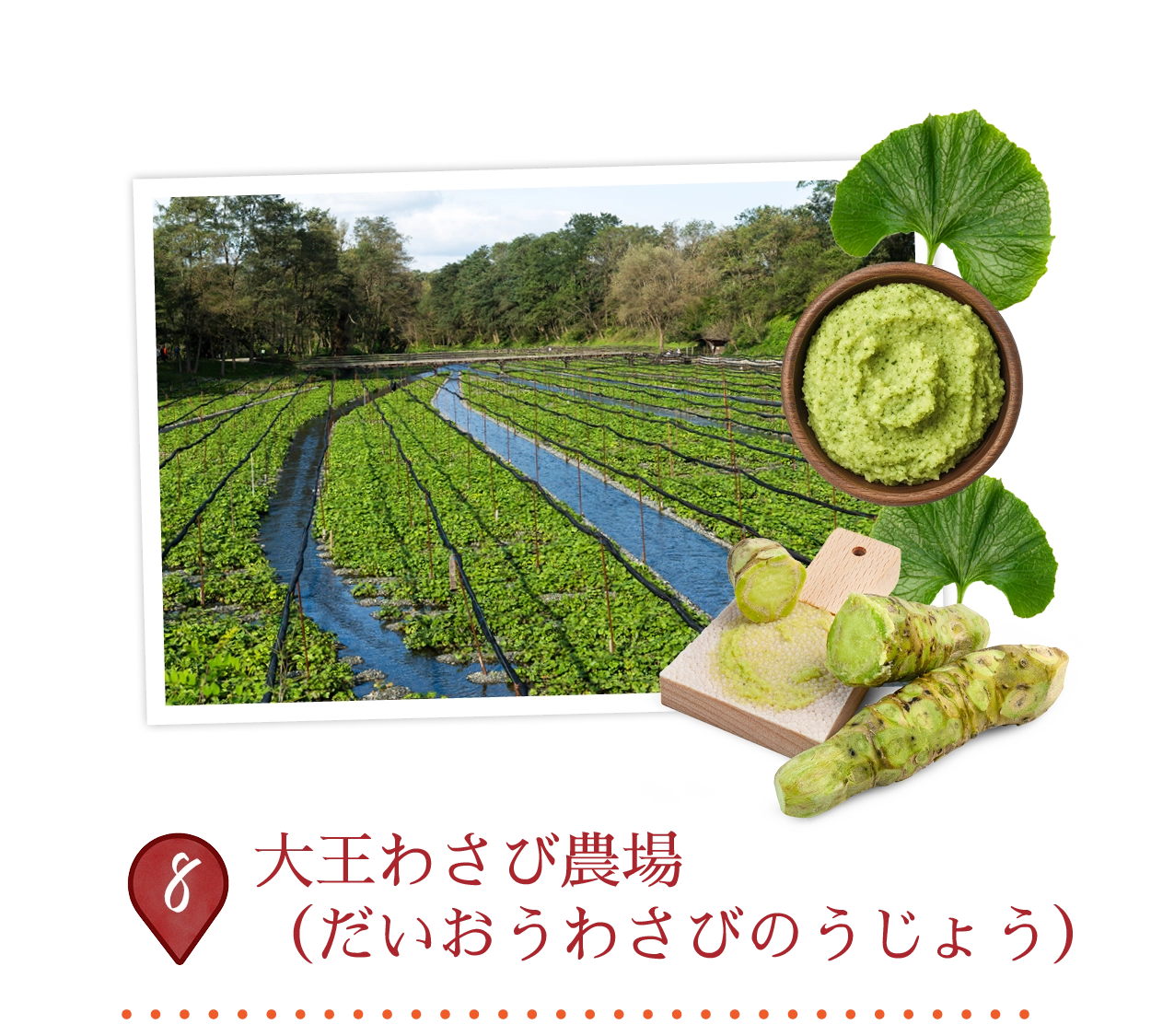
大王わさび農場は、安曇野市に広がる日本最大級のわさび栽培地で、北アルプスの雪解け水が流れる清流沿いに約15ヘクタールの敷地を有しています。1915年創業以来、年間150トン以上のわさびを生産しており、遮光を好むわさびの栽培に最適な約13℃の清らかな水を使用しています。園内には風情ある水車や散策路が整備され、わさびアイスやそば、ビールなどを楽しめるわさび料理の飲食店も充実。入場無料で、年間を通して景観散策や農場見学を楽しめます。
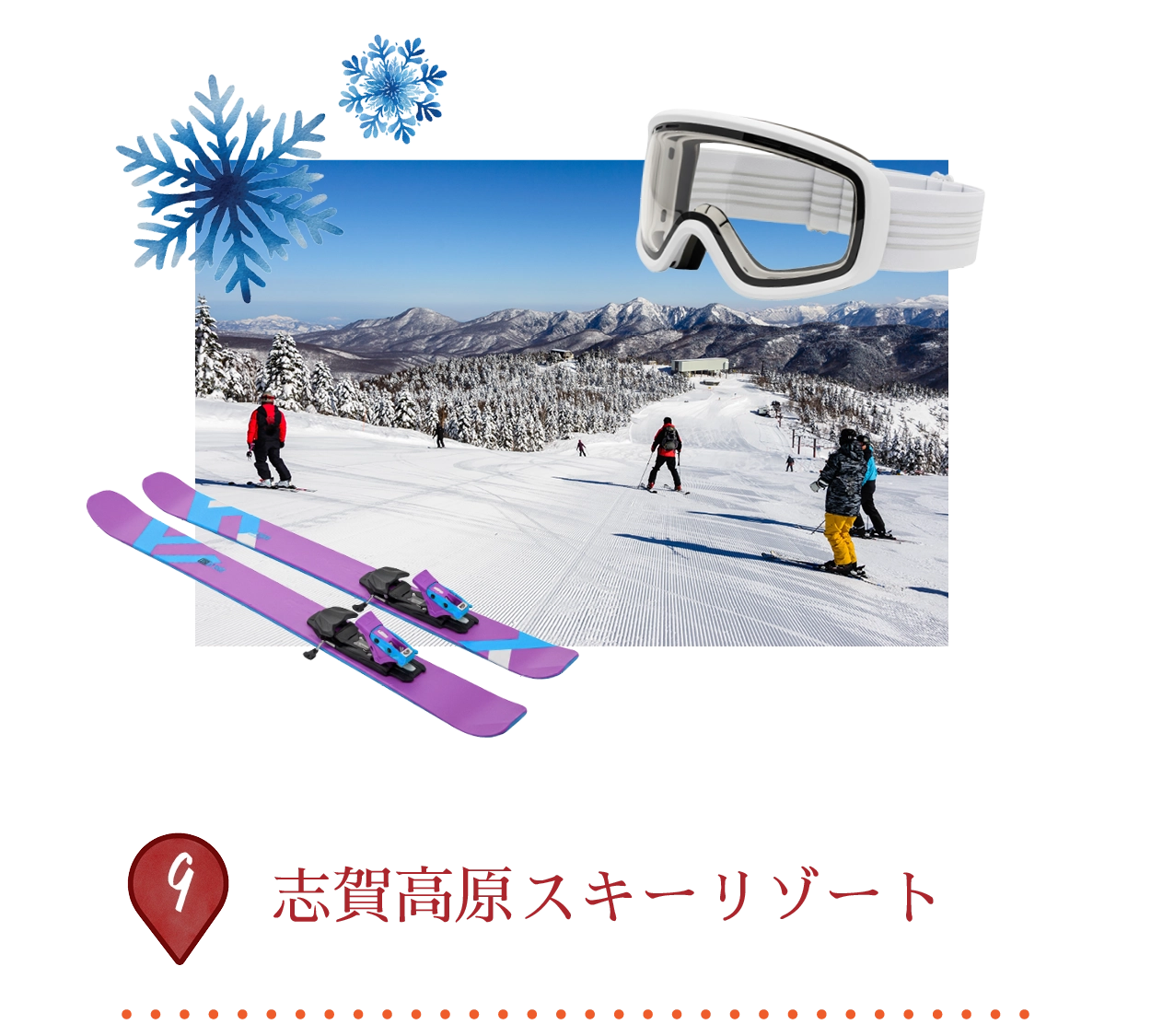
志賀高原スキーリゾートは、日本最大級の連結型スキーエリアで、18のスキー場が約600ヘクタールにわたって広がり、標高は1,340mから2,307mに及びます。1998年長野冬季オリンピックの開催地として知られ、初級者から上級者まで楽しめる全長80km以上のコースを誇ります。11月から5月まで安定したパウダースノーに恵まれ、48基のリフトやシャトルバスでエリア内を快適に移動可能。夏季にはハイキングや近隣の温泉も楽しめ、上信越高原国立公園ならではの魅力が広がります。
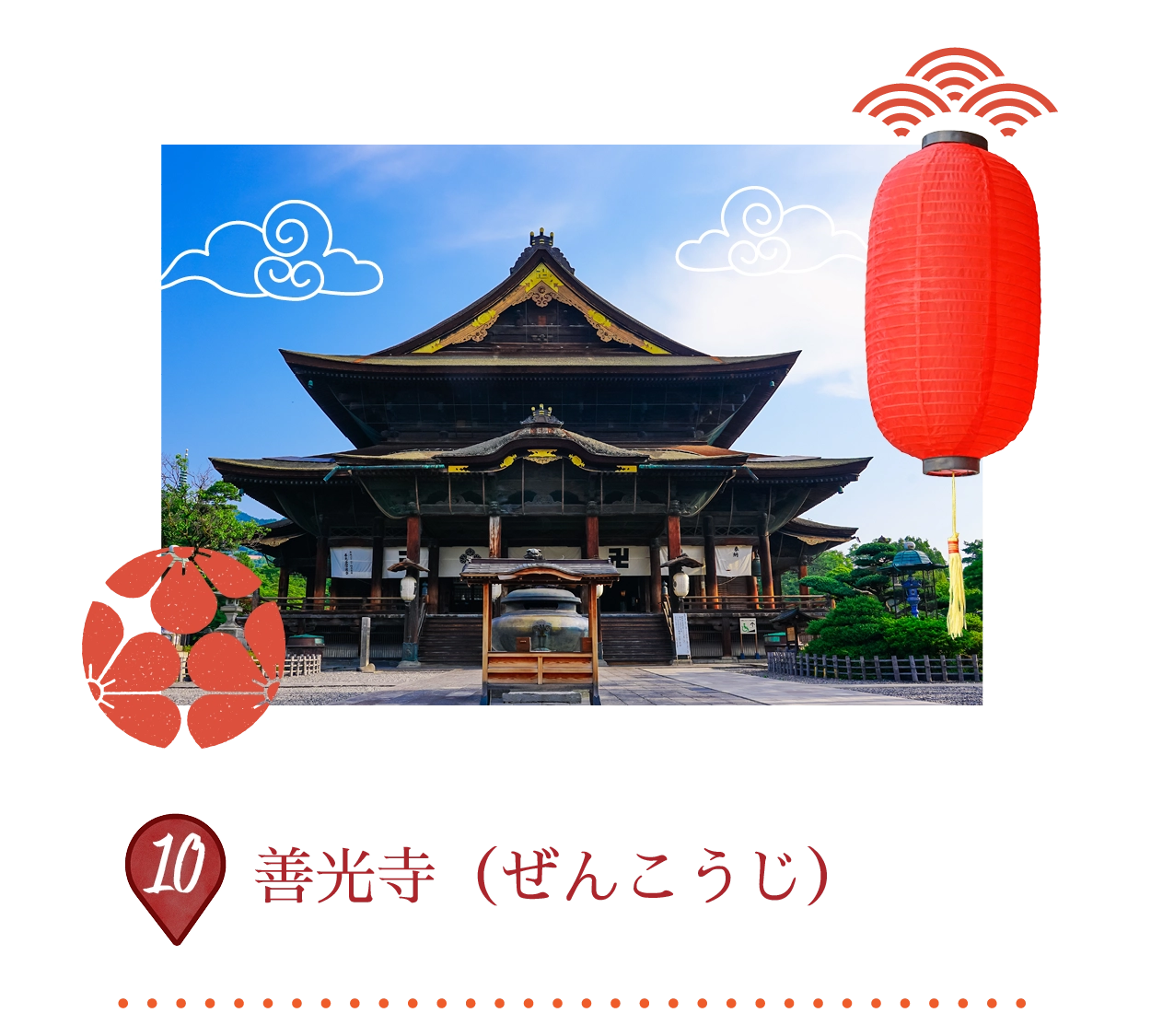
善光寺は642年に創建され、日本最古とされる仏像「一光三尊阿弥陀如来」を本尊としています。この秘仏は朝鮮半島から伝来したとされ、現在も公開されていません。宗派に属さない善光寺は、身分や性別を問わずすべての人を救済する寺として、1400年以上にわたり多くの参拝者を集めてきました。7年に一度行われる御開帳(ごかいちょう)は特に有名です。1707年建立の壮大な木造本堂、内々陣(内陣)への通路「内陣めぐり」、周辺の博物館群は、江戸時代の門前町文化を今に伝えています。
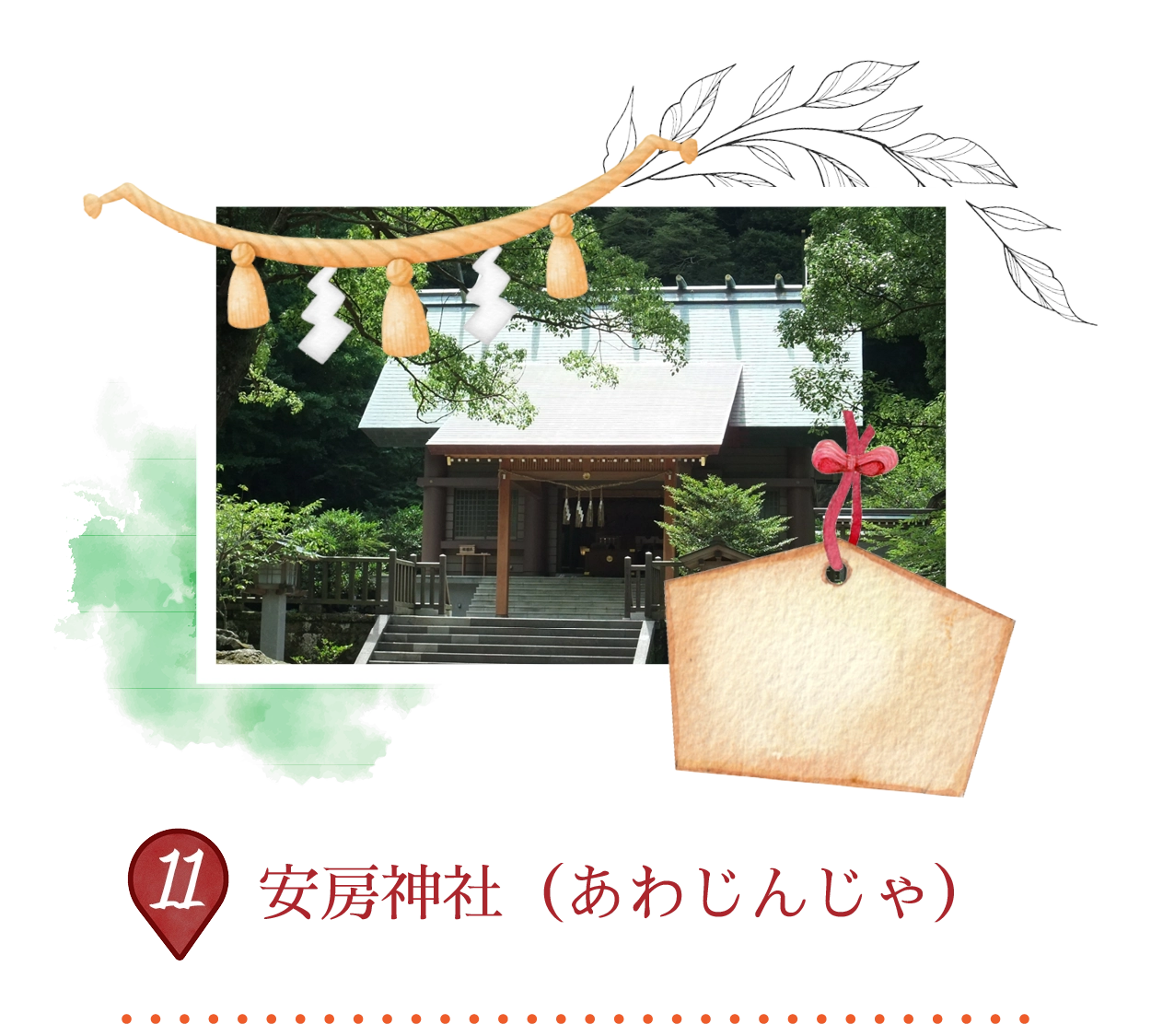
安房神社は、創建から2670年以上の歴史を誇る古社で、金運のご利益がある神社として日本三大金運神社の一つに数えられています。主祭神は天太玉命(あめのふとだまのみこと)で、産業や商売繁盛の神として広く信仰されています。豊かな自然と神聖な森に囲まれた境内は静寂に満ち、心安らぐ空間が広がります。春には桜の名所としても親しまれています。